
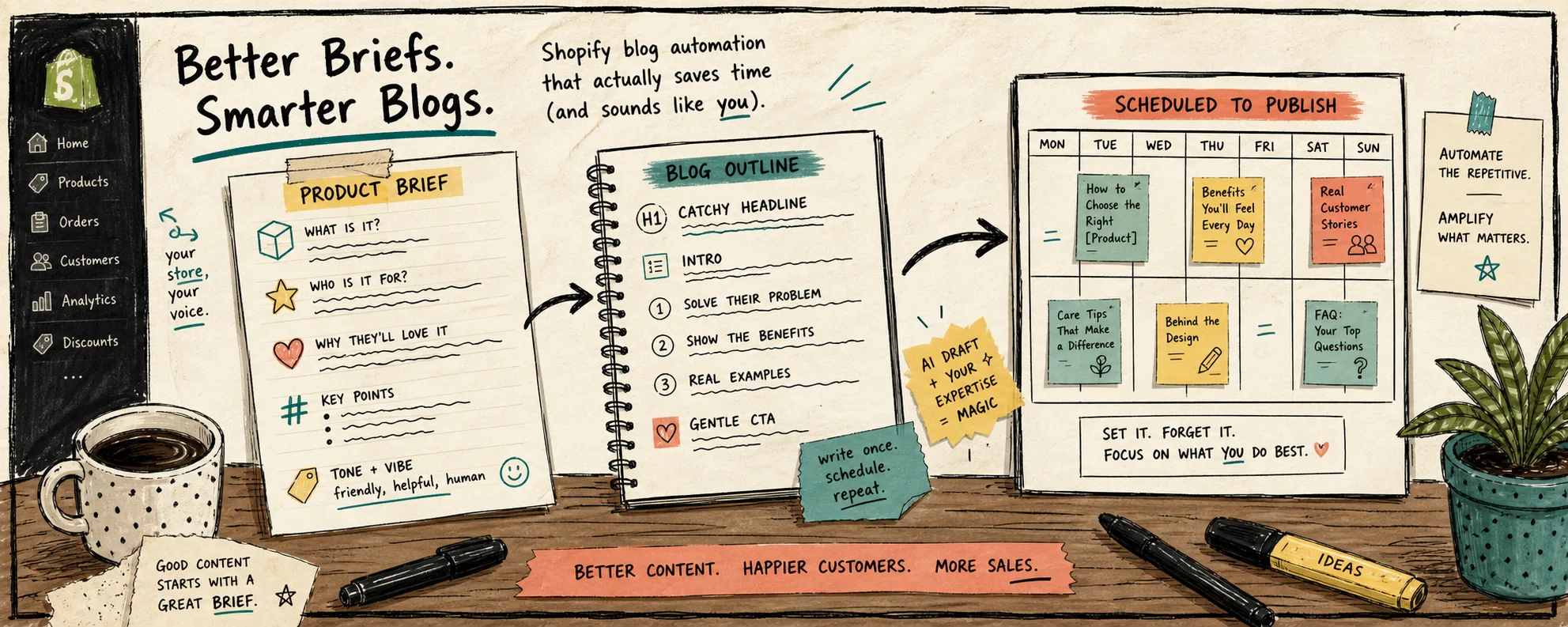
I kept blaming the writer when the real problem was the brief. If I handed Supra Blog Automation a vague topic, it returned a clean draft that could have belonged to any Shopify store. Once I started treating the brief like the source of truth, the same workflow got much better.
That is where Supra Blog Automation fits for me. It can generate SEO-focused blog posts and visuals, use product context, and either publish immediately or save the result as a draft for review. If you want the app listing, it is also on the Shopify App Store.
I’ve already written about how to keep Shopify blog automation from sounding generic, how to turn a Shopify product brief into a publishable blog draft, how to build a product-aware Shopify blog workflow, and how to build a Shopify content calendar that writes itself. This post is the smaller, practical question underneath all of that: what has to be in the brief before the automation can do useful work?
The brief I actually use
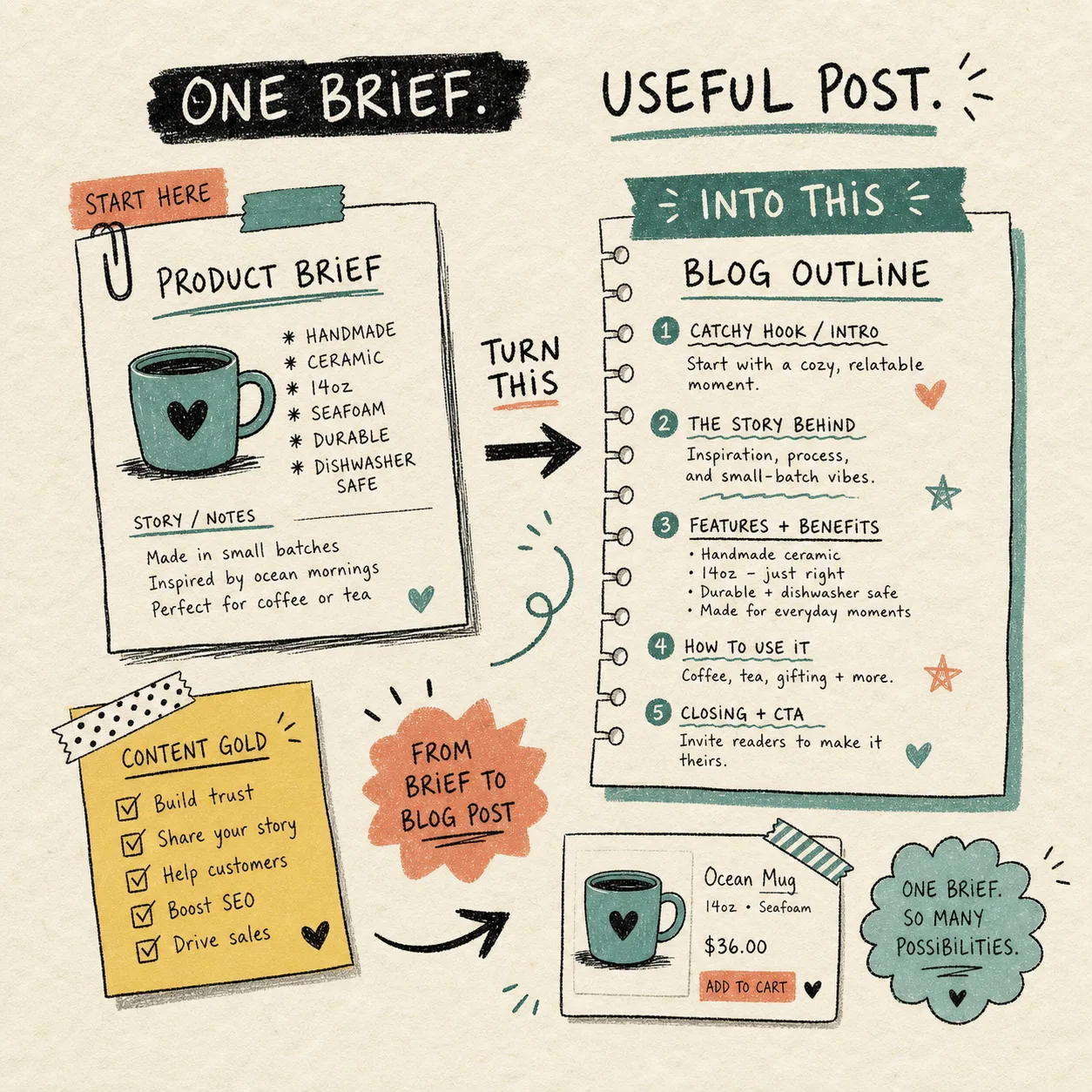
When I want a post that feels like it belongs to the store, I give the generator a tight brief instead of a loose topic. The minimum version looks like this:
- one product or collection
- one reader problem
- one search angle
- one CTA
- one or two natural links
- one visual direction
- one publish mode
That sounds basic, but it does most of the work. The product context keeps the post grounded. The reader problem keeps the opening useful. The search angle keeps the structure honest. The CTA keeps the article from wandering off at the end.
The point is not to make the generator sound clever. The point is to make it specific enough that the first draft already knows where it belongs.
What I do not leave to chance
I do not ask the tool to invent claims, guess at product details, or fill gaps in the brief with generic ecommerce language. If the prompt is thin, the result is thin. If the topic touches pricing, comparisons, launch timing, or anything brand-sensitive, I save it as a draft and review it before it goes live.
That review pass is usually short and focused:
- does the opening paragraph say what the reader is trying to solve
- does the product show up early enough to matter
- are the links actually useful to the reader
- do the images explain the workflow instead of just decorating it
- is there one clear CTA near the end
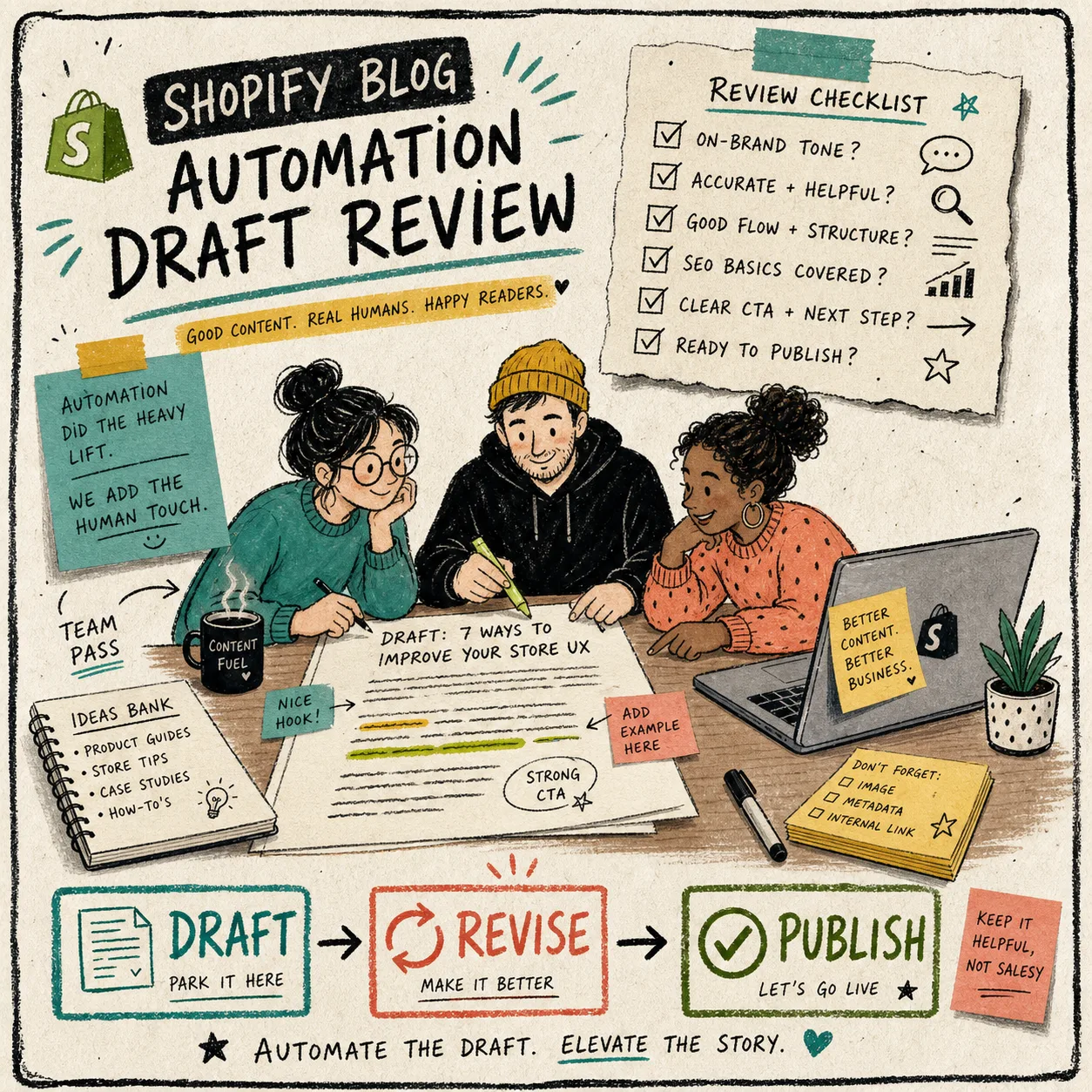
This is also why I like the draft-first loop. Automation is useful when it removes repetitive writing work. It is not useful when it removes judgment.
A brief template that survives automation
If I were starting from zero, I would keep the template boring:
- Topic:
- Product or collection:
- Reader problem:
- Search intent:
- Key benefits to mention:
- Links to include:
- Visual style:
- Publish mode:
That is enough to get a useful first draft without turning the prompt into a specification document. If the article needs more detail, I add it later in the review pass. If the article is low risk and repeatable, I let it publish automatically.
The best way to think about this is: the brief tells the system what to say, and the review step tells it what is safe to say now.
Where images and links fit
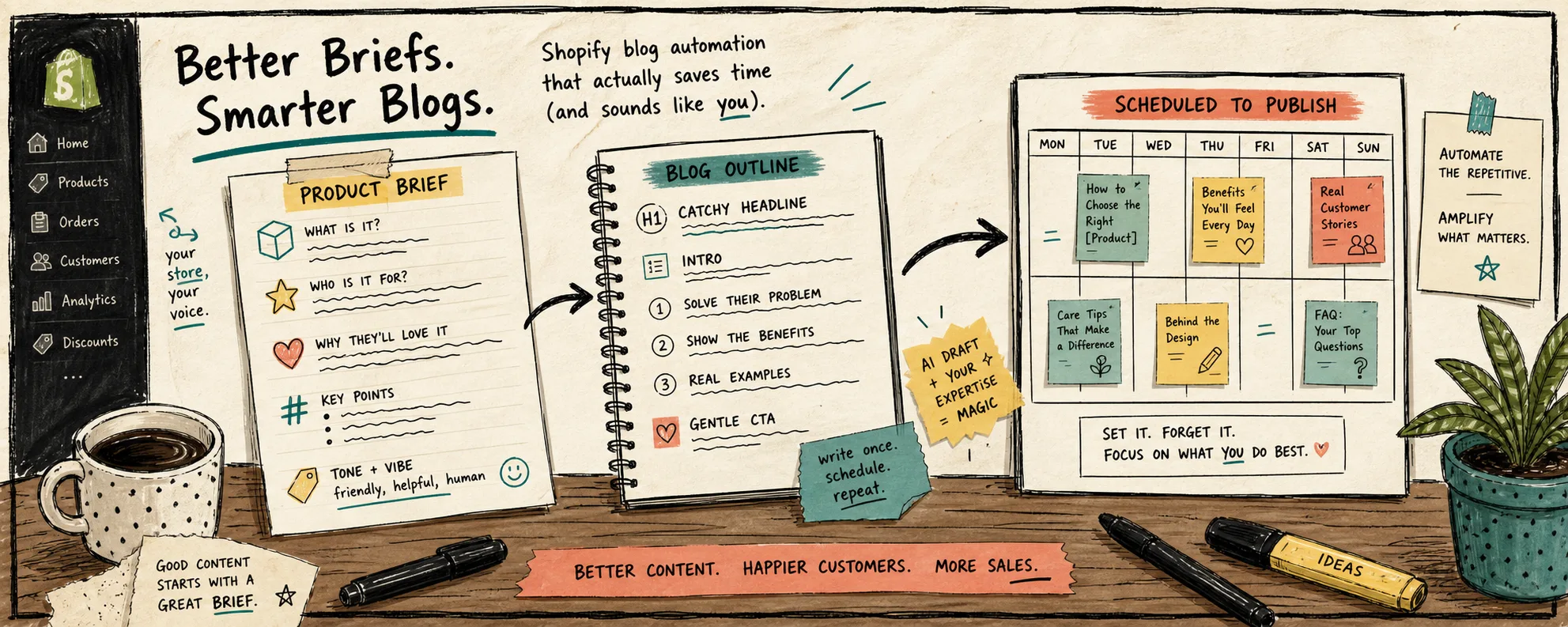
I try to make each image do one job. One image can show the brief, another can show the outline, and another can show the review or publishing loop. That is more helpful than dropping in decorative art that does not move the story forward.
Internal links work the same way. I do not use them to pad SEO. I use them to send the reader to the next useful decision. If the post is about product context, link to the product-context post. If it is about sound and tone, link to the generic-content post. If it is about cadence, link to the calendar post.
The wider system lives in these companion posts: how to keep Shopify blog automation from sounding generic, how to turn a Shopify product brief into a publishable blog draft, how to build a product-aware Shopify blog workflow, and how to build a Shopify content calendar that writes itself. Read together, they are basically the workflow I keep reusing.
Draft first or publish now
I am comfortable auto-publishing when the post is repetitive, low risk, and already anchored to verified product context. That usually means a practical how-to, a recurring educational post, or a content slot that does not need a lot of hand-holding.
I save a draft when the post is:
- launch-related
- comparison-heavy
- brand-sensitive
- tied to claims I want to check twice
- part of a campaign the team should review before it lands
That split is the useful part of the product. Supra Blog Automation is not just about writing faster. It is about keeping a content system moving without pretending every post should be shipped blind.
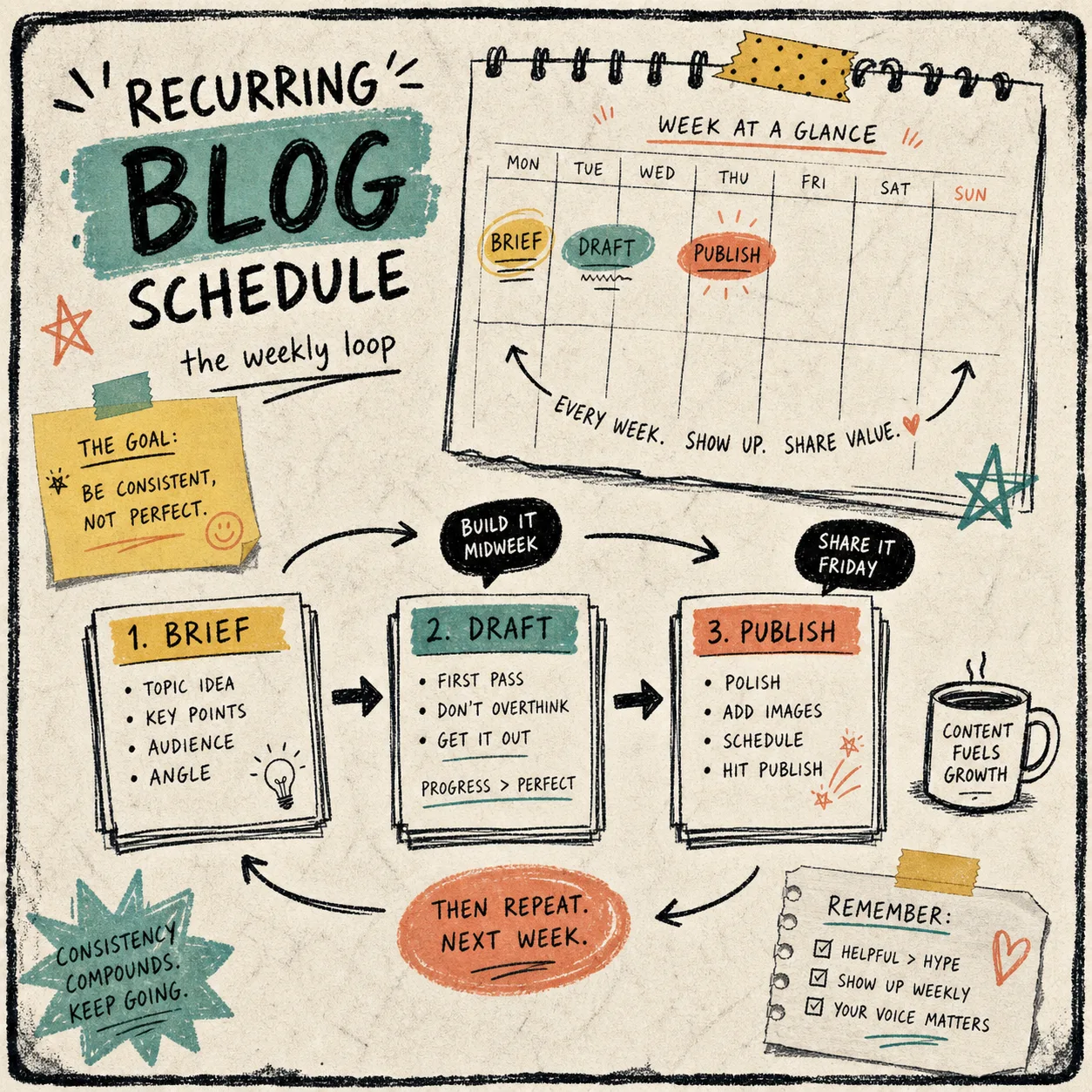
The smallest useful starting point
If you want to test this in a way that is hard to overcomplicate, start with one product and one five-line brief:
- what the product is
- who the reader is
- what problem the post should solve
- which link should matter most
- whether this should ship now or stay in draft
That is usually enough to tell whether the workflow is helping or just producing more content-shaped noise. If the first draft feels grounded, you are on the right track. If it feels vague, the brief needs more context, not more adjectives.
If you want a tool that can generate the draft, keep the SEO structure in place, work with product-aware inputs, and let you choose publish-now or draft-review, try Supra Blog Automation or install it from the Shopify App Store. There is a free plan if you want to test the workflow before you commit.
The next move is simple: pick one product, write one brief, and let the draft show you what the automation still needs.