
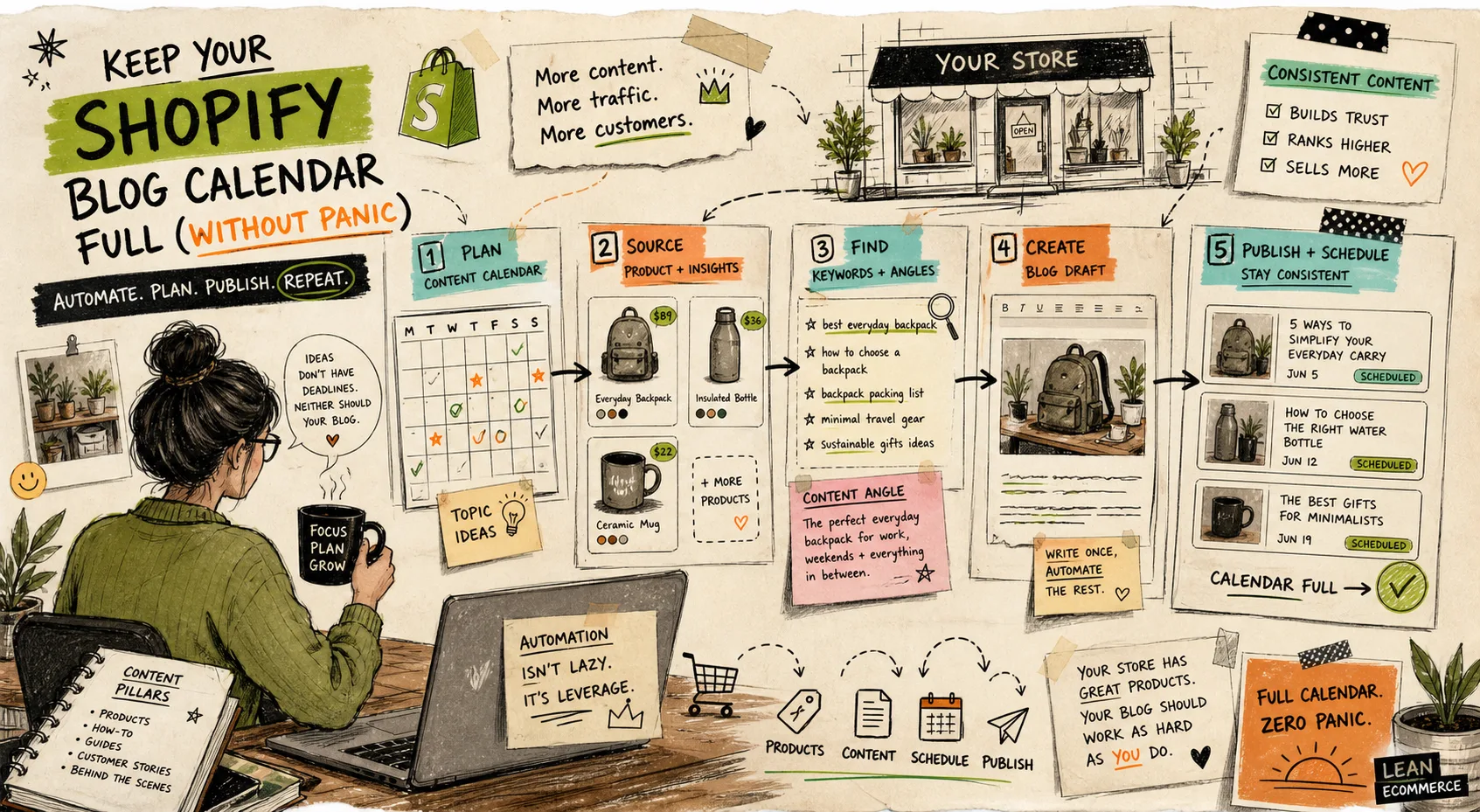
I keep seeing Shopify teams treat the blog like a blank tab. That usually turns into topic roulette: one post about a gift guide, one generic SEO article, then nothing for three weeks. The fix is not a bigger brainstorm. It is a content pipeline that starts from store signals and ends with reviewable drafts.
That is the job Supra Blog Automation is built for. The app is meant to generate SEO-focused blog posts and visuals, schedule recurring articles, add internal links and product promotion, and publish on a schedule or save drafts for review. You can see the product page here and the Shopify App Store listing if you want the store-level version of the same workflow.
Start With Real Store Signals
I do not start with a blank page. I start with things the store already knows:
- Support questions that repeat every week.
- Product changes that deserve explanation.
- Collection changes that need discovery.
- Seasonal campaign ideas that should not wait for a last-minute panic.
That is the part that keeps the output useful. If the blog topic comes from a real customer question or a real product change, the article has a reason to exist. If it comes from a vague content brainstorm, it usually reads like filler.
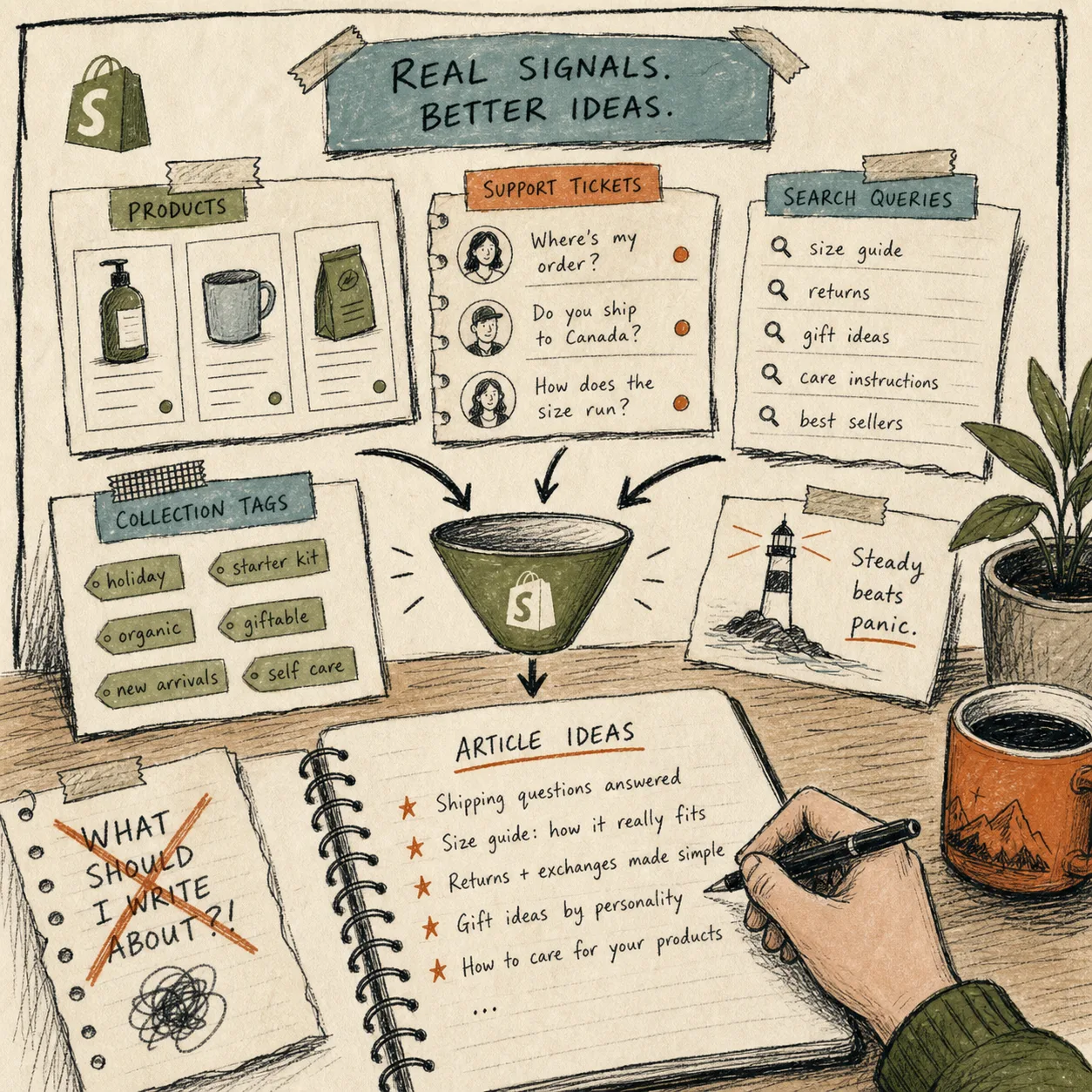
If your current habit is to ask AI for random blog ideas, I would read How to Automate a Shopify Blog Without Generic AI Copy first. For a more operational source of ideas, How to Turn Shopify Support Questions Into a Blog Queue That Keeps Publishing shows how support questions become a steady topic stream instead of one-off inspiration.
Turn Signals Into Drafts, Not Final Answers
The useful part of automation is not “write the whole internet for me.” It is “turn one real input into a draft I can edit.” In practice, I want the workflow to capture:
- The topic and goal.
- The tone and audience.
- The product or collection context.
- The image style I want to use.
- Whether the post should publish now or wait as a draft.
That is why product context matters. A generic AI draft can describe a problem in abstract terms, but a product-aware draft can mention the actual collection, the right use case, and the specific next step a shopper should take.
This is also where I would use How I Keep Shopify Blog Automation Product-Aware Without Extra Work as the mental model. The goal is not more words. The goal is words that point back to the right product, collection, or workflow.
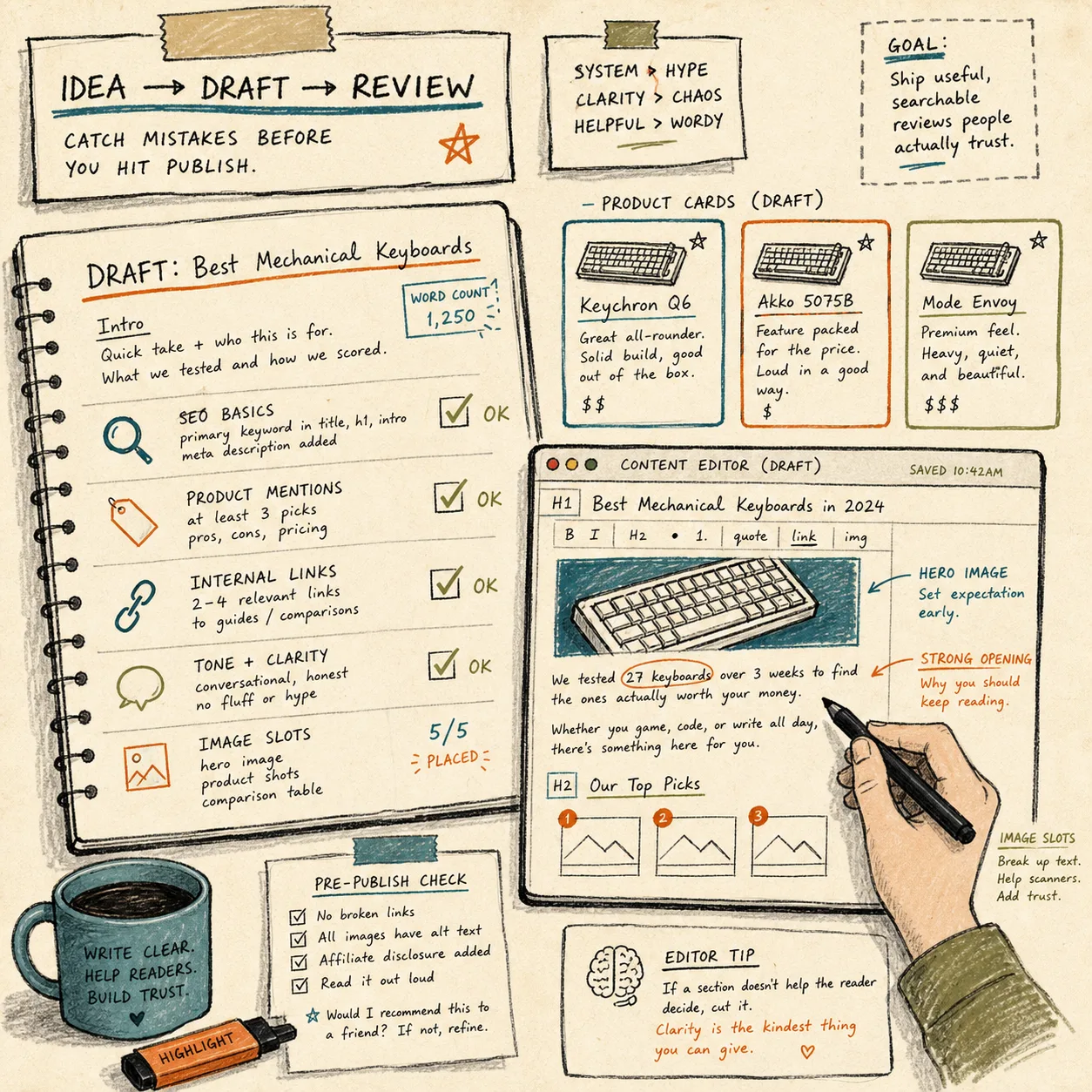
The draft still needs a human pass. I check three things before I let it ship: are the product facts correct, does the intro answer the reader’s problem fast, and do the links actually help the article earn its keep? If you want the stricter version of that step, How to Automate a Shopify Blog With Product Review and SEO Checks is the pattern to copy.
Keep the Calendar Balanced
A calendar full of only one kind of post goes stale quickly. I prefer a repeating mix:
- Educational posts that answer a real customer question.
- Product-aware posts that explain how a collection fits a use case.
- Seasonal posts that line up with actual buying windows.
- Comparison posts that help shoppers choose.
- Short support-style posts that remove friction before it shows up in chat.
That mix is easy to maintain when recurring automation handles the starting point. You do not need to invent a new content strategy every month. You need a system that keeps turning the same inputs into different useful angles.
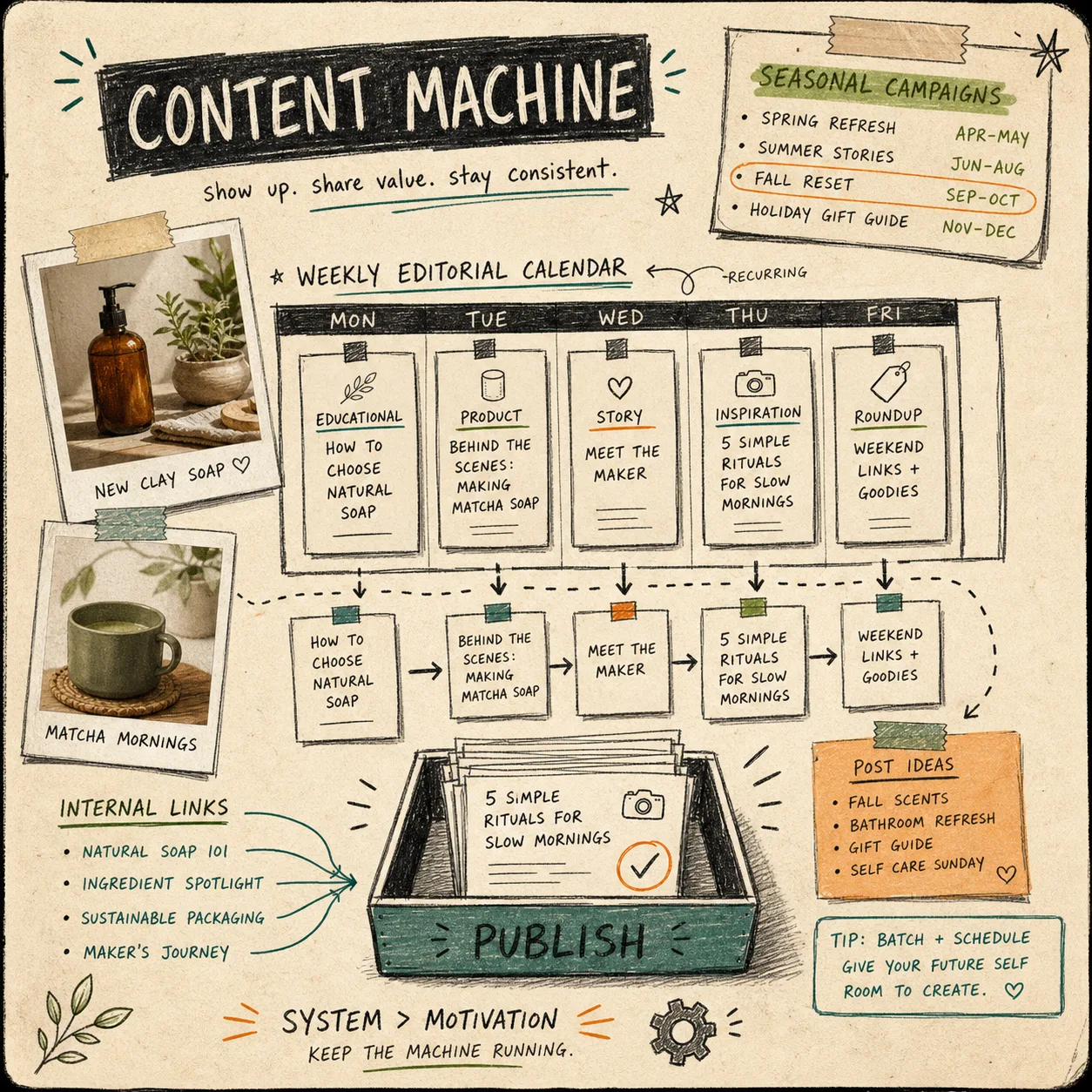
When I want the queue to stay full, I lean on the store’s own changes. How to Build a Shopify Blog Draft Queue From Product Updates is the cleanest example of that idea. Product updates are not just release notes; they are blog fuel.
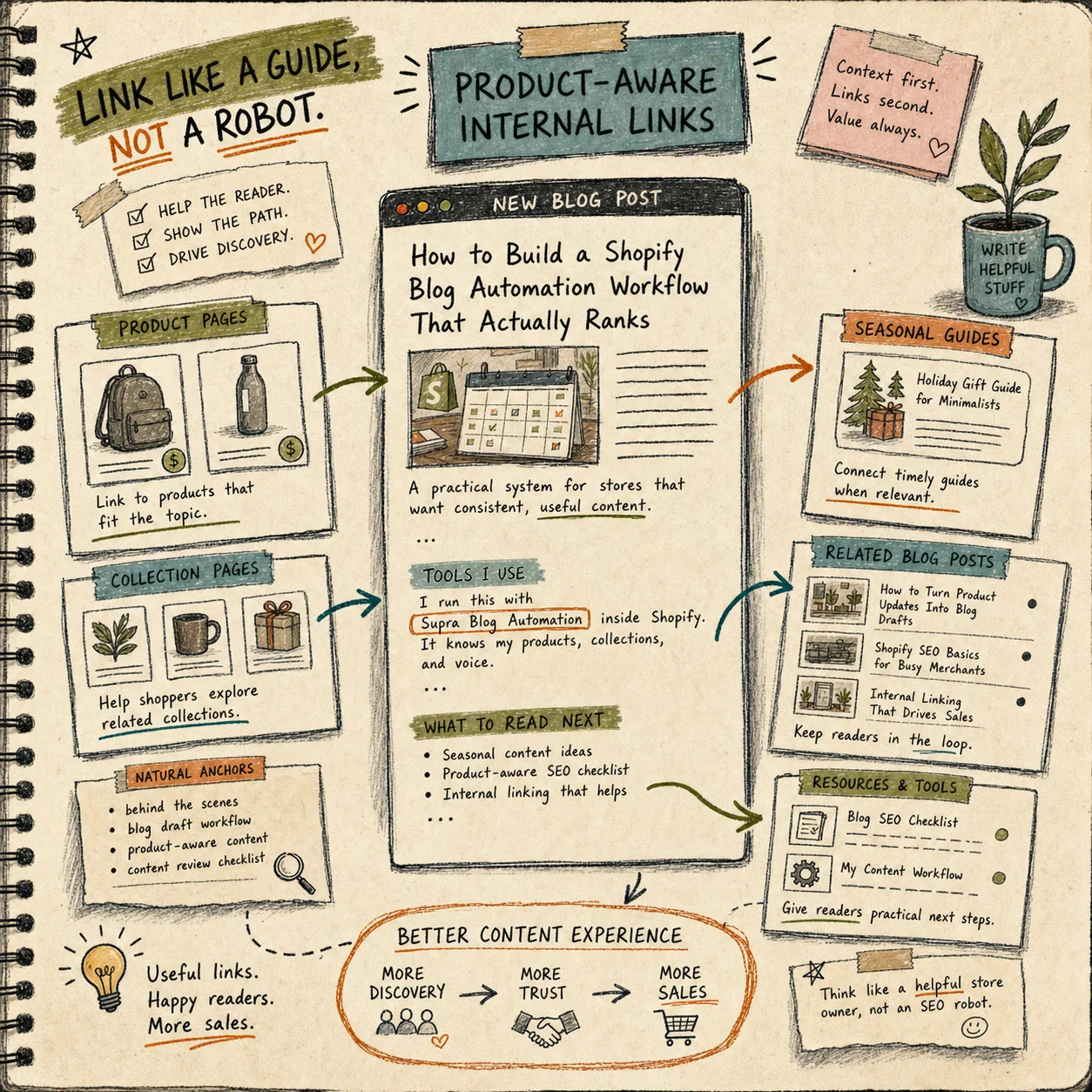
Make Internal Links Do Real Work
Internal links are where the post stops being content-for-content’s-sake.
A good Shopify blog article should point a reader toward:
- The relevant product.
- The right collection.
- A useful support or education page.
- A related guide that keeps the session moving.
That is how a blog post helps product discovery instead of sitting alone on the blog index. It also makes the article easier to maintain, because the links are part of the store’s structure rather than a random afterthought.
If you want the version of this with less hand-holding and more system thinking, How I Keep Shopify Blog Automation Product-Aware Without Extra Work is the one I would keep open while setting up the workflow.
My Short Pre-Publish Check
Before I publish or schedule anything, I run the same quick check:
- Is the topic tied to a real store signal?
- Does the draft mention the right product or collection naturally?
- Are the internal links useful, not stuffed?
- Are the visuals relevant to the section they sit in?
- Would I still publish this if I removed the AI label from the process?
That last question catches most of the junk. Automation should reduce busywork, not lower the standard.
The Point
If your Shopify blog only moves when someone has spare time, the calendar will always feel empty. The better move is to build a repeatable path from product signals to draft to review to publish.
That is the lane Supra Blog Automation fits best. Start with the landing page, or install it from the Shopify App Store, then set one recurring post and one review rule. That is usually enough to turn a dead blog into a steady publishing habit.