
How I Built a Local Claude Code Harness With dash-p
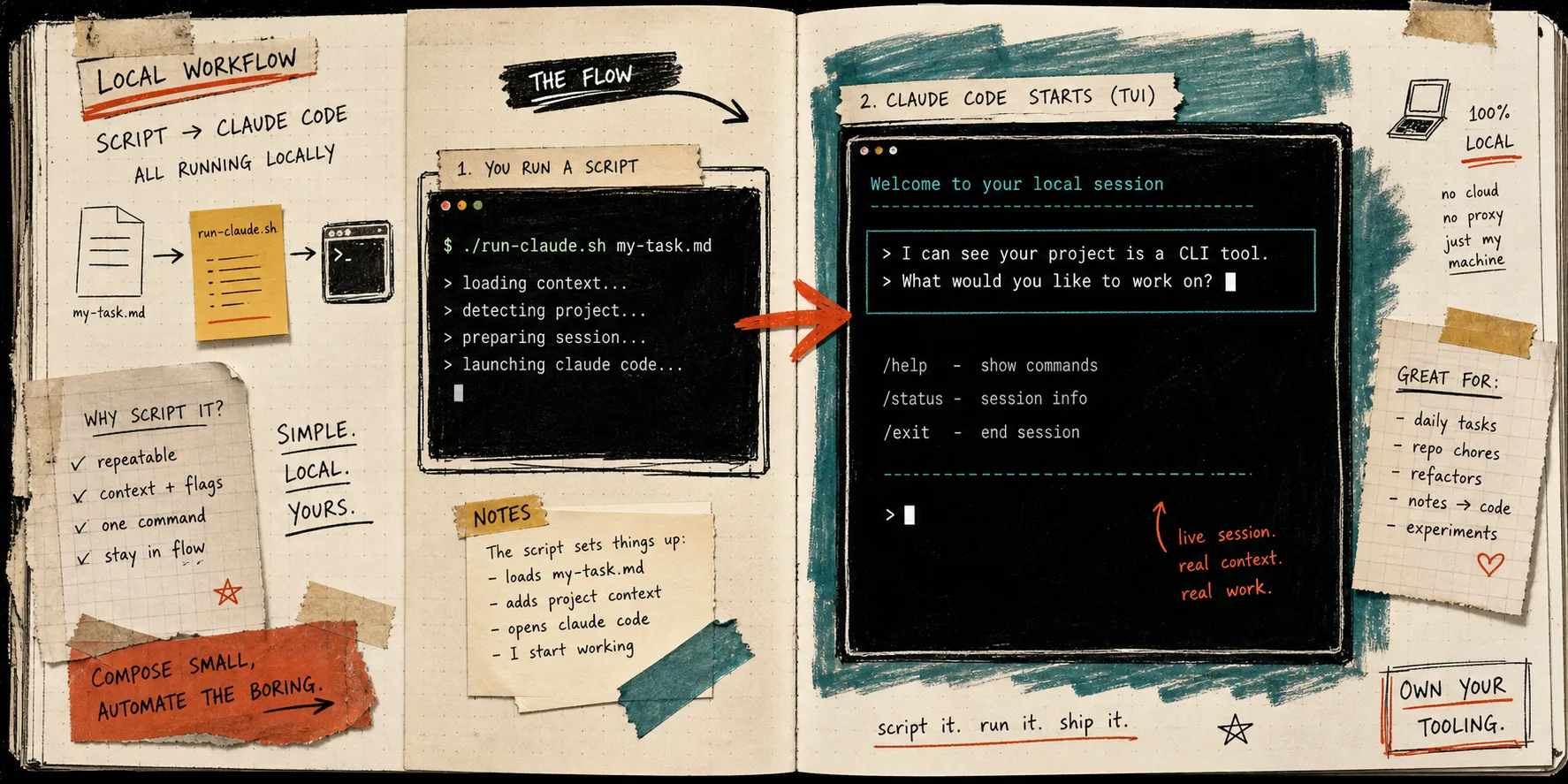
I kept writing tiny wrappers around Claude Code for the same three jobs: summarize a repo, turn a rough note into structured output, and rerun the same prompt after the codebase changed. dash-p is the first tool that made that feel like a real workflow instead of a hack. It does not replace Claude Code. It drives the official claude session I already use, then lets me call that session from a shell or TypeScript.
If you want the source and package, they are here: dash-p on GitHub and dash-p on npm. Anthropic’s own help center still describes Claude Code as the terminal and IDE product tied to Pro, Max, Team, and Enterprise plans, and it documents usage credits once you hit plan limits. That matters because I am not trying to move away from Claude Code. I am trying to make the interactive tool I already trust behave like something I can script. See Use Claude Code with your Pro or Max plan and Manage usage credits for paid Claude plans.
I have been circling this idea for a while. If you want the broader arc, I wrote about How I Kept Claude Code Scriptable After the Agent SDK Split, How I Built a Local Bridge to Claude Code’s Real TUI, How to Automate the Real Claude Code Terminal UI With dash-p, and How to Build Subscription-Aware Claude Code Automations Locally. This post is the compact version: the little harness I would actually keep in my shell history.
The shape of the harness
The basic flow is simpler than it sounds: a script injects the task, the real Claude TUI runs locally, and the output comes back in text or JSON.
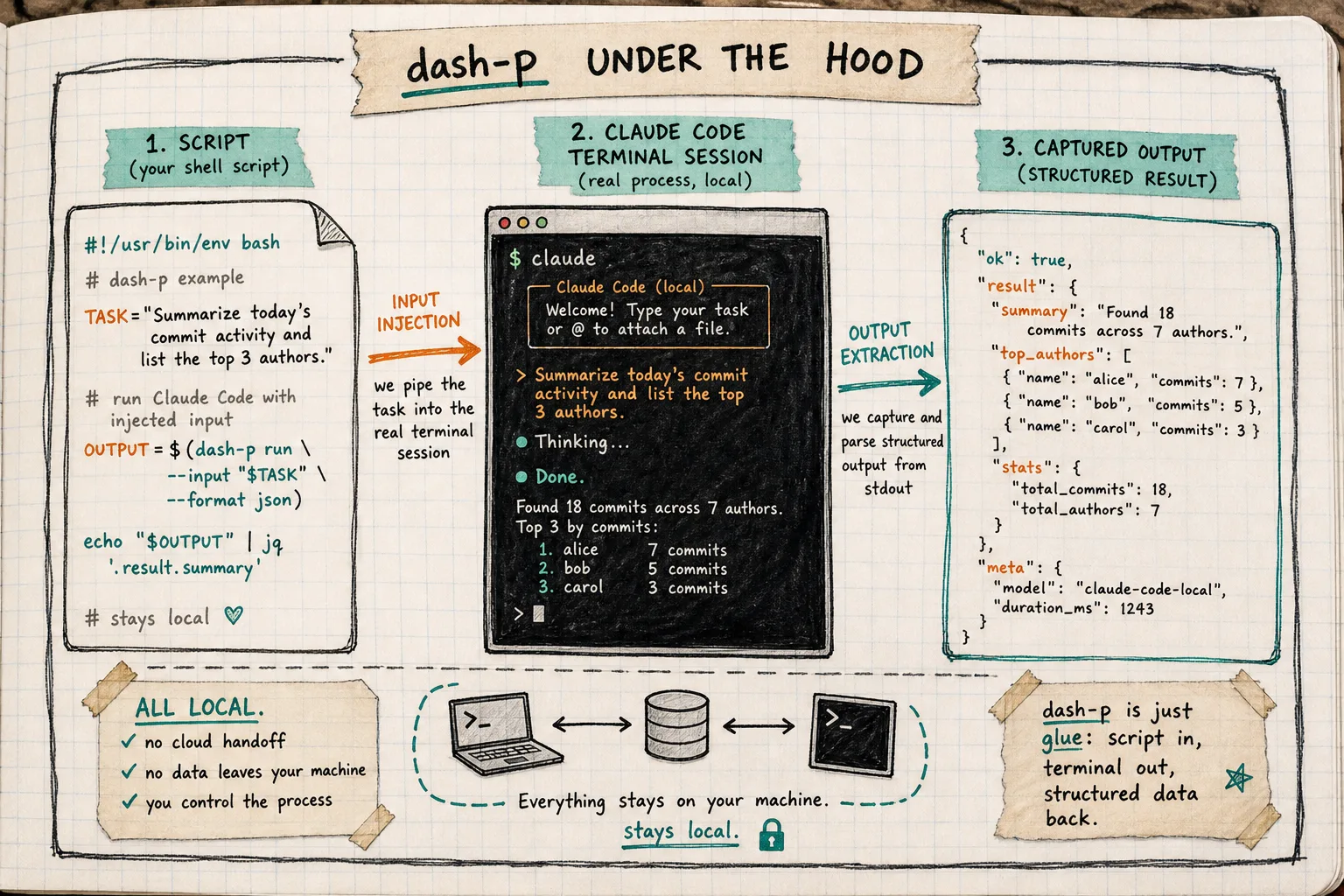
Because the whole thing stays local, it feels closer to a terminal helper than a hosted agent. The repo README is explicit about that: it launches the official claude command, injects input, reads output, and keeps the same local session and auth flow. That is the selling point and the constraint. The TUI is real, so the integration is practical; the TUI is real, so it can change.
Three ways I actually use it
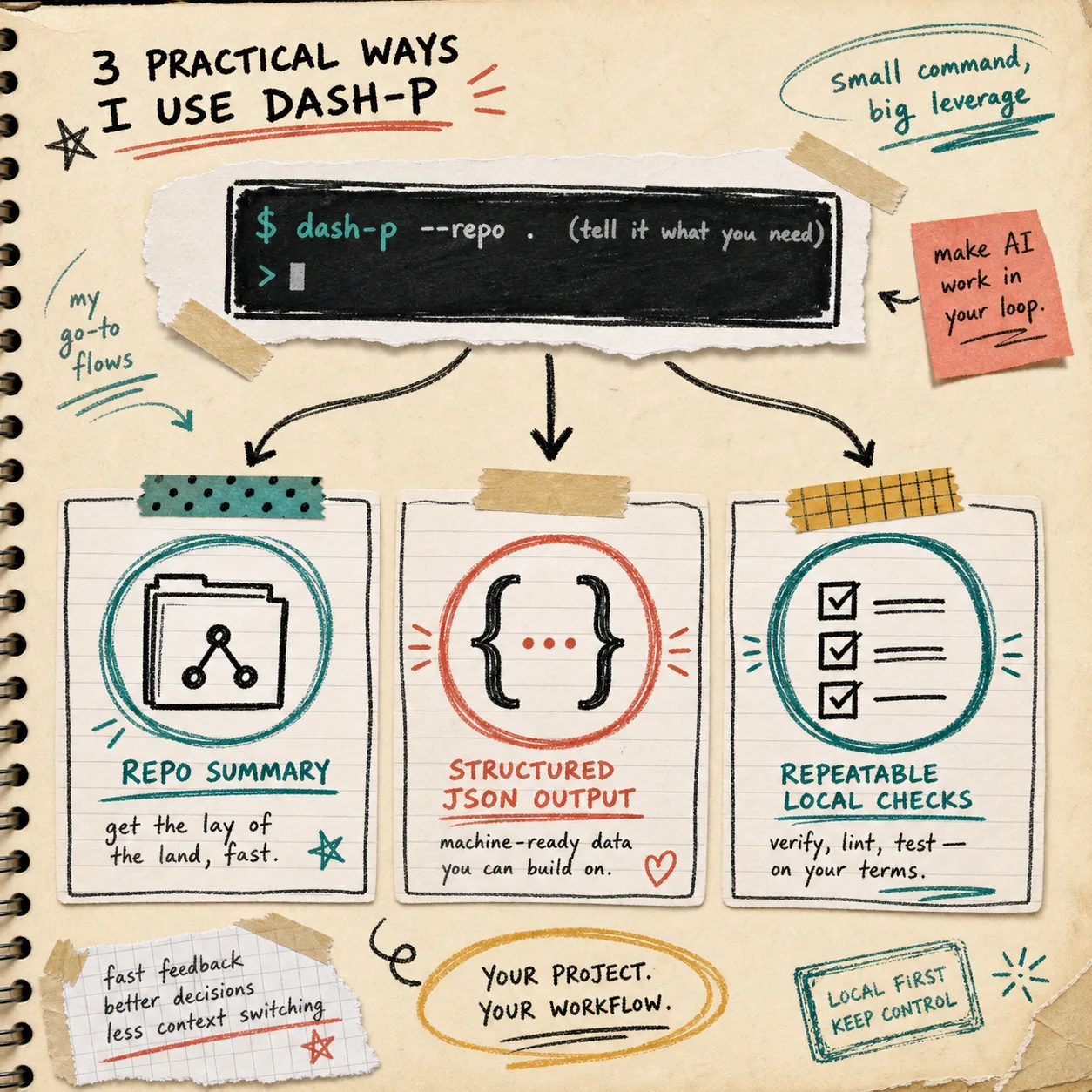
- Repo summaries before I touch a branch.
dash-p -o json "Summarize this repo in 5 bullets, then name the 3 files most likely to need changes."
I like this because it turns a cold codebase into a quick briefing without leaving the terminal. If I need to inspect the result in another script, I can pipe the JSON into jq and pull out the field I care about.
- Structured output that another script can consume.
cat prompts/review-notes.md | dash-p -o json "Return a JSON object with summary, risks, and next_step."
This is the cleanest way I have found to use Claude Code for local automation: one prompt goes in, a machine-readable result comes out, and the shell stays in charge of the rest of the pipeline.
- Repeatable checks on the same prompt.
dash-p -m sonnet -o text "Given the current diff, list the three highest-risk regressions."
This is the part that feels most like a harness. I am not building an autonomous agent. I am building a repeatable path from context to answer.
When it earns a place
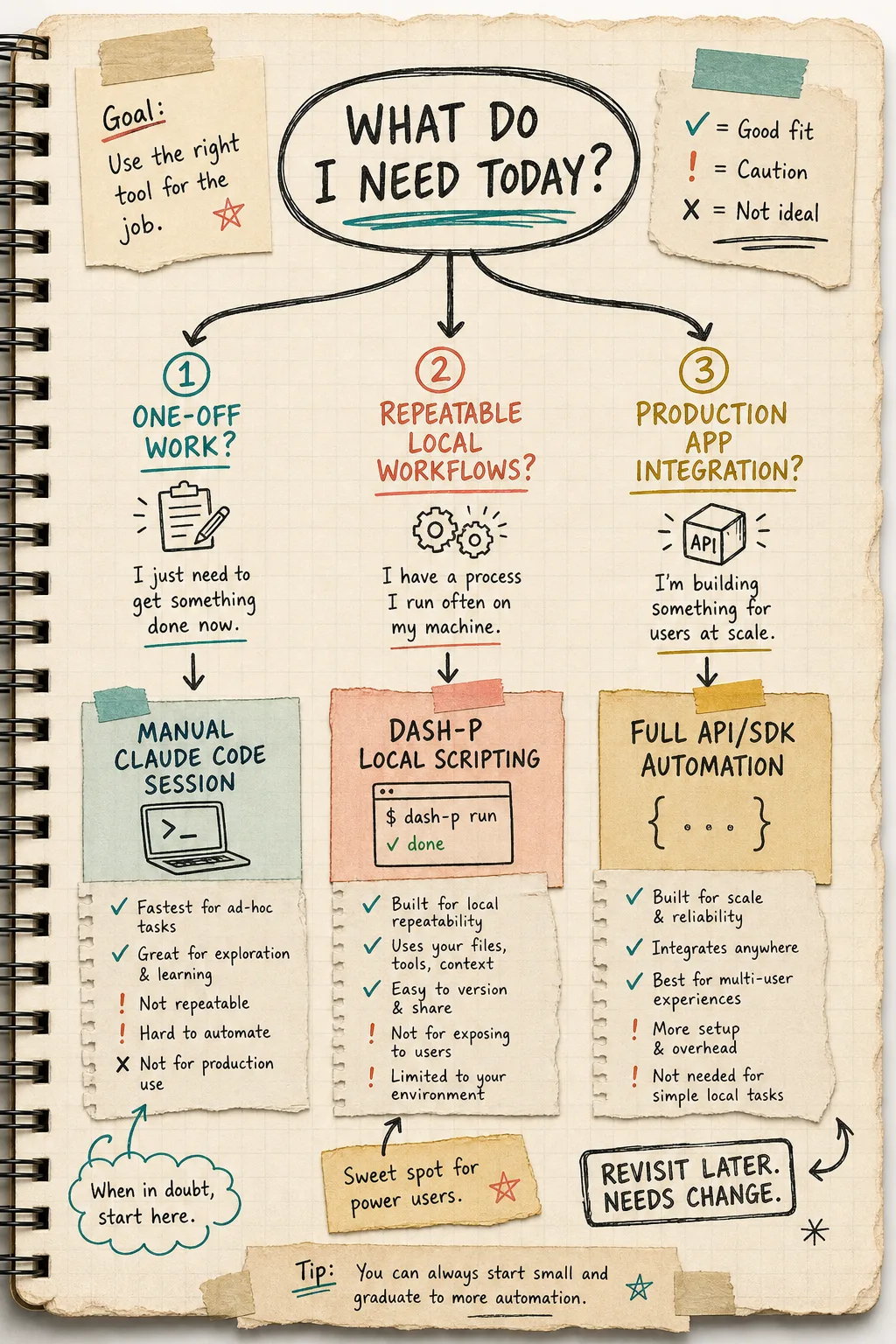
If the task is exploratory, I use Claude Code directly. If the task is repeatable and local, I wrap it with dash-p. If the task becomes a product or shared service, I move back to the official SDK or API path.
That distinction matters because dash-p is strongest when I already control the terminal, the prompt, and the output shape. It is weaker when I need a stable external contract for a team or application. The README makes the limit clear too: it is a bridge around the real TUI, not a replacement for Claude Code.
Anthropic’s help center also has one line I keep in mind: if ANTHROPIC_API_KEY is set, Claude Code will use that key instead of the subscription. That is a useful reminder not to blur local terminal automation with billing assumptions.
What I do not use it for
I would not use dash-p as the base of a user-facing product. I would not use it to hide a service boundary from myself or my team. And I would not use it if I needed a promise that would survive a terminal UI change without review.
If you need the longer version of that caution, the recent posts How to Automate Claude Code From a Local Script With dash-p, How to Automate the Real Claude Code Terminal UI With dash-p, and How I Keep Claude Code Scriptable After the Agent SDK Split all circle the same point from different angles. This post just reduces it to the smallest workable shape: local in, local out, reusable prompt.
My rule of thumb
If the task is exploratory, I use Claude Code directly. If the task is repeatable and local, I wrap it with dash-p. If the task becomes a product or shared service, I move back to the official SDK or API path.
That rule has kept me from overengineering the wrong layer. It also keeps the promise honest: I am not trying to replace Claude Code. I am trying to make it scriptable enough that the boring parts stop stealing time.
If you want to try the same thing, start with one command:
npx @ybouane/dash-p "summarize this repo in five bullets"
If that saves you a minute, turn it into a small wrapper. If it does not, keep using Claude Code manually and move on. The harness is only worth keeping if it survives contact with the real workflow.