
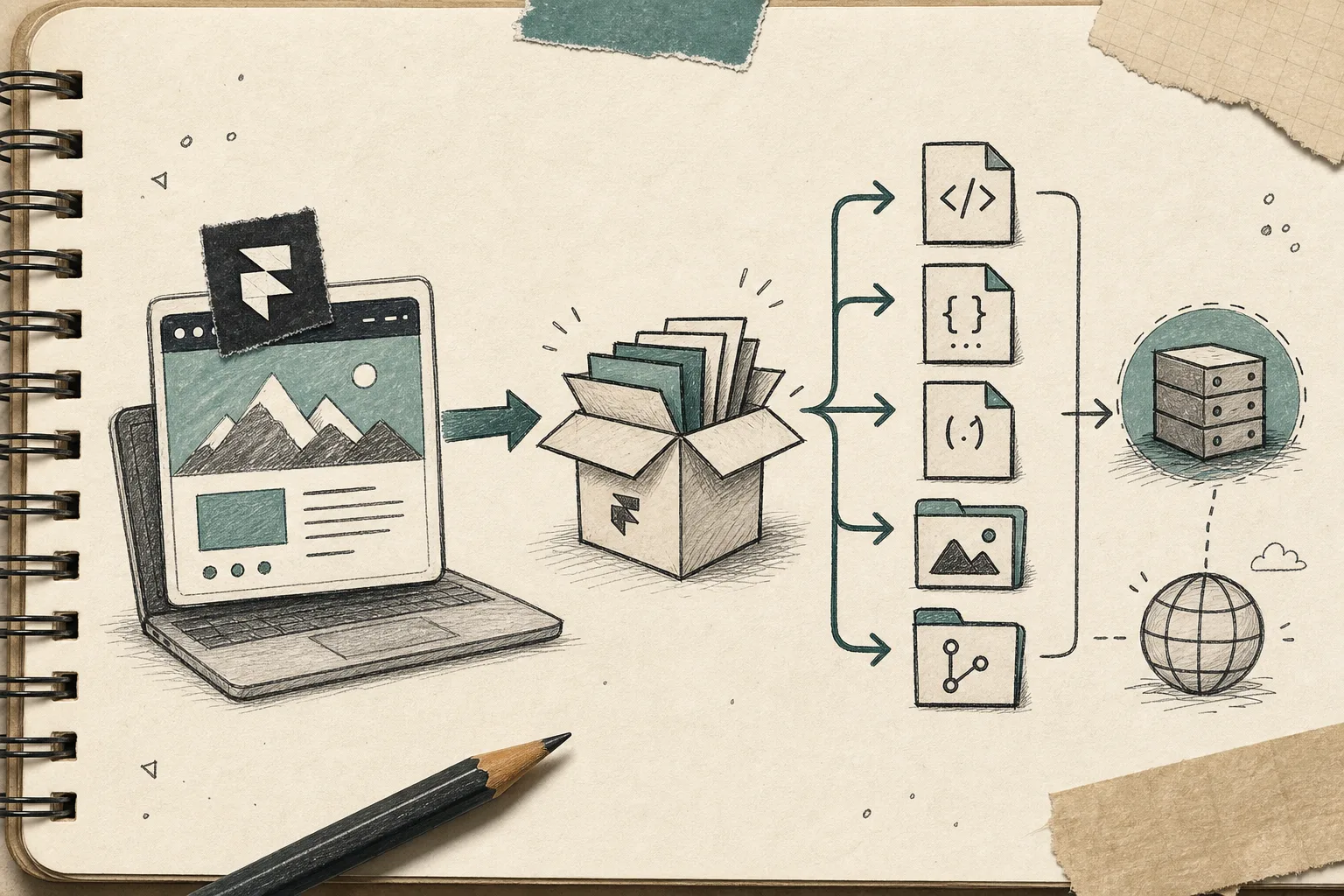
I used to think the most important part of a Framer build was the design itself.
The part that changed my mind was what happened after the design was done. A site can look finished inside Framer and still feel fragile the minute I want to move it, host it differently, or hand it off to a setup I control.
That is the problem ExFlow solves for me. Instead of treating Framer as the only possible destination, I treat the export as a real handoff: I type the site URL into ExFlow, decide what should come out, and then choose where the static files should live next.

That sounds like a small shift, but it changes how I make decisions. If I can see the HTML, CSS, JS, and media that come out of a site, then I can tell whether the project is actually portable or just comfortable inside one platform.
The first thing I like about ExFlow is that it keeps the export choices concrete. I am not guessing about the result. I am deciding whether I want CSS files, JS files, images and media, all pages, the Made with Framer badge removed, and pages written with a .html extension. If I need extra behavior, I can add custom script.js or style.css files instead of pretending the exported site will somehow stay unchanged on its own.
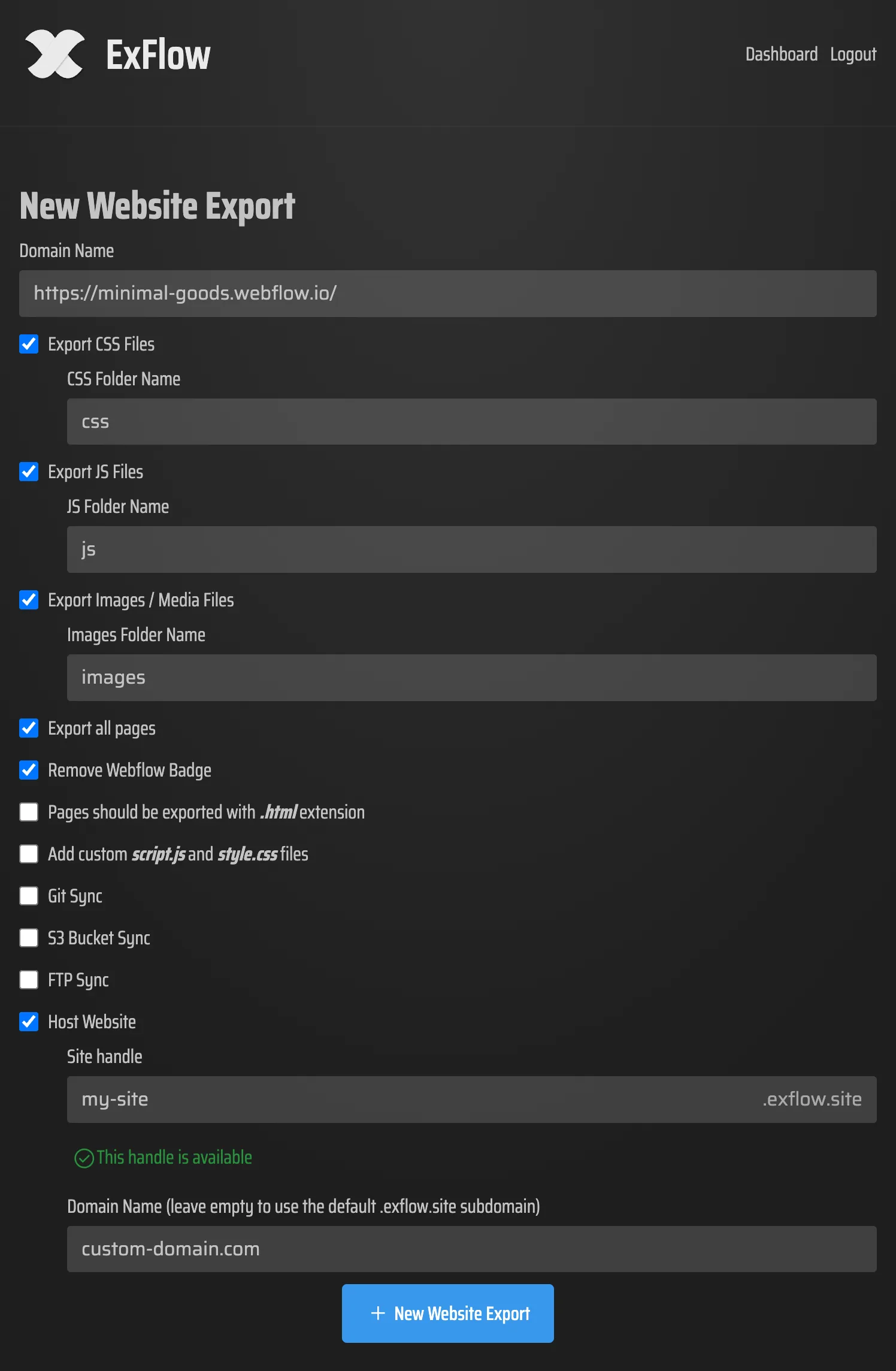
That matters because the difference between a useful export and a messy one is usually not the big features. It is the little details: whether every page is included, whether the asset paths are stable, whether the exported output still feels like one site instead of a pile of files, and whether the download preserves the parts I actually need to keep editing later.
What I export first
My default export checklist is simple:
- start from the site URL
- export CSS files
- export JS files
- export images and media files
- export all pages
- remove the
Made with Framerbadge when the project calls for it - keep the exported pages as
.html - add
script.jsorstyle.cssonly when I need to extend the export
That is the point where ExFlow feels less like a downloader and more like a migration tool. I am not trying to capture a screenshot of a website. I am trying to preserve the actual structure so I can host the result somewhere else with less friction.
I was already thinking about this the same way in How to Export a Framer Site to Static HTML Without Rebuilding It and How to Export a Framer Site Without Breaking Links or Assets: export is only useful if the output still behaves like a site.
Where I put the output
Once I have the files, I decide where they should live.
ExFlow supports hosting after export, and it also supports syncing to Git, S3, or FTP. That is the part I care about most, because the hosting destination should match the way the project is actually maintained. I do not want the export step to create a new pile of manual work.
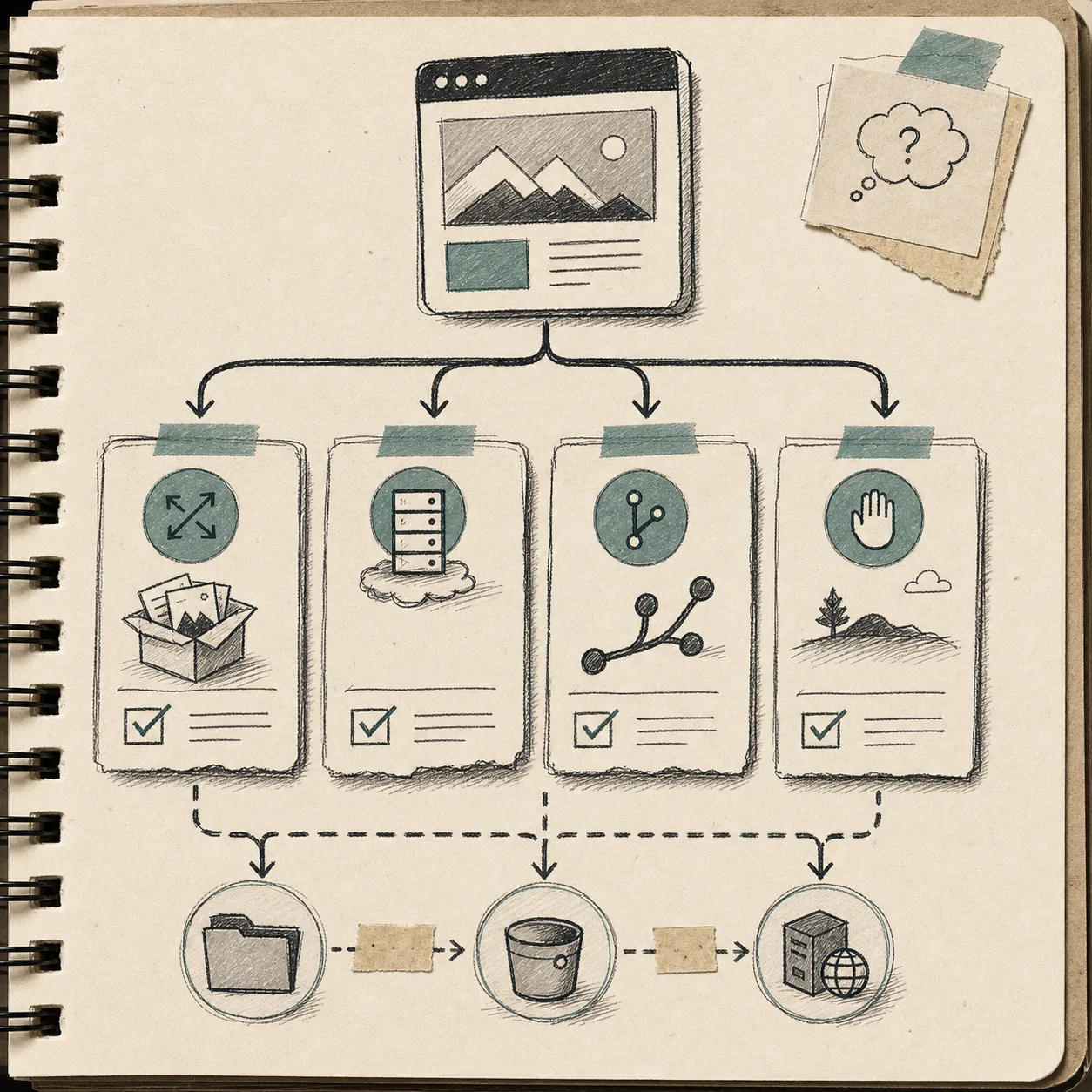
The options are all useful in different situations:
- I use ExFlow hosting when I want the least moving parts and a simple place to leave the site.
- I use Git when I want version control to stay part of the workflow.
- I use S3 when I want a simple static host.
- I use FTP when I already have a server and do not want to replace it.
That is also where I get cautious about credentials. Git, S3, and FTP sync all depend on sensitive connection details, so I only set them once I know where the site should end up. I treat those values like deployment secrets, not convenience settings.
The same portability logic shows up in How to Export a Webflow Site to Git, S3, or FTP Without Rebuilding It and How to Export a Squarespace Site to Static HTML and Self-Host It. The platform changes, but the decision is the same: I want a site I can move without starting over.
What I check before I trust it
After the export finishes, I look for a few things before I treat the result as production-ready:
- did every page export cleanly as
.html - did the internal links survive the handoff
- did the images and media come across in the expected places
- do the custom files exist only where I actually need them
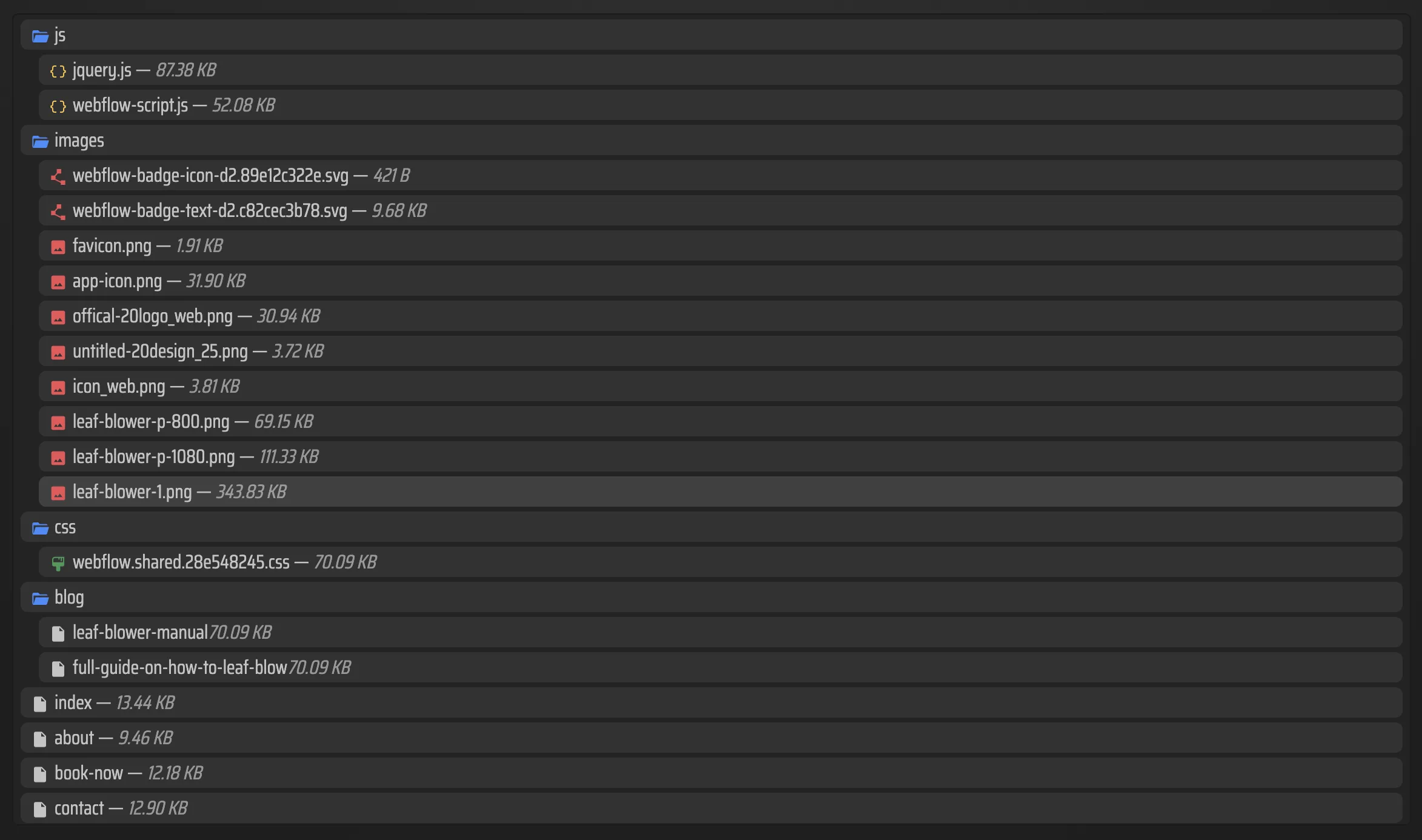
- does the exported tree still feel like one coherent site
If I am doing a more careful audit, I think in the same way as How to Audit a Webflow Site Before You Export It. The habit is the same: check the structure before you trust the destination.
That is also why I like seeing the file list after the export. It tells me whether the site is really portable or whether I am about to discover missing assets at the worst possible time.
The point is not that every Framer site should leave Framer. A lot of projects should stay exactly where they are. The point is that I want the option. If the site is worth keeping, it should survive being moved.
The part that actually matters
Framer is excellent when I want to design something visually polished and move quickly. ExFlow matters when I want that design work to remain useful after the host stops being the whole story.
That is the line I keep coming back to. I do not need every site to become a migration project. I just need the ones that matter to stay portable.
If I were doing this again from scratch, I would start with one real Framer site, run one export, inspect the file tree, and decide whether Git, S3, FTP, or ExFlow hosting is the right destination before I scale anything up. That is the smallest version of the workflow that still teaches me something useful.
If you already have a Framer build sitting in front of you, that is the next step I would take today: export one page, open the output, and see whether the site still feels like yours once it is just files.