

When a Webflow site is basically finished and the only thing left to argue about is the hosted layer, I do not rebuild it. I export it. ExFlow.site is the Webflow exporter I use when I want the site as static files, plus a cleaner path to Git, S3, FTP, or hosted delivery.
The reason is simple: if the design is right, the content is right, and the site mostly needs to keep shipping pages, a good export is usually cheaper to live with than a full rebuild.
The short version
If I am moving a Webflow site, I do three things first:
- export all pages, CSS, JS, images, and media;
- keep the CMS pages in the bundle;
- pick the destination before I start the export.
That sounds obvious, but it is where most messy migrations start. The export is easy. The handoff is the part that either stays boring or turns into a second project.
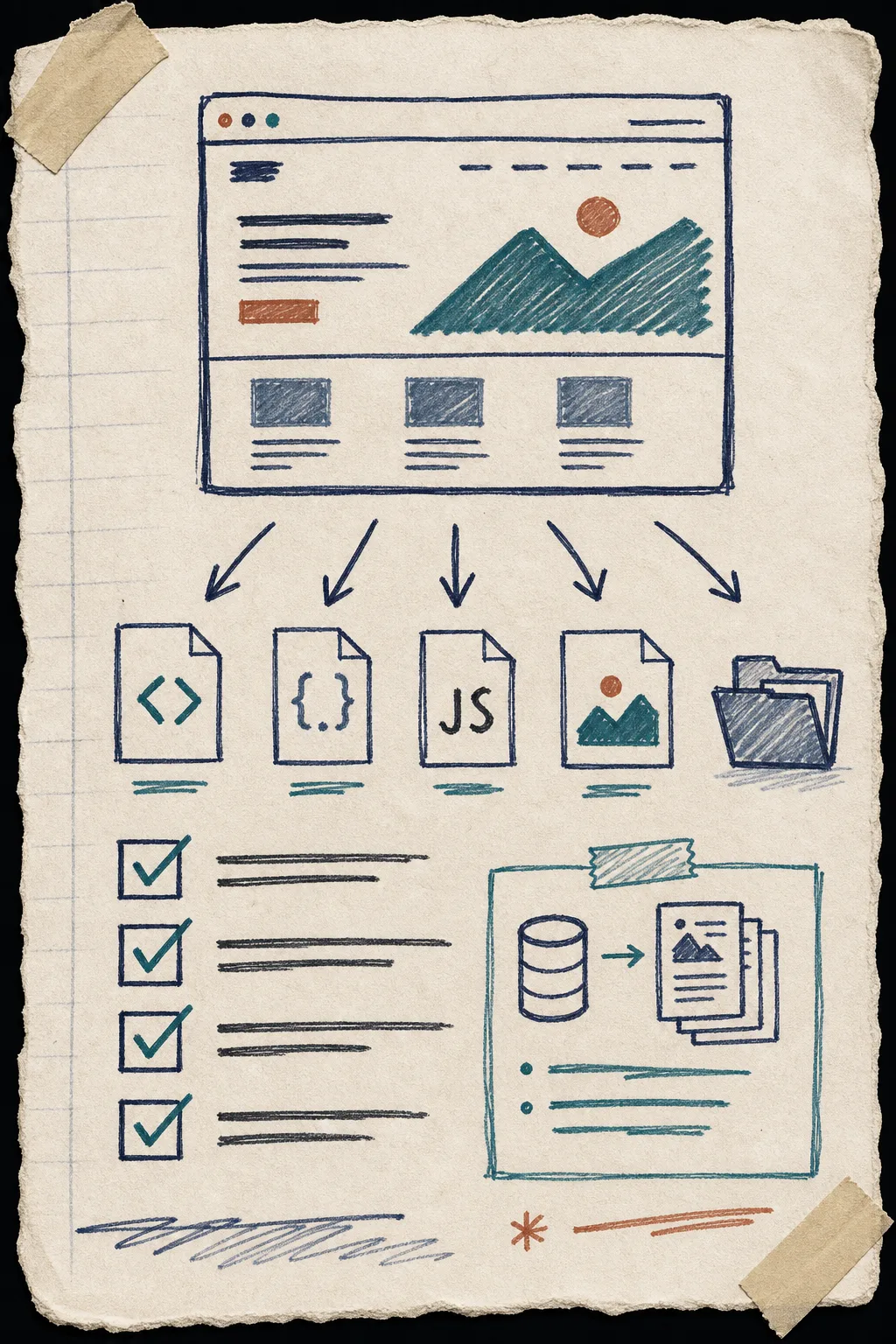
What I turn on in ExFlow
I start with the site URL, then I check the settings that make the export feel complete instead of partial:
- Export CSS files
- Export JS files
- Export images and media files
- Export all pages
- Remove the “Made with Webflow” badge if the site needs a cleaner static handoff
- Add custom script.js and style.css only when the site actually needs them
That is also the point where I remind myself not to bury secrets in a note. The Git, S3, and FTP sync options are useful, but their credentials need normal handling, not ad hoc paste-and-pray.
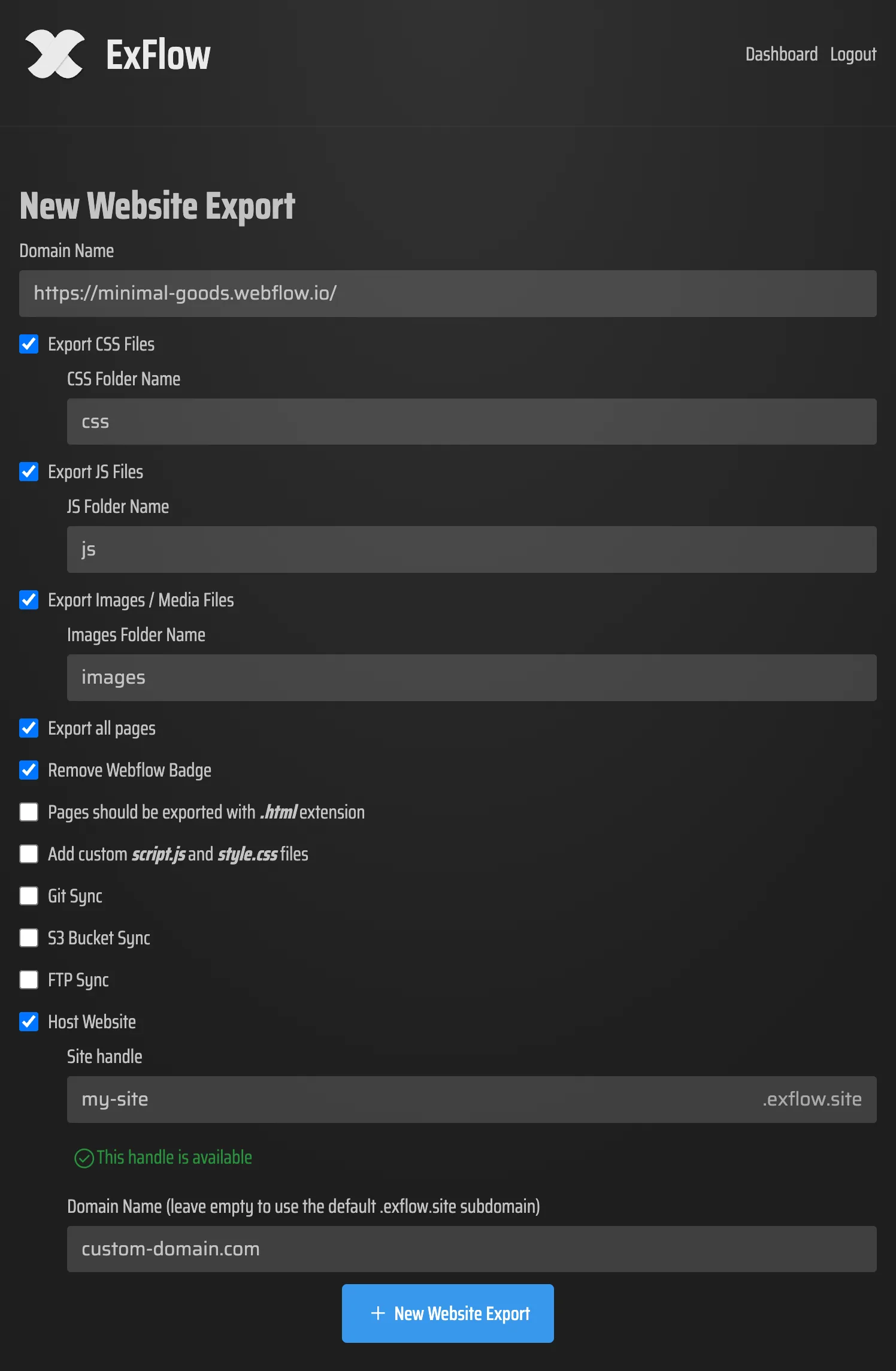
This is the shape I want before I move traffic: the tool should make the export scope obvious enough that I can audit it later without guessing.
Where I send the files
Once I know the export is complete, I pick the landing zone.
- Git is the easiest choice when I want review history and a repo-based deployment flow.
- S3 is the quiet choice when I want static hosting with low operational overhead.
- FTP still makes sense when I am dealing with older infrastructure or a traditional web server.
- ExFlow hosting is the fastest path when I want the exporter and host to stay in one place.

I usually decide this before I click export, because the destination changes how careful I need to be about the file tree, redirects, and deployment handoff. If I know the target is Git, I care more about readable diffs. If it is S3, I care more about whether the static output is clean and complete. If it is FTP, I care about how much post-upload cleanup I will need.
What I check after the export
After the files land, I do a boring inspection pass:
- the key pages are present;
- internal links resolve;
- assets and media are there;
- CMS pages render as real pages, not placeholders;
- any expected custom scripts or styles are actually in the output.
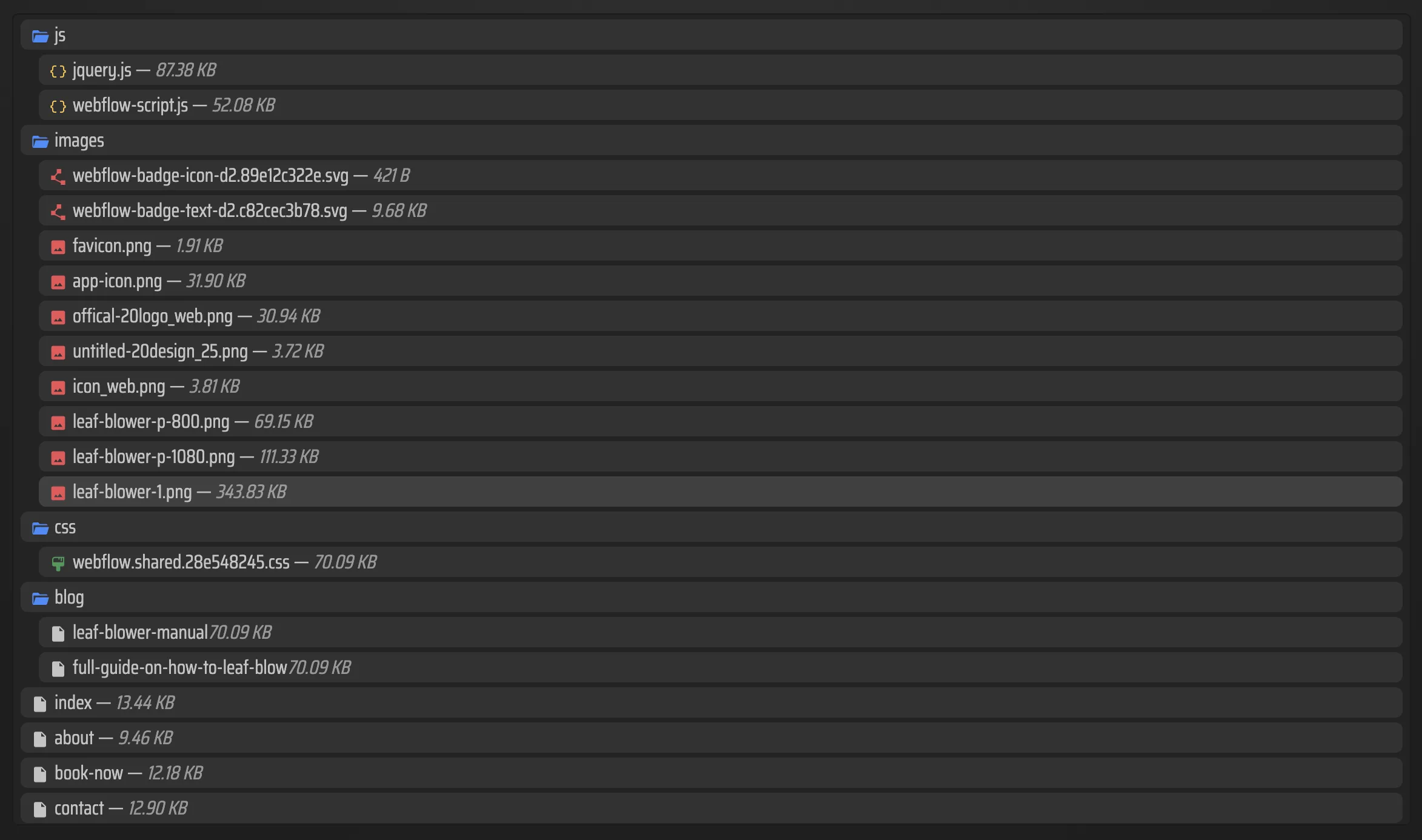
This is the part that tells me whether the export is usable. A site can look fine in the browser and still be annoying to maintain if the exported bundle is missing a page, a media file, or a path the original Webflow build depended on.
When I would use this workflow
I reach for this when the site is mostly content and delivery, not live app logic. That usually means:
- brochure sites;
- campaign sites;
- editorial sites;
- CMS-driven pages that need to survive outside Webflow;
- or client handoffs where self-hosting is cheaper than staying on the hosted layer.
If the site changes constantly and the team really needs Webflow’s editor loop all day, I slow down. Export is not a moral upgrade. It is just the simpler fit for the right kind of site.
That is the same judgment call I wrote about in How I Decide When a Webflow Site Should Be Exported. If you want the preflight version, How to Audit a Webflow Site Before You Export It is the checklist I would use before moving anything. For the mechanics, How I Export Webflow Sites to Static Hosting, Git, or FTP goes deeper on the deployment side, and Webflow CMS to HTML: A Practical Export and Self-Hosting Checklist stays close to the handoff details. If your content pipeline still starts elsewhere, How I Move Notion Drafts Into Webflow Without Reformatting Everything is the adjacent workflow I keep coming back to.
Bottom line
If you want Webflow to stay Webflow-aware instead of turning the move into a rebuild project, ExFlow.site is the shortest path I have found. Export the site, inspect the bundle, choose Git, S3, FTP, or hosted delivery, and only then switch anything public.