

I keep seeing the same tiny retention opportunity get buried in a spreadsheet: a customer hits a useful milestone, the team notices too late, and the warm follow-up becomes another generic email. I wanted a short recap video that could arrive while the moment still mattered—without creating a new editing job every time.
My constraint was simple: the workflow had to survive more than one enthusiastic Friday. That meant treating the video as structured output, not a one-off timeline. VideoFlow fit that shape because the same VideoJSON can be previewed, reviewed, edited, and rendered in more than one environment.
The little workflow I actually wanted
I picked one event first: a customer reaches a usage, loyalty, reorder, or onboarding milestone. The event is only a trigger; it is not permission to cram every number we know into a video. My first draft takes a deliberately small packet: customer name if appropriate, the milestone, one useful result, a relevant next action, and the media that supports it.
That packet becomes a template input. The template decides the scenes, timing, brand-safe colors, captions, and fallback copy. The input decides the specifics. Keeping those jobs separate stopped our data source from quietly becoming a video editor.

Here is the sketch in my notebook:
- Receive the milestone event and validate the required fields.
- Build a small JSON object with only approved copy and assets.
- Compile the template into VideoJSON.
- Show a preview before asking for an MP4.
- Send only approved drafts to rendering and delivery.
The fourth step is the one I had been skipping. That is how small errors become expensive, very visible errors. If you are designing a larger catalog queue, the approval-gated approach in my earlier VideoFlow queue note is a useful companion.
Why I kept VideoJSON in the middle
VideoFlow’s core can compile a TypeScript-authored video into portable VideoJSON. For this workflow, that matters more than the animation trick of the week. I can store a draft, compare it with the next edit, reopen it later, and hand the same source to a live preview or a renderer. The core documentation is the right starting point if you are wiring the template in code.
My practical rule: keep the event payload and the VideoJSON separately. The event is evidence of what happened. VideoJSON is the editable, reviewable creative artifact made from that evidence. When someone says “make the customer name smaller” or “remove the second card,” the request has a home that is not a mystery rerun of the entire automation.
That separation also makes the workflow friendlier to agents. An agent can propose structured draft content, but it should not send a final render just because it produced syntactically valid JSON. I wrote about that review boundary when I kept AI video drafts reviewable before they reached customers.
Put a person where the risk is
For a tiny team, the review screen does not need to be a grand content-operations platform. It can be a preview, two or three facts to check, and a clear approve/reject action. What matters is that the reviewer sees the exact draft that will render.
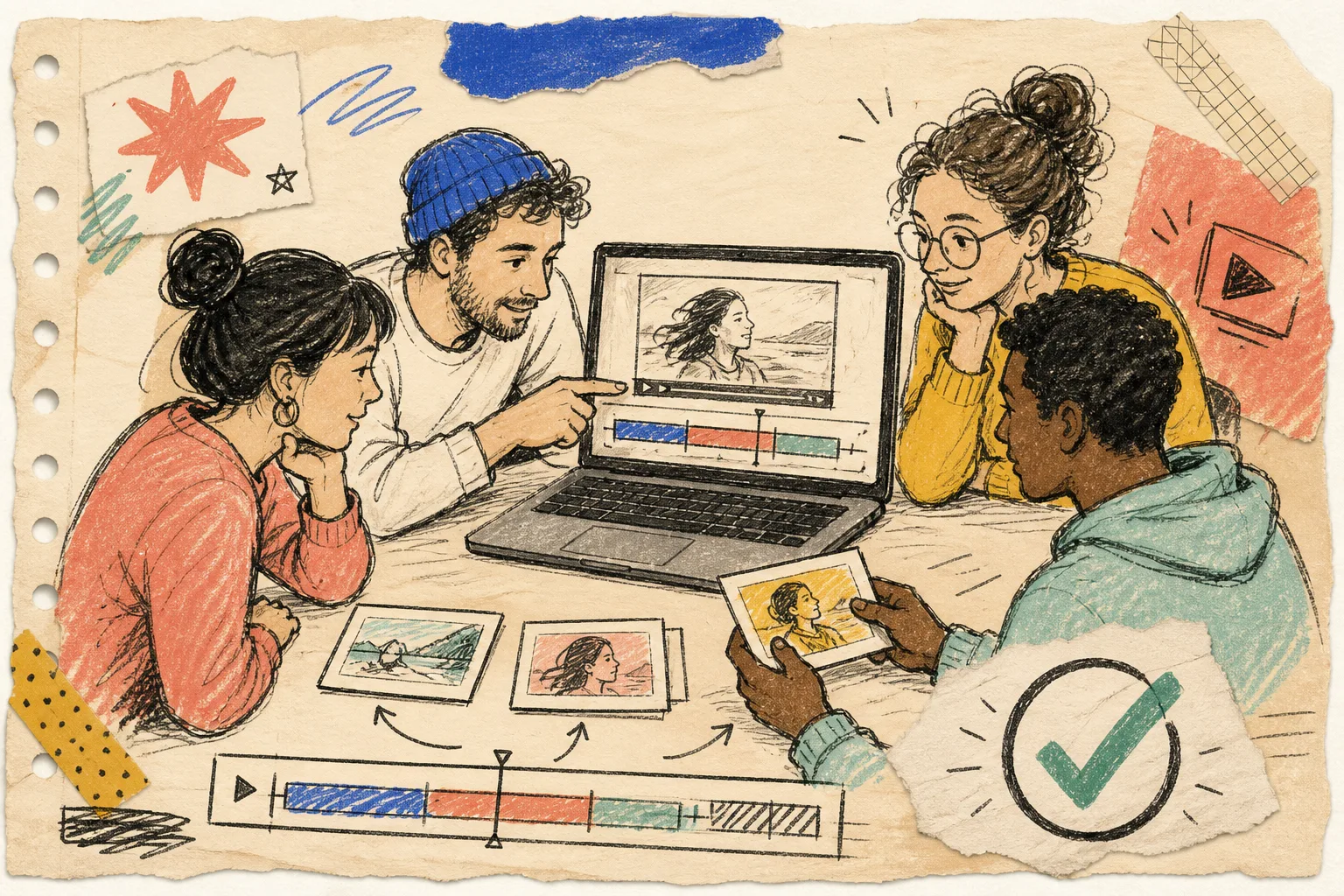
I use this short review checklist:
- Is the milestone accurate and timely?
- Does the copy make sense without internal context?
- Are the chosen image, caption, and CTA appropriate for this customer?
- Is this a moment worth sending a video for at all?
If your product needs a fuller editing surface, VideoFlow’s React video editor provides a multi-track timeline and live preview for the same VideoJSON. That is a better escape hatch than building a parallel manual-editing process. It also keeps a human correction from becoming a permanent exception in the automation.
This is the same operating idea behind a recurring content calendar with a review gate: automate the repeatable movement, not the judgment.
Choose the renderer after the workflow is stable
VideoFlow can render the same JSON in the browser, on a server, or as a live DOM preview. I would not start by arguing about architecture. Start by asking where the work lands.

Browser rendering is a sensible first fit when a customer or teammate initiates a small export in-app and keeping media local is useful. Server rendering is the better fit when recaps run from a queue, need scheduled batches, or must be delivered consistently without an open browser. The preview belongs earlier than either choice.
I also resisted adding three variants on day one. One event, one template, one delivery path, and one place to review failures gave us something we could measure. Once it works, then it is worth borrowing the “one product, several jobs” thinking from this UGC workflow note.
The result: a smaller, safer first video system
The win was not that every milestone now receives a video. The win was that the team can create a useful recap when it earns its place, make a correction without redoing everything, and know which draft was actually approved.
If you want to try this today, pick a single customer milestone and write the five fields your template truly needs. Then build a previewable VideoJSON draft in VideoFlow, add one human checkpoint, and render only after approval. That is enough to turn a nice idea into a workflow you can trust.