
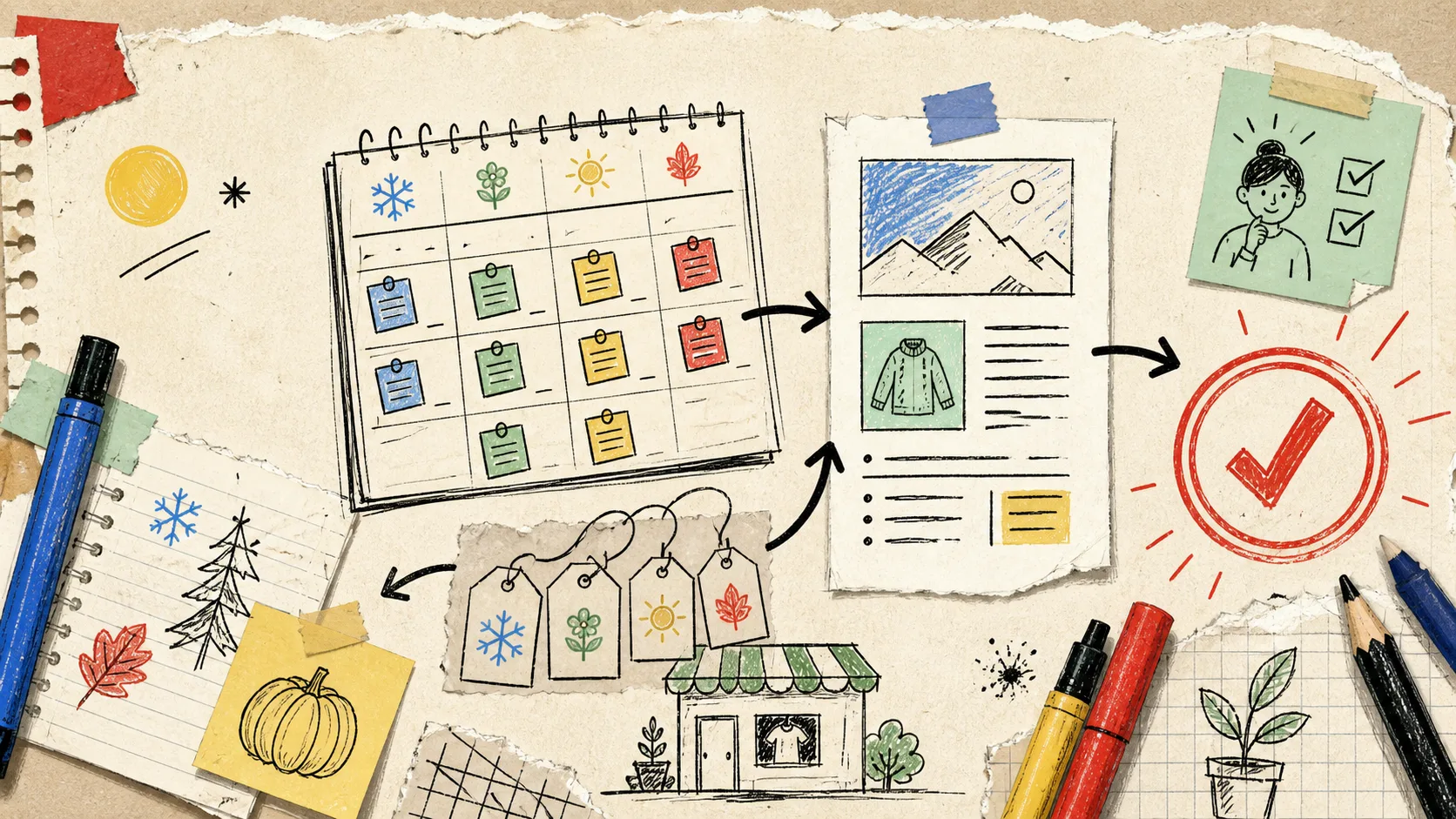
I used to treat seasonal content like a pre-launch chore: write a gift guide, squeeze in a collection post, then hope the next campaign did not arrive before I had recovered. The awkward part was not finding ideas. It was getting every useful product detail, link, image choice, and approval through a tiny team without turning the store blog into a second full-time job.
The fix that survived contact with an actual launch calendar was smaller than a grand content strategy: I turned one seasonal launch brief into a recurring, reviewable Shopify blog system. Supra Blog Automation is the tool I would use for this because it can generate product-aware Shopify posts, add visuals and internal links, and either publish or save the result as a draft. The important word in that last sentence is draft.
Start With a Campaign Brief, Not a Blank Prompt
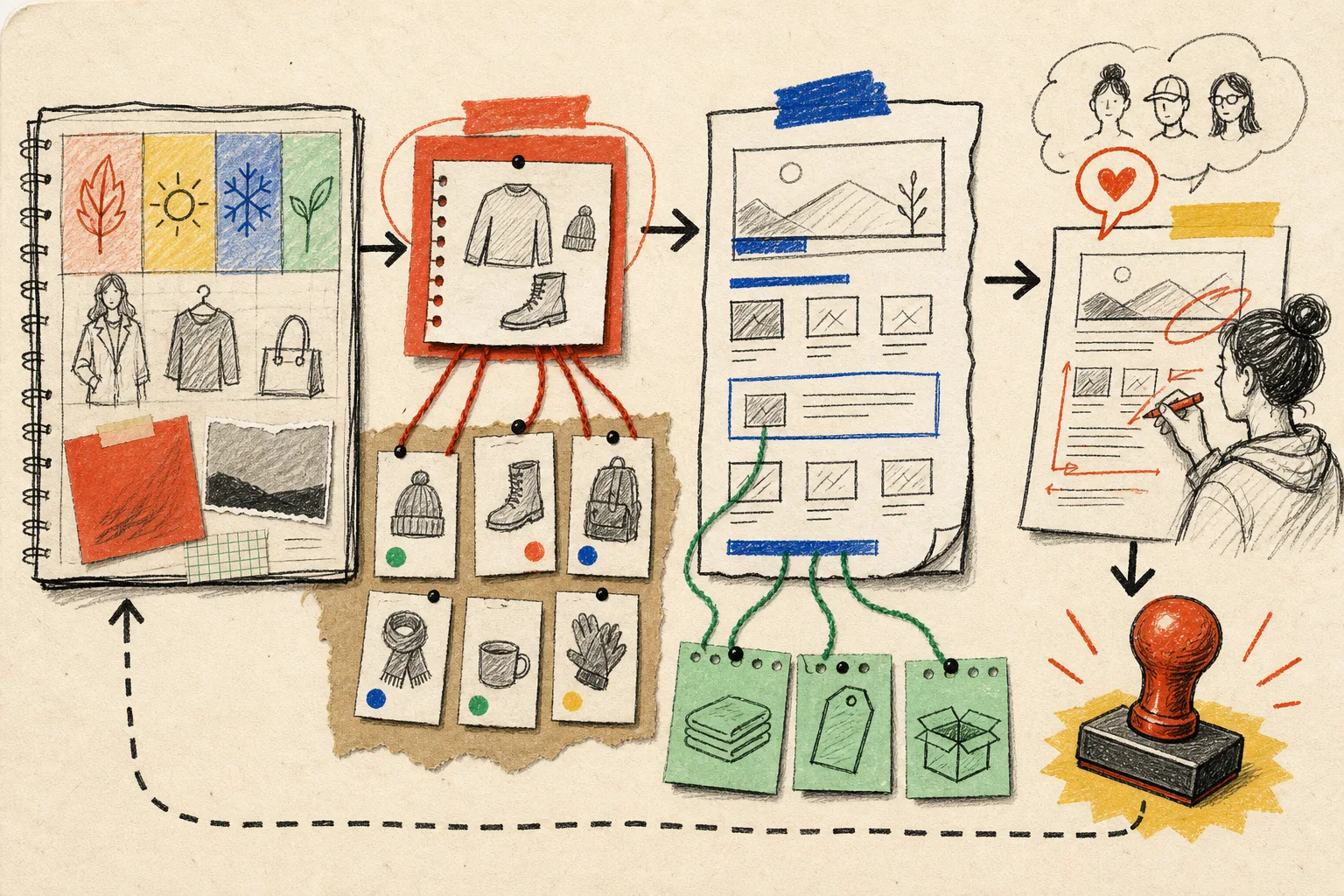
A seasonal launch already contains the raw material for several useful posts. Mine usually has a collection, a customer problem, a timing note, a few product details, and the objections that support keeps hearing. That is much better source material than asking an AI writer for “ten blog ideas about fall.”
I make one compact input card before I automate anything:
- Collection or products: the exact items that deserve discovery.
- Customer job: what the shopper is trying to solve or choose.
- Seasonal moment: the date, weather, event, or buying trigger.
- Proof and caveats: details I can stand behind, plus claims that need a human check.
- Existing pages: collection, product, and older articles worth linking.
From that card, I can queue a buyer guide, a problem-solving tutorial, a comparison, and an FAQ-shaped post. That is a better starting point for SEO than four versions of the same promotion. It is also how I avoid the generic tone that makes automated content feel like it was printed from a vending machine.
Give Each Recurring Slot One Job
My calendar has a deliberately boring rhythm. Boring is good here: it makes quality easier to inspect. I assign one intent to each slot instead of asking a single post to rank, sell, explain, and announce all at once.
- Discovery post: a guide that matches the question people search before they know our product.
- Decision post: a checklist, comparison, or sizing/use-case explainer for shoppers narrowing options.
- Product-context post: a useful article that naturally introduces the relevant collection.
- Maintenance post: an update, FAQ, or internal-link refresh after the campaign starts producing real questions.
That cadence borrows from the review-gated calendar I sketched in my earlier recurring Shopify content workflow, but the key change is treating the campaign brief as a reusable source instead of a one-off announcement. In Supra Blog Automation, I would set the topic, tone, goal, featured products or collections, and allowed image sources for each slot; then schedule the sequence weekly or monthly.

Keep the Automation Product-Aware
The practical advantage of a Shopify-specific workflow is context. A post about “weekend hiking essentials” is only useful to a store when it can point to the right collection, respect the real product details, and help readers move to a useful next page.
I choose the products or collections before generation, then ask for a soft promotional goal. The article still needs to solve the reader’s problem first. It should not turn every heading into a product pitch. For a more detailed guardrail, my draft-first Shopify blog workflow is still the rulebook: automation handles the repetitive assembly; a person owns accuracy, voice, and the final decision.
Internal links are where this gets quietly valuable. Each post should earn its links: connect the reader to the collection when they are ready to browse, to a product when a detail matters, and to a related article when they need more context. I use the same logic when planning supporting visual content; the three-pass photo publishing check is a good reminder that attractive assets still need a fit, accuracy, and QA pass.
Make Review a Small Gate, Not a Heroic Rescue
Fully automatic publishing sounds efficient until a price, availability note, seasonal date, or product claim drifts. I would rather review four focused drafts in twenty minutes than rewrite one vaguely wrong post after it is live.
My review gate is three passes:
- Truth pass: verify product claims, policy-sensitive language, availability, and any time-bound seasonal statement.
- Store pass: test the product and collection links, then ask whether the CTA actually helps the reader take the next step.
- Voice pass: remove filler, make the opening concrete, and keep the sales language proportional to the article’s usefulness.
This is also the moment to choose visuals. Use actual product photos when recognition matters; use generated or stock visuals when they illustrate a broader idea without pretending to show the product. That distinction saves a lot of awkward brand drift.

Measure the System, Then Adjust the Next Brief
I do not expect a scheduled post to prove itself in a day. I check whether the system is doing its job: are drafts arriving on time, are reviewers making smaller edits, are internal links leading readers to the intended collection, and are campaign questions creating better follow-up topics?
A simple monthly note is enough: which posts earned impressions, which pages sent visitors deeper into the catalog, which questions appeared in comments or support, and which campaign facts need updating. That note becomes the next brief. The same loop is useful for adjacent formats too; when a campaign needs product video variations, I plan the angles before production rather than improvising after launch, as in my Shopify UGC test matrix.
The point is not to let an AI publish a pile of words while you are busy. It is to give your store a steady, product-aware publishing habit that stays easy to inspect. Start with one upcoming collection: make the input card, schedule one draft, and review what comes back. You can try Supra Blog Automation on Shopify on its free plan, but the real first win is simpler—turn one campaign brief into a post your customer would genuinely be glad to find.