

I used to treat blog automation as the fix for an empty content calendar. It is not. The actual fix was a tiny triage ritual before the calendar: 30 minutes with the handful of store signals that already have a reason to exist.
That sounds almost too small to matter, but it stopped me from asking an AI writer to invent a month of vague ‘tips’ for a Shopify store. Instead, I hand it a short list of customer problems, current products, and timely store changes—then I decide what becomes a draft, what needs a human answer, and what should wait.
That is the input I now give Supra Blog Automation. The app can generate, optimize, illustrate, and schedule Shopify SEO blog posts, but a useful queue starts before the generate button.

The eight-title sketch I made first
Before choosing the final angle, I sketched exactly eight search-shaped directions:
- I Run a 30-Minute Shopify Blog Triage Before I Automate Anything
- How I Pick Shopify Blog Topics From Real Customer Questions
- The Product-Update Filter I Use Before Scheduling Shopify Content
- How to Build a Shopify Blog Queue From Store Signals
- A Small Shopify Content Triage for Busy Store Owners
- Which Shopify Blog Ideas Deserve Automation First?
- How I Stop Ecommerce Blog Automation From Inventing Topics
- The 30-Minute Content Review That Makes Shopify Blog Posts More Useful
I picked the first because it captures the awkward truth: automation is downstream of editorial judgment. It is a clear fit for the operator who wants recurring publishing without a content machine that outpaces their knowledge of the store.
My three-pile rule
I open a notebook page and make three ugly piles. No spreadsheet architecture yet. No keyword universe. Just evidence.
1. Questions people already ask
Support tickets, chat transcripts, product reviews, and the repeated questions a team hears before checkout are the first pile. I do not turn every question into a post. I mark the questions where a longer answer would reduce buyer uncertainty, help someone choose between products, or explain a use case that a product page cannot carry alone.
This is related to the habit behind turning a Shopify collection brief into a reviewable blog queue, but the source can be smaller and messier. One recurring question is enough to earn a draft if it points to a real decision.
2. Changes inside the store
The second pile is releases: a new collection, restock, seasonal bundle, material change, shipping cutoff, or an updated buying guide. These have a freshness advantage, but I ask one blunt question: does this change help a shopper solve something?
A new colorway alone may only deserve an announcement. A new fit family, giftable bundle, or collection with a different buying decision can support a useful guide. I keep the product context attached so the eventual post can link to the right collection rather than waving vaguely at the catalog.
3. Planned campaigns with real constraints
The last pile is what is coming: seasonal pushes, launches, promotions, and inventory moments. This is where a schedule becomes useful, especially when it is not pretending that every date needs a post. I have used the same restraint when building a Shopify blog calendar with an approval lane: a publishing rhythm should make room for review, not eliminate it.
The five-minute scorecard
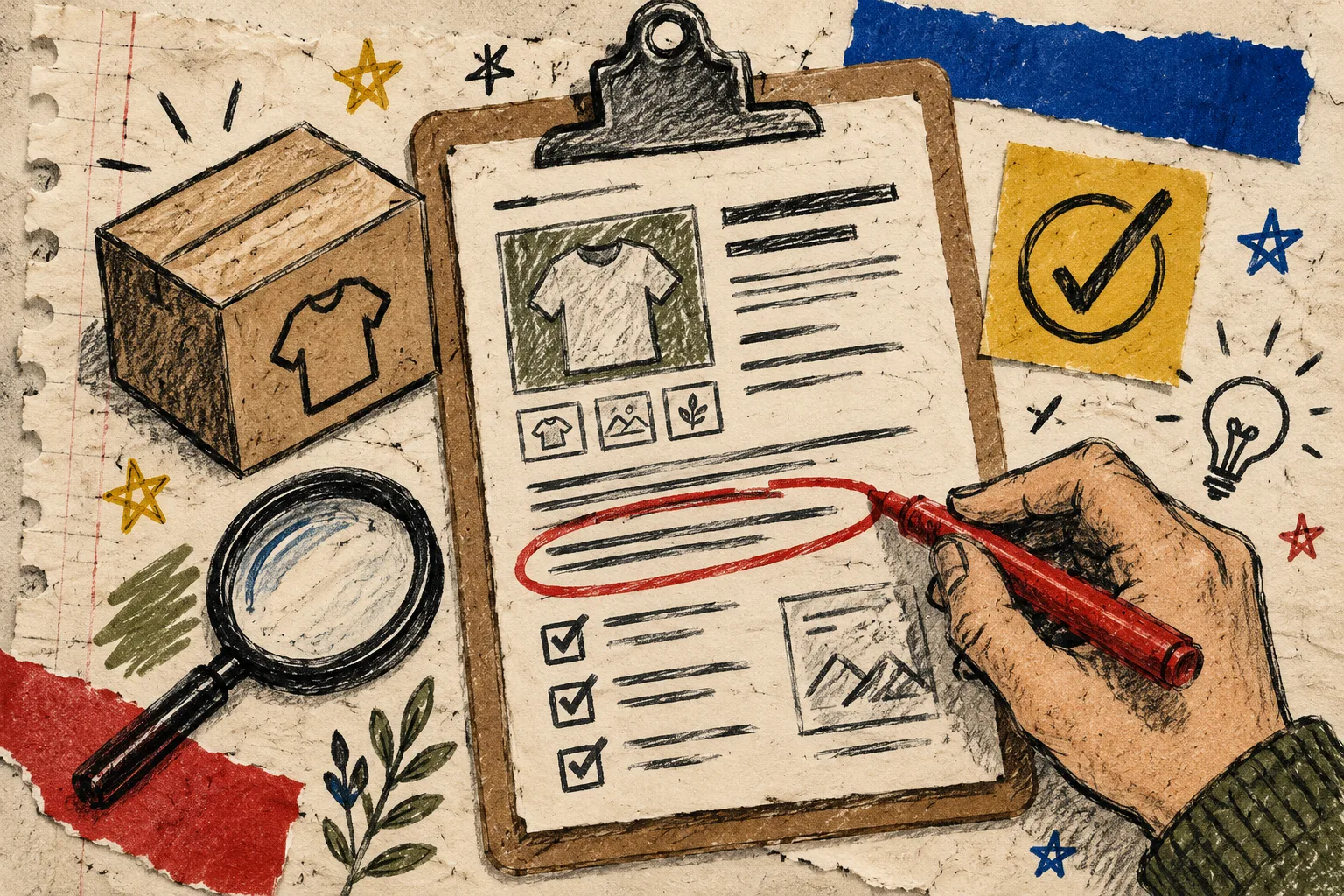
For each candidate, I score five things from zero to two in the margin:
- Customer usefulness: would this answer a real question or help a real choice?
- Product fit: can I mention a product or collection naturally and accurately?
- Specificity: can the post promise something more concrete than ‘tips’?
- Freshness: is there a reason to publish this now?
- Review risk: does it contain pricing, policy, regulated claims, or details that will change quickly?
Anything scoring seven or more goes into the draft queue. A high-risk post can still go in, but it gets a prominent review note instead of auto-publish. Anything vague stays out. That last rule has saved me more time than any prompt refinement.
A good candidate might be ‘how to choose a collection for a first gift bundle.’ A weak candidate is ‘why our products are great.’ The first has a reader, a decision, and product context. The second is a brochure wearing an H1.
Then I give the automation a small, sturdy brief
Once the winners are selected, I create a compact brief rather than a heroic prompt. Mine looks like this:
Goal: help a shopper decide whether the new bundle suits a gift occasion
Reader question: what should I choose when I do not know their exact preference?
Products or collections: the current gift bundle collection
Proof to preserve: availability, variants, and any shipping caveats
Tone: helpful, practical, no hard sell
Publishing mode: draft for review
That is enough for Supra Blog Automation to create an SEO-focused draft with internal links, visuals, product context, and a publication schedule. It is also enough for a reviewer to notice when the generated copy wandered beyond the facts. If the brief is thin, I do not try to compensate with more automation. I return it to the pile.
For a longer-running cadence, I pair this with the practical discipline in how to keep a Shopify content calendar full without inventing topics. The calendar should expose gaps in source material, not conceal them with generic output.
Draft-first is the useful default
For ordinary educational posts, I am happy to schedule a recurring rhythm. For time-sensitive promotions, product specifications, health or legal claims, and policy information, I save a draft. The point is not distrust of the tool; it is knowing which facts belong to a person closest to the store.
I also check four things before a post graduates:
- The reader problem appears in the introduction.
- Product mentions are accurate and genuinely helpful.
- Internal links lead somewhere useful, not merely somewhere available.
- The CTA matches the job of the article.
That fourth check matters. A buying guide can lead to a collection. A how-to may be better ending with a supporting product page or another useful guide. If I need a reminder of why the queue exists, I revisit the field note on not starting Shopify blog posts from a blank page. The raw material is already in the business; the work is choosing it well.
The rhythm I would start today
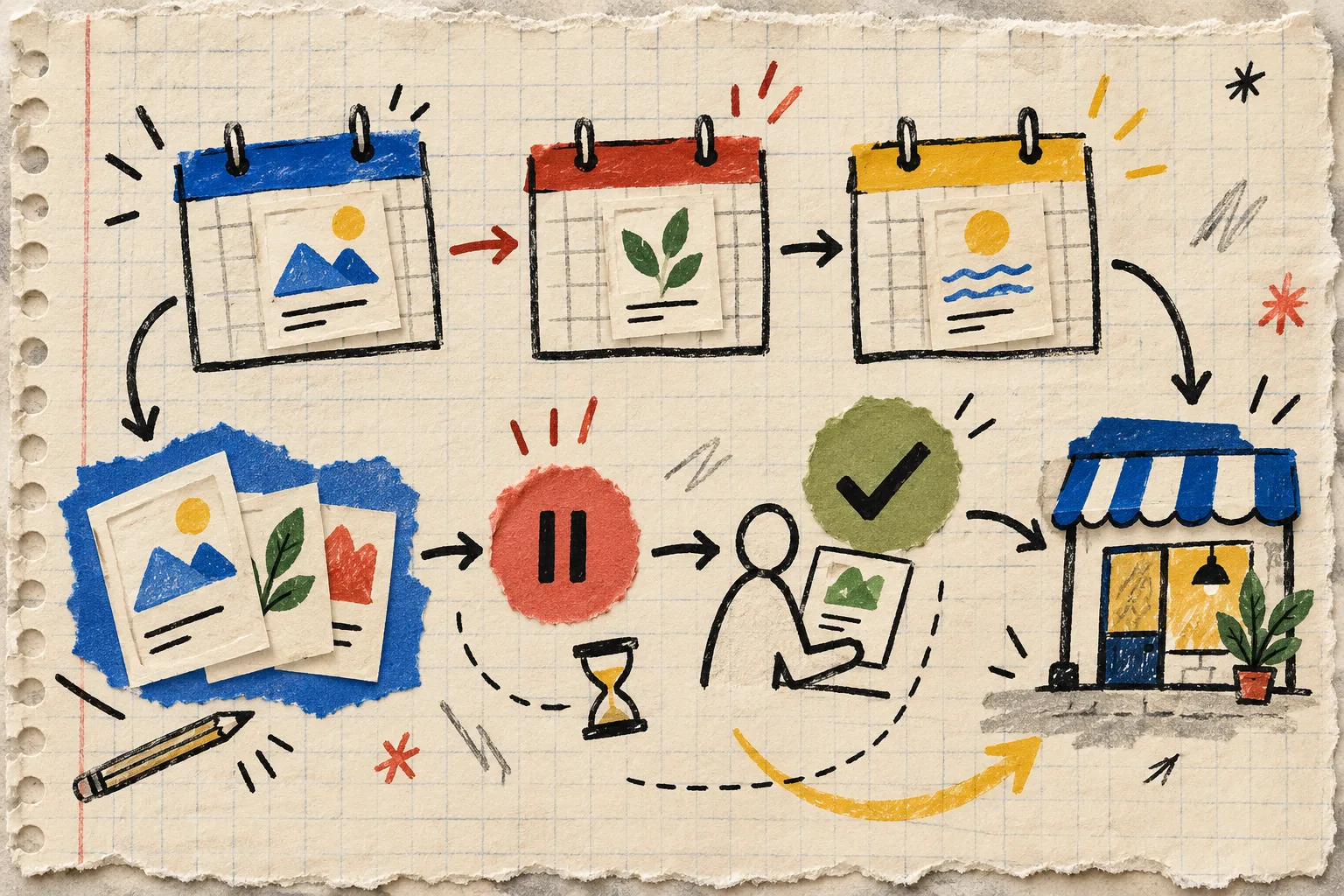
If your Shopify blog has been quiet, do not set up a daily automation this afternoon. Put 30 minutes on the calendar once a week. Gather the three piles, score five candidates, and ask the app for one draft from the strongest brief. Review it, publish it if it earns the right, and keep the notes that made it good.
Supra Blog Automation on the Shopify App Store has a free plan, so that first experiment does not need to become a major content initiative. Start with one customer question or one collection decision. A small, honest queue is the thing that makes ecommerce blog automation feel less like content production and more like store operations.