

A content freeze sounds tidy until someone asks, which version of that Webflow CMS page are we actually freezing? On a small ecommerce team, that question has a way of arriving two hours before a campaign handoff. The designer has made one last tweak, the merchandiser has changed a collection description, and the person reviewing the launch is clicking through a live site that will keep moving until the minute it should not.
I now make a static review pack before the freeze. It is not a replacement for Webflow, and it is not a dramatic migration project. It is a concrete, reviewable copy of the pages and assets we expect to stand behind: a small surface area where people can check what shoppers will actually encounter without accidentally changing the source site.
The pack solves a review problem, not a hosting problem
A Webflow CMS site can be a moving target. Collection templates, individual CMS routes, images, custom code, and redirects are all connected. A live-page review is useful, but it is too easy to confuse “looks fine right now” with “we have captured the release we agreed to.”
The review pack gives me a named snapshot and a short test list. It is especially useful when a seasonal collection, editorial hub, or campaign landing page needs sign-off while routine content work continues elsewhere. I borrowed the discipline from the static deployment rehearsal I run before moving a domain: isolate the thing you are about to trust, then test it as a system.
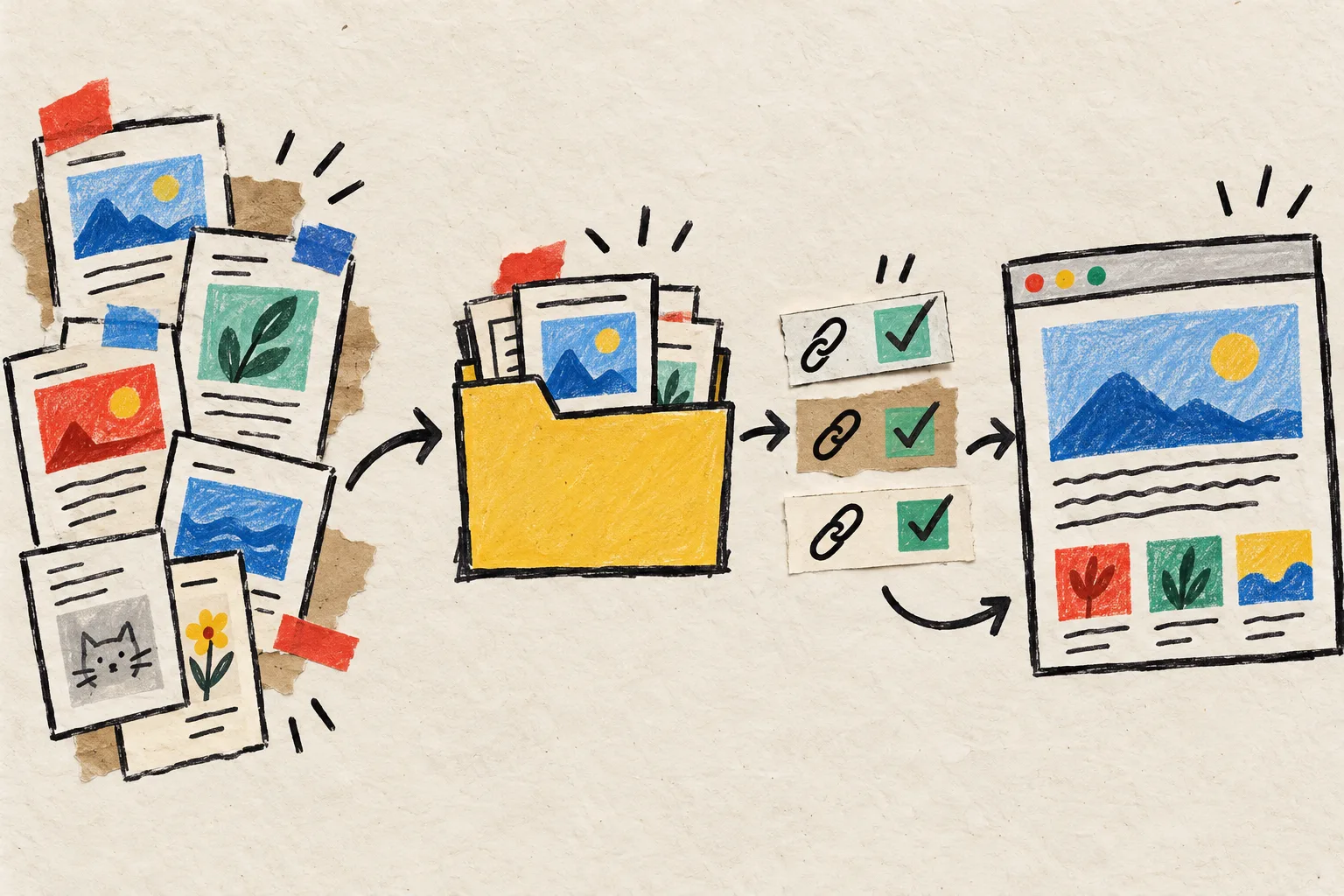
My small Webflow CMS review-pack workflow
1. Draw the release boundary first
Before exporting anything, I write down the pages that belong in the review: homepage, campaign page, collection or category pages, priority product pages, the CMS list route, a few representative CMS detail pages, and the legal or shipping pages linked from the footer. I also note every form, outbound CTA, embed, redirect, and gated area that cannot be judged just by looking at a page.
The useful question is not “can we export the whole site?” It is “what must still work for this launch to be truthful and usable?” That prevents a giant, unreviewed archive from masquerading as a release artifact. If the work is a redesign rather than a launch, my Webflow staging-copy notes are the companion move: keep a stable baseline before the next set of changes begins.
2. Export the published Webflow site into a static copy
For this step, I use ExFlow’s Webflow exporter. I give it the published URL, then export the pages, CSS, JavaScript, images, media, and CMS pages into a downloadable static site. The point is not merely to save HTML. I want the assets and routes that make the reviewed experience resemble the published one. It is a narrower, release-oriented cousin of the rollback copy I keep before changing Webflow navigation.
A platform-aware exporter matters here because a Webflow site may involve CMS-driven routes, lazy-loaded media, interactions, and scripts that a generic downloader may not capture cleanly. I keep the exported copy in a clearly dated folder or Git branch, so “the review pack” is a specific artifact rather than a vague promise that somebody downloaded something.
3. Give reviewers a stable preview, not a ZIP file
A ZIP is a backup; it is not a friendly review surface. I put the exported copy on a temporary static preview or run it locally, then send one preview URL and one short checklist. A reviewer should be able to test the content hierarchy, imagery, navigation, and mobile layout without unpacking files or hunting for the correct homepage.
For a larger site, I choose a sample of CMS records deliberately: the newest item, an older item, one with a long title, one with an awkward image crop, and one with sparse content. Those are usually better test cases than five nearly identical entries.

The five checks I do before calling it frozen
- Routes and navigation. Open the key pages directly, click header and footer links, and confirm internal CMS detail pages do not fall into a 404.
- Assets and responsive layout. Check images, fonts, video, and the awkward mobile breakpoint—not only the desktop hero.
- Content completeness. Compare critical prices, dates, calls to action, collection copy, and the last few CMS entries with the agreed source.
- Behavioral edges. Note whether forms, checkout, search, embeds, or personalization are intentionally live-service features. A static export can preserve the page shell while those services still need their own launch plan.
- Metadata and redirects. Inspect titles, descriptions, canonical behavior, and redirect requirements before the pack becomes the basis for a move.
That fourth check is where I avoid magical thinking. A static copy is excellent for reviewing and preserving pages, but it does not turn a live checkout or third-party form into static functionality. The same distinction mattered when I tested a Squarespace static export for portability: page fidelity and service behavior are separate acceptance criteria.
Turn feedback into a freeze decision
I keep feedback in three buckets: fix before freeze, accept as known limitation, or remove from the release boundary. That prevents vague “looks good” replies from hiding a broken route or unowned form. Once the fixes are in, I regenerate the pack rather than patching the static copy by hand. The source site remains the source of truth; the review pack is evidence.

Then I save the final export with the checklist and sign-off note. If the next step is a hosted static version, ExFlow can also sync the output to Git, S3, or FTP, or serve it through ExFlow Hosting. The same approach works with its Squarespace exporter and Framer exporter, but I keep this Webflow workflow focused on CMS pages and their routes.
The next move
Before your next Webflow content freeze, pick one campaign or collection area and make a review pack for it. Export the published site with ExFlow for Webflow, preview the static result, and ask reviewers to approve a short list of routes and edge cases. It is a small operational habit, but it turns “we think that was the launch version” into something you can open, test, and hand over.