
A Startup Website-to-Video Map That Stops Feature-Dump Trailers
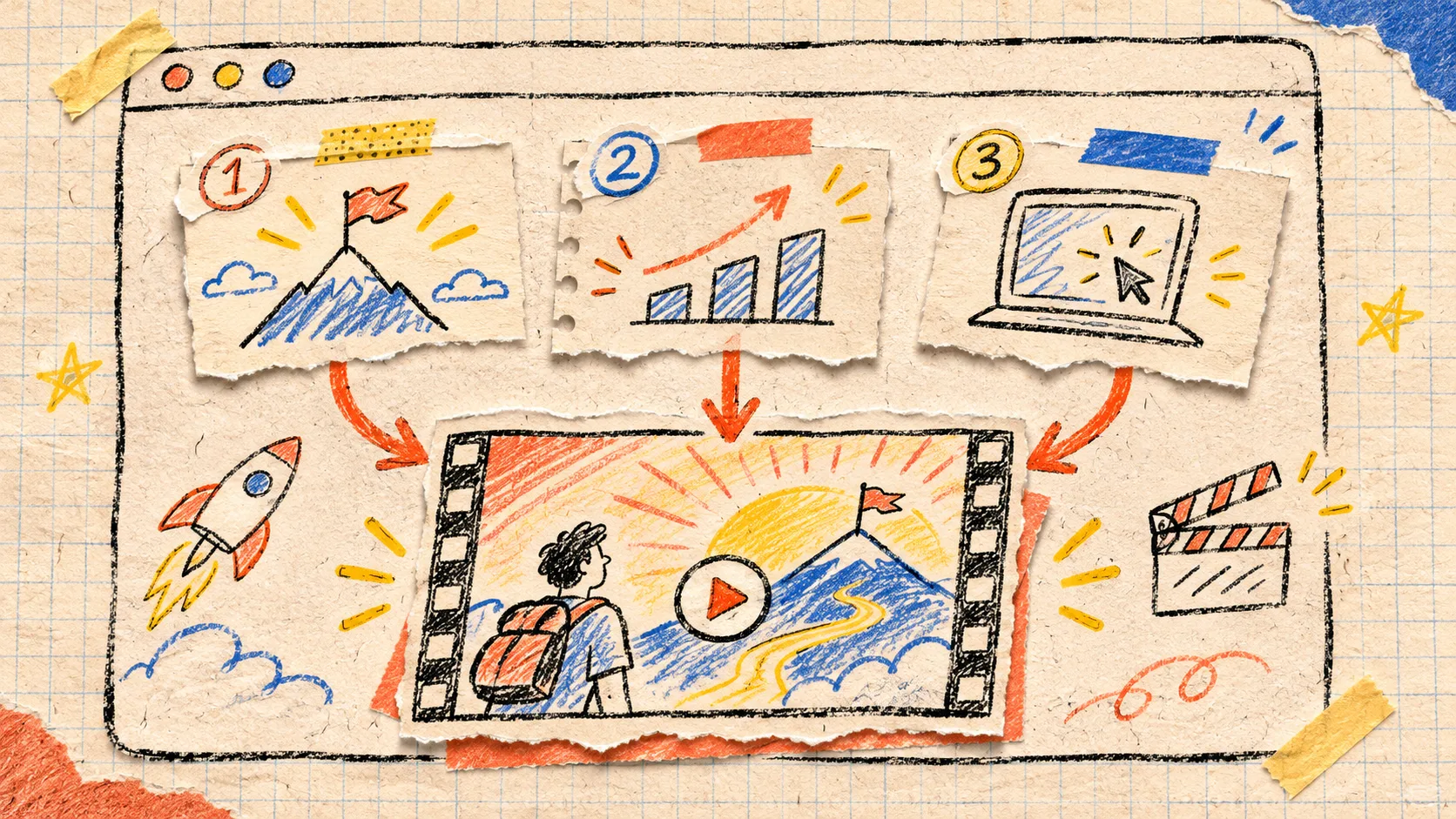
My useful rule for a startup launch trailer is this: do not turn the whole website into scenes. Pull three sources from the site—one promise, one proof point, and one product moment—then make those sources carry a single idea from first frame to last. The result is a shorter brief, a sharper first cut, and a much easier revision conversation.
That is why I like VideoFlow Studio for this job. It can start with a URL, develop a plan, render a motion-graphics film, and keep the work as an editable project rather than a stranded export. But the URL is source material, not a permission slip to include every headline, integration, and testimonial.
The three-source map I make before I generate anything
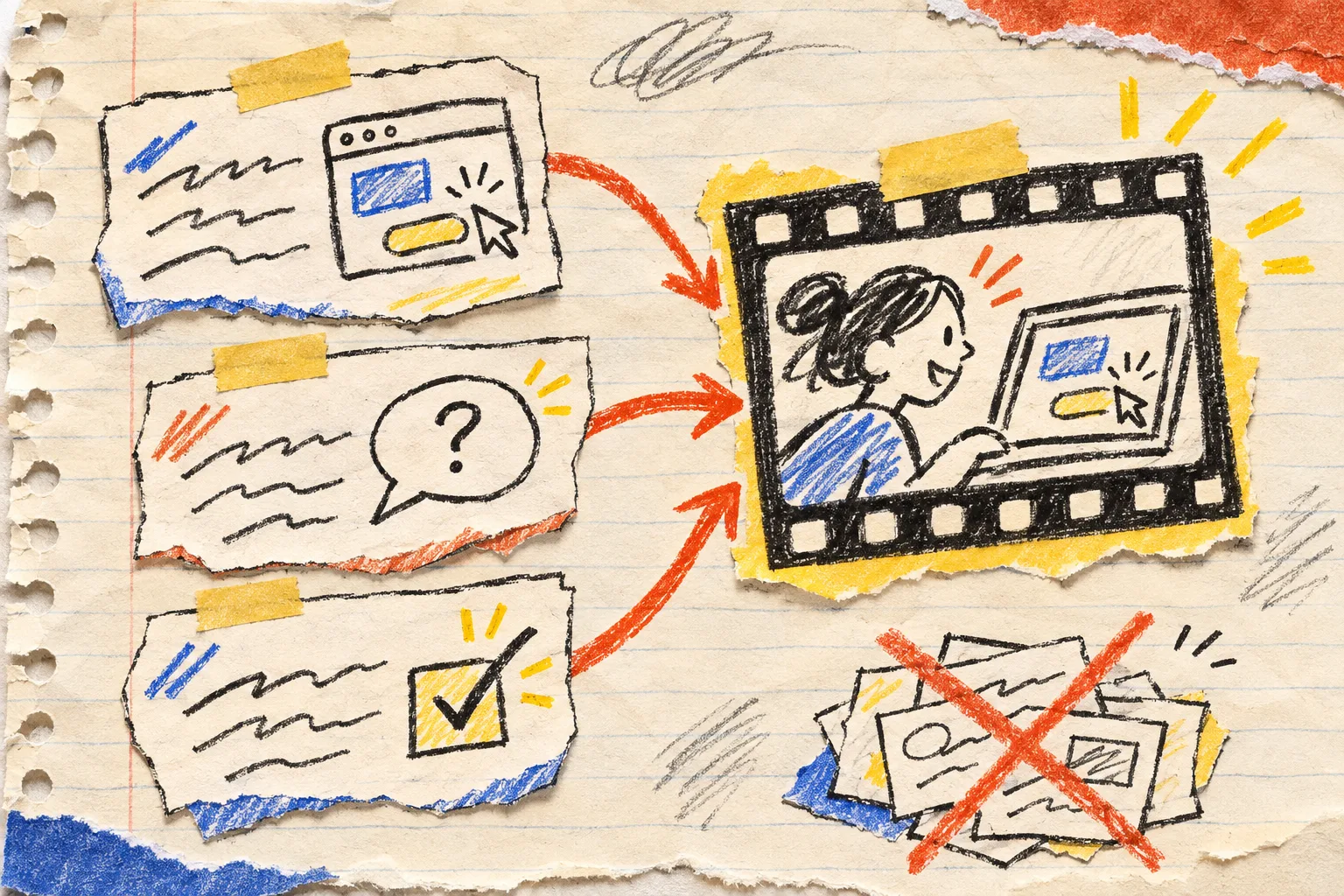
I make one small card with three slots. If a detail cannot earn one of these slots, it stays on the website.
| Source from the site | What I capture | What it becomes in the film |
|---|---|---|
| Promise | The plain-language outcome a visitor should remember | Opening tension and the closing line |
| Proof | One specific mechanism, customer-facing detail, or concrete capability | The middle scene’s reason to believe |
| Product moment | The visual action that makes the product recognisable | The carried object or on-screen demonstration |
For example, a scheduling tool might have a promise of reducing back-and-forth, proof in its routing rules, and a product moment where a meeting slot appears. That is enough for a 20–30 second spine. A pricing grid, every integration logo, and a second feature can wait for another asset.
This is deliberately narrower than the broader website evidence pack I use before generating a startup video. The evidence pack protects accuracy. The three-source map makes a decision about emphasis. You need both, but they solve different problems.
Pick one carried object
The map works best when the three slots connect through one thing the viewer can follow: a ticket moving across a board, a product card being completed, a calendar slot locking in, or a small package moving from checkout to dispatch.
I write this as one sentence: “The film follows [object] from [problem] to [outcome].” If I cannot write that sentence, I have a list of scenes rather than a story.
That sentence also prevents a familiar launch-video mistake: treating the opening as brand mood, the middle as a UI tour, and the end as an unrelated CTA. A carried object gives every cut a job. It is not decoration; it is the continuity test.
Turn the map into a three-scene brief
Here is the version I would hand to an agent or keep beside the terminal:
Viewer: founder evaluating a simpler support workflow
One idea: one request should not disappear between inboxes
Carried object: a support ticket

Scene 1 — Promise
A ticket lands in a messy queue; the customer problem is visible.

Scene 2 — Proof
The ticket is routed through the product's actual differentiator.

Scene 3 — Product moment + outcome
The ticket reaches a resolved state; hold the product view and CTA.

Exclude: unrelated integrations, feature lists, generic AI imagery.
The important bit is the exclusion line. Every launch page has surplus material. Naming what stays out gives the first render a constraint instead of asking it to make a prettier summary of everything.
Review the first cut with three yes-or-no questions
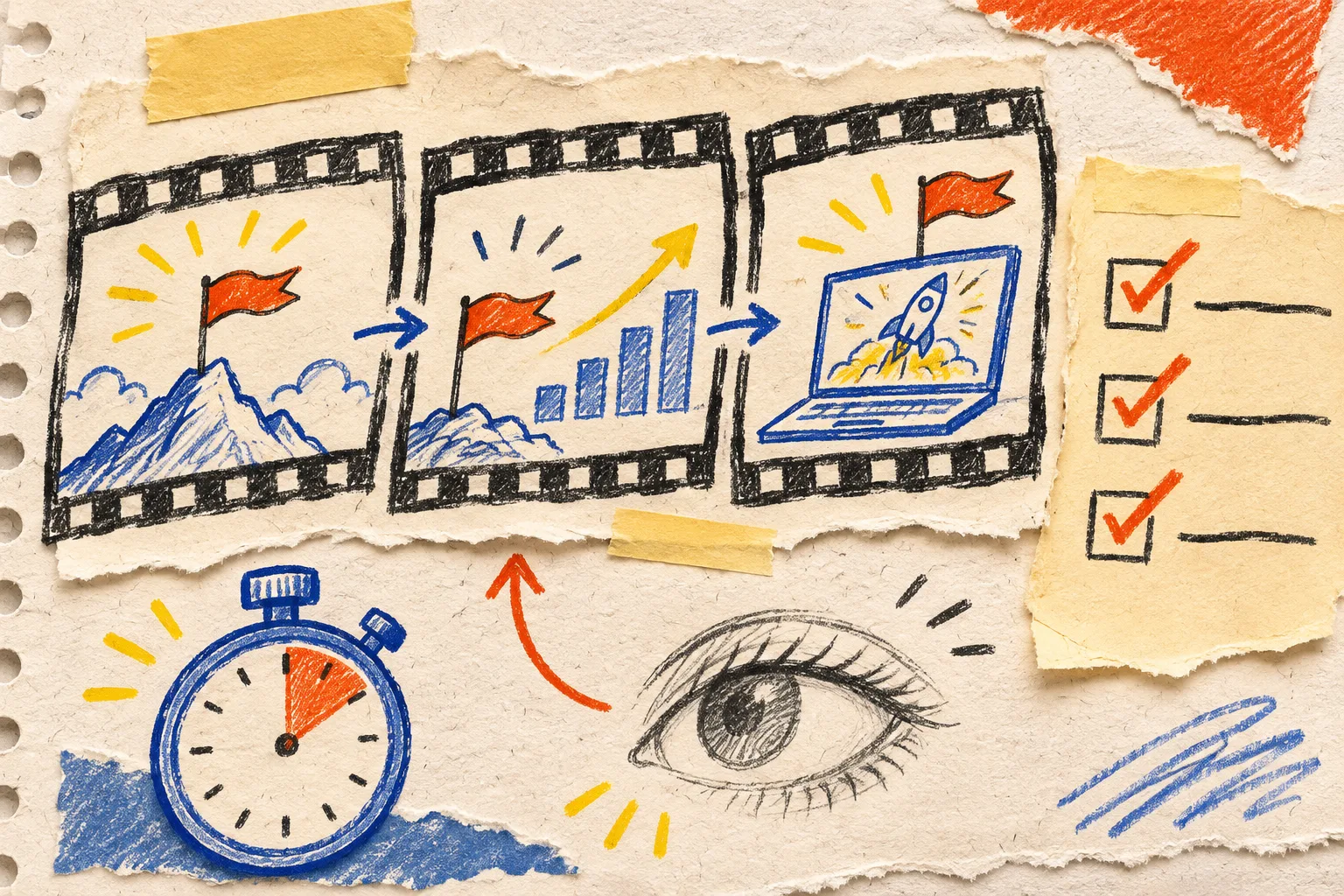
Once there is a cut, I do not begin with “make it punchier.” I ask:
- Could a viewer retell the promise after the first scene? If not, reduce competing words or symbols.
- Does the proof change what we believe? If it merely repeats the headline, swap in the mechanism or product interaction.
- Does the product moment complete the carried object? If the final UI is interchangeable with another company, the site-specific material has not made it into the scene.
That makes feedback bounded. It also complements the message–proof–cut review card: that card checks whether a handoff is defensible; this map makes sure the source site produces one coherent film before the handoff begins.
Keep the revision attached to the editable project
The other reason to use a map is that it makes changes survivable. “Bring the proof forward” is a precise instruction when everyone knows which proof card exists. “Make it clearer” is not.
Studio’s public workflow says the terminal and hosted paths end in the same editable project and browser editor; you can ask for a change in plain language or manually retime layers, cuts, colours, and text. Its underlying open-source VideoFlow engine is separate from Studio: the engine is the developer rendering stack, while Studio is the agent-led URL-to-film workflow. That distinction matters when choosing a tool. A developer building a reusable video application may want the engine directly; a founder needing a reviewable first trailer may want Studio’s directed workflow.

For a revision pass, I keep a tiny change log with only three columns: scene, evidence, change. “Scene 2 / routing rule from product page / show the assignment before the status update” is actionable. This builds on the launch-video change log without turning the log into the creative brief.
A five-minute pre-render check
Before I run a render, I check:
- One viewer and one decision are named.
- The promise is supported by a real page, not invented copy.
- One proof point can be shown or explained honestly.
- One product moment is visually distinct.
- Every extra feature has been consciously excluded.
- The final scene has a clear next action.
If I can tick those six boxes, I am ready to point Studio at the URL. If I cannot, I do not need more rendering power; I need a smaller claim.
Start with VideoFlow Studio when you want the URL-to-film path, then give it the three-source map instead of the entire marketing site. You will have a better first cut to review—and, crucially, an editable project worth revising.