

Shopify Blog Automation Needs a Five-Card Content Brief
My rule for recurring Shopify blog posts is plain: automate the repeatable assembly, not the decision about what the store is willing to say. A five-card brief gives an automation enough context to make a useful draft or safe publish decision—while reserving claims, prices, launches, and sensitive product details for human review.
That is why I like Supra Blog Automation as the production layer, not as a substitute for editorial judgment. It can generate a post on demand or on a daily, weekly, or monthly schedule, with product context, internal links, and image-source controls. The useful work happens one step earlier: deciding what goes into the brief.

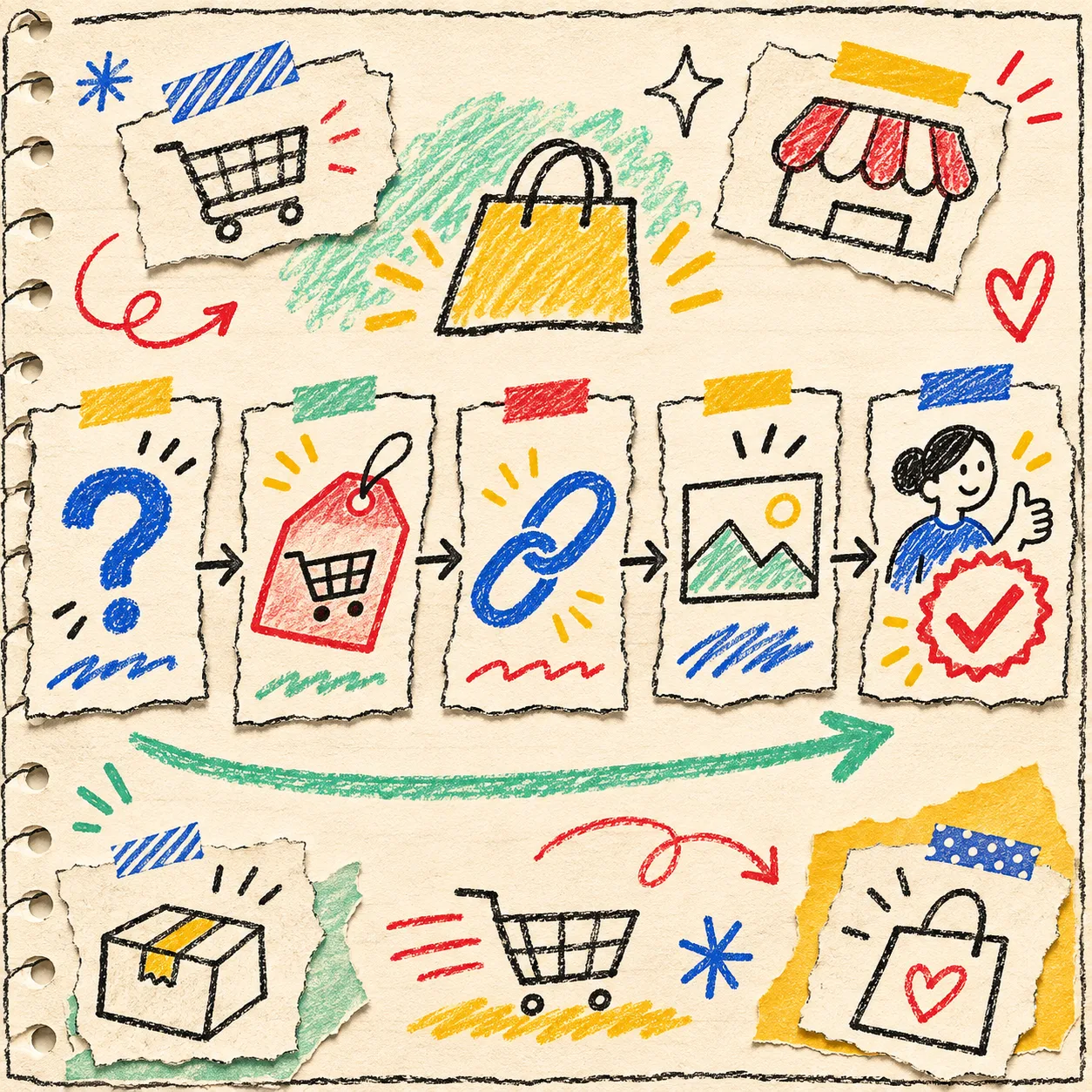
The five cards I put beside every recurring post
I write these in a shared note, a task card, or the app’s instructions. They are deliberately small; a sprawling strategy deck is not an automation input.
| Card | Write down | Why it changes the draft |
|---|---|---|
| Reader question | One specific question a shopper or operator would search | Stops a broad, generic article |
| Product or collection | The real item, collection, and one accurate benefit | Makes promotion relevant instead of bolted on |
| Proof boundary | Claims, dates, prices, medical/legal advice, or inventory facts that need review | Keeps a generated draft from sounding more certain than the store is |
| Link destination | One collection, product, guide, or policy that genuinely helps next | Gives internal linking a job, not a quota |
| Publish lane | draft, review, or auto-publish |
Separates low-risk evergreen work from time-sensitive copy |
The first card is the most important. “Write about our summer collection” is a theme, not a reader job. “How should I choose a lightweight travel layer for humid weather?” is something a post can actually answer. If the topic cannot fit on one card, split the automation into smaller topics instead of asking one article to carry the whole catalog.
Card one: turn support questions into a narrow search task
Start with the wording that keeps appearing in pre-purchase chat, returns, product reviews, or sales calls. The question should be answerable without pretending the store is the only option. A guide to materials, fit, care, compatibility, or choosing among product types is usually stronger than a post that starts with “why our brand is great.”
This is the same move I use when I make Shopify size and fit details easier to scan: name the decision first, then make the product evidence useful. The app’s focused-topic and product-promotion settings are more valuable when the question is already narrow.
Card two and three: add product truth, then draw the red line
The product card gets only verified facts from the catalog or a maintained source: material, compatible model, care instruction, included accessory, or collection relationship. It should never contain a wishful claim like “best,” “guaranteed,” or “will fix.”
Then I add the proof boundary. This is my little red pen around automation. A post can safely explain a durable product category, but a sale price, stock position, shipping promise, regulated claim, or just-launched feature needs a current check. If the answer depends on today’s inventory or a customer’s individual circumstances, send it to draft or review.
That boundary is not a defect in the workflow. Supra explicitly supports publishing immediately or saving a post as a draft, so review is a real lane rather than a manual workaround.
Card four: make every internal link earn its click
Internal links work best when they complete the reader’s next step. A material-care article can link to the relevant collection and care page; a comparison can link to a category filter; a buying guide can link to the specific product type it helps choose. Do not use the same collection link in every post just because it is available.
For a quick audit, I borrow the same principle from a three-product Shopify size-chart sample: test a representative obvious match, a boundary case, and the mobile path. Here, that means checking one product link, one informational link, and the article on a phone before the recurring workflow gets a wider lane.
Card five: choose the publish lane before the schedule
A schedule is a delivery mechanism, not a quality setting. I use this simple routing rule:
- Auto-publish: evergreen, low-risk education with stable product facts and a previously tested structure.
- Review: articles that name current products, use comparisons, include a promotion, or introduce a new topic pattern.
- Draft: seasonal campaigns, price-sensitive pages, compliance-adjacent topics, launches, or anything that needs a current source.
This keeps recurring publishing from becoming “set it and forget it.” It becomes a queue with known rules. The app can accommodate the cadence; the brief decides the level of trust.
My ten-minute preflight before turning it on
Before I schedule a series, I make one representative post and check five things:
- Does the opening answer the reader question in two sentences?
- Is every product detail in the post still true in the catalog?
- Does the link lead to a page that helps the reader decide or act?
- Is the visual source appropriate—real product photography when recognition matters, generated or stock context when it does not?
- Does the publish lane match the risk of being wrong this week?
That last check has saved me from treating “automatic” as “unsupervised.” It is the content equivalent of a small-batch QR-code QA check: test the real output in the place a customer will encounter it.

Build one brief, then let the workflow carry it
Supra Blog Automation can handle the repetitive mechanics—topic generation, product-aware copy, internal links, visuals, and scheduled publishing—without requiring a merchant to assemble every post by hand. Its product page also makes room for AI-generated, stock, or product images, so the visual choice can live in the same brief instead of becoming a last-minute scramble.
Start with one collection and three evergreen questions. Make the five cards for each, generate them as drafts, and keep only the versions that would help even a reader who never buys today. Once that pattern survives review, move the safest topics into a recurring schedule. That is a much sturdier version of Shopify blog automation than hoping a blank prompt will grow a content strategy.