
Shopify Package Insert QR Codes: A Small-Batch QA Checklist
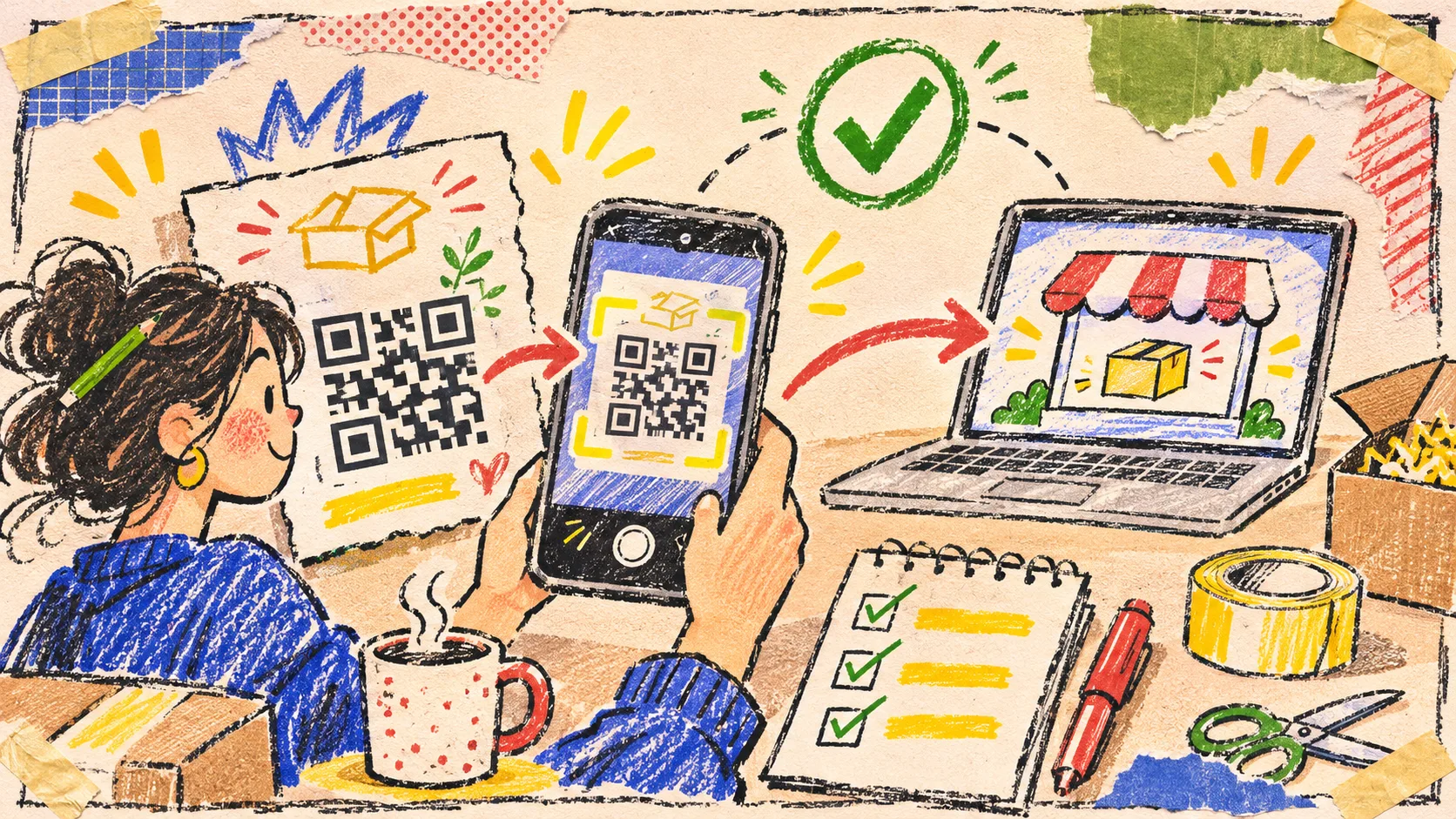
I like a package insert that does one useful thing: it gives a customer an easy next step after the box is open. But I do not treat a QR code as done when the designer exports it. A small printed sample, scanned with a real phone in ordinary light, catches the expensive mistakes before a Shopify print run.
The short version: choose one destination that helps the person holding the package, generate the code from the final URL, then test the physical sample for scan reliability and the actual page it opens. The free QR Code Generator and QR Code Scanner give me a quick browser-based loop without creating another account or sending the test image to a random converter.
Start with the post-unboxing job
A QR code is not a tiny billboard. It is a shortcut, and shortcuts need a destination that earns the scan. Before I make one, I write a one-line promise beside the mockup: *after scanning, the customer can __. * That blank keeps us from pointing everybody at the homepage because it is convenient for us.
| If the customer needs… | Send the code to… | Do not send them to… |
|---|---|---|
| Help using the item | a concise care or setup page | a category page full of unrelated products |
| A reason to come back | a reorder page with the exact collection or subscription path | a generic campaign landing page |
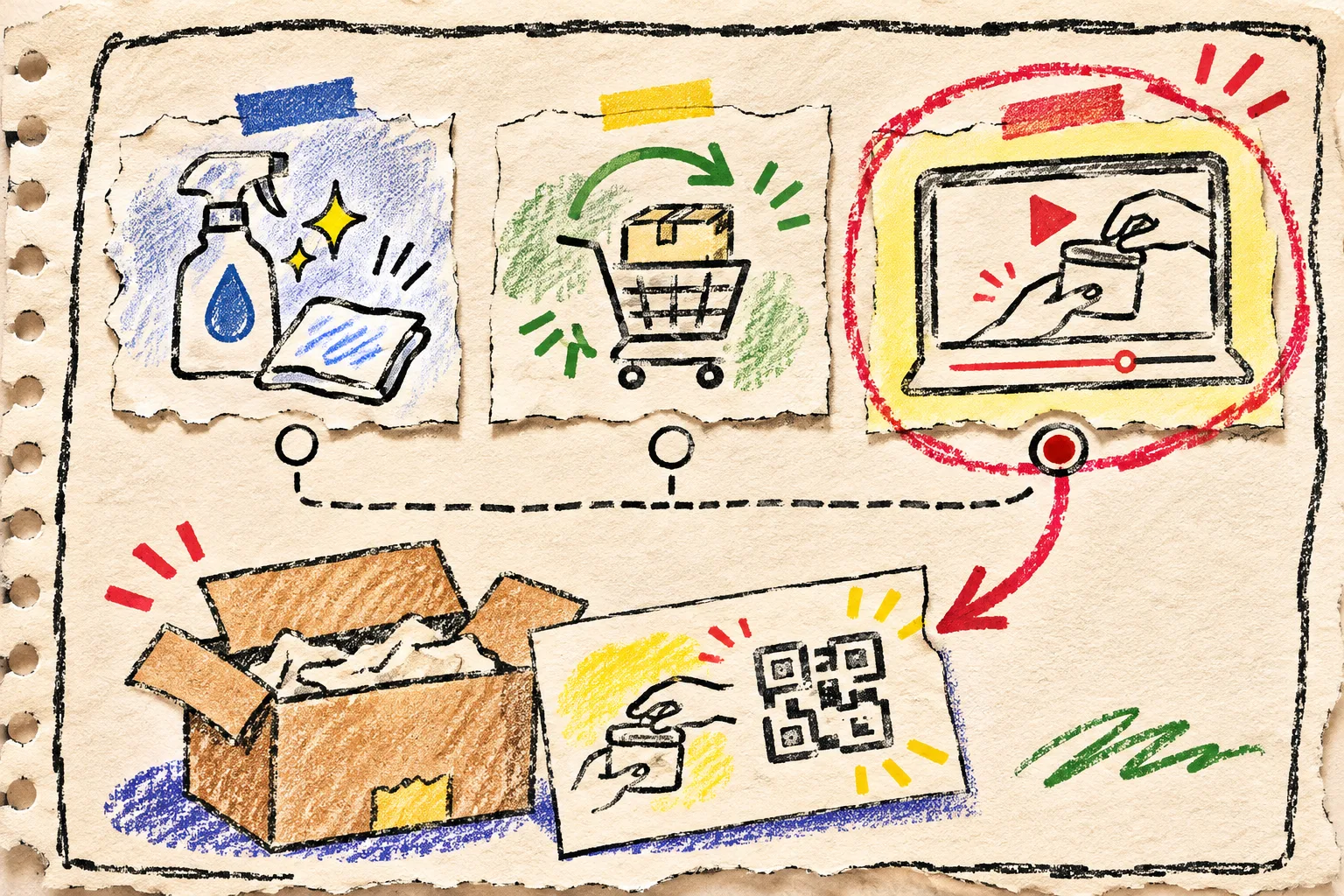
| Extra confidence | a short how-to video or FAQ for that product | a video library that makes them search again |
| An offer | one page that explains the offer and its expiry | a redirect chain or a bare discount code with no context |
That choice is the difference between a useful insert and a mystery link. It is also consistent with the same small-release thinking I use when a promotion needs a two-minute contrast check: test the thing the customer will actually encounter, not just the source file.
Generate from the final destination, not a draft
Once the page is ready, I copy its full HTTPS URL into Tiny Online Tools’ QR Code Generator. The tool accepts text or URLs and offers error-correction choices; its guidance notes that higher levels trade a denser code for more tolerance of damage. That makes the setting a packaging decision, not decoration.
My working rule is simple:
- Use a short, stable destination. If you use a campaign URL, make the redirect behavior part of the test.
- Leave a quiet border around the code. Do not let a busy pattern, a fold, or a coupon edge crowd it.
- Keep the generated code as a source asset. A screenshot copied through three design files is difficult to audit later.
- Put human-readable help nearby, such as a short instruction and a fallback URL, if the insert has room. A customer should not lose the next step because their camera is unavailable.
This is deliberately different from preparing a barcode for warehouse use. A package-insert QR code has to lead a person somewhere helpful, which is why the URL itself deserves the same attention as the printed square.
Run a small physical test, not a desk-preview test
The check I trust is a handful of inserts printed at the same scale and on the same stock planned for the run. I scan each one with my own phone, then ask one other person to scan one without being told where it should lead. I want the test to reveal whether the next step is obvious.
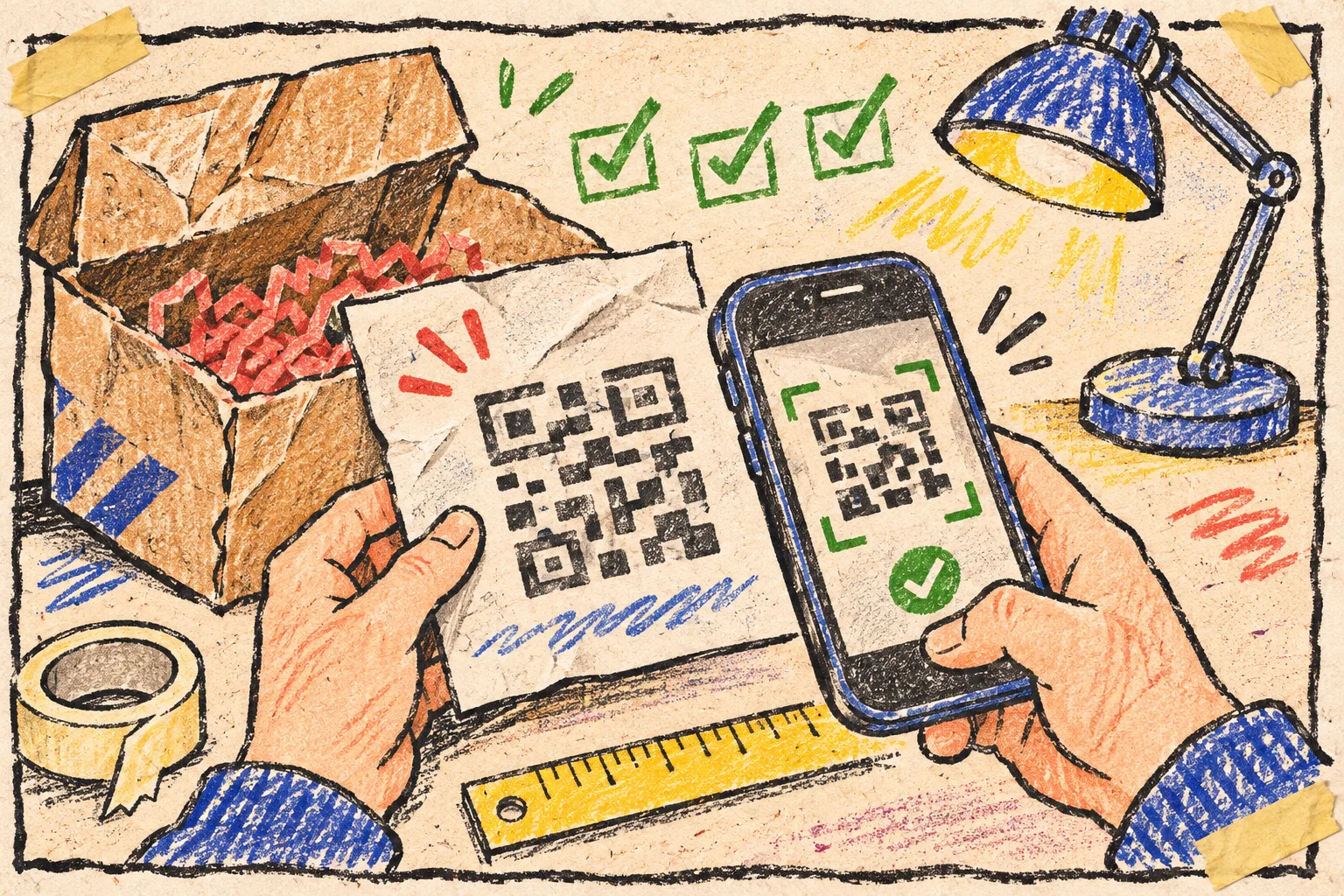
Here is the card I keep beside the printer:
- Distance: Scan from the distance a customer would naturally hold the insert.
- Light: Try normal desk light and the less-kind light near a packing table.
- Damage: Fold or lightly cover a corner only on a disposable sample. If the design has no tolerance for ordinary scuffs, revise it.
- Destination: Confirm the decoded address is exactly the intended HTTPS URL. The QR Code Scanner can read from a camera or an image, which is handy for a phone photo of the print.
- Landing page: Open the result on mobile. Check the headline, product relevance, and whether the next action is visible without an awkward hunt.
Notice that scan success is only the middle of the test. A code can decode perfectly and still drop someone on an expired page, an unhelpful homepage, or a mobile page whose main action is hidden below a popup.
Make the release decision boring
When a package insert is in the print queue, I want a boring yes/no decision, not a debate based on how tidy the proof looks. This is the four-part release gate:
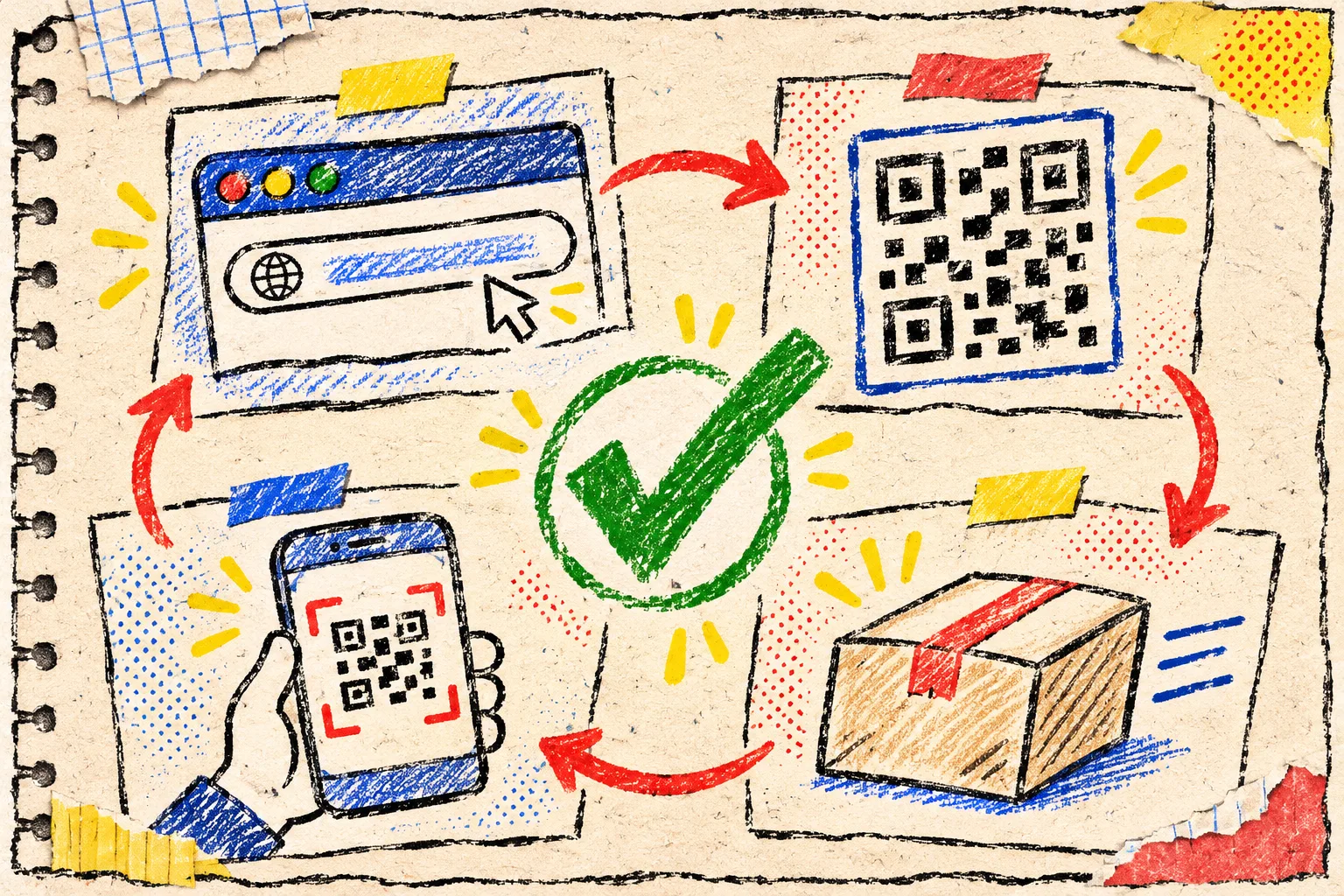
- Right: the scanner returns the exact planned URL.
- Readable: two devices scan the printed sample in routine conditions.
- Relevant: the mobile destination answers the promise made on the insert.
- Recoverable: someone can still reach the destination with the printed fallback if scanning fails.
If any one is false, I stop the print run and fix the smallest broken link in the chain. This habit borrows from other unglamorous operations checks: I inspect product-photo metadata before an asset leaves my laptop, and I use a three-product sample to catch size-chart mistakes. The smallest realistic sample usually tells me more than a long internal discussion.
Keep the QR workflow private and repeatable
For a one-off test, I prefer a narrow browser tool over signing into another marketing platform. Tiny Online Tools says its generator and scanner run locally in the browser, and the scanner can work from either a camera or an image. That is a good fit for proofs that might contain a not-yet-public campaign URL or a customer-specific package mockup.
Save three things with the print project: the source URL, the exported code, and a photo of the approved printed sample. It turns a later reprint into a repeatable check instead of detective work. The same principle helped when I cleaned supplier CSVs before they became Shopify problems: preserve the small source-of-truth artifact before the handoff multiplies it.
The next time you add a QR code to a Shopify package insert, do not start in the design file. Start by naming the one useful thing the customer should get after scanning, then make one physical sample and run the four checks. It takes minutes, and it is much cheaper than discovering a broken bridge after the boxes are already moving.