
A Shopify Product Photo Role Card for More Useful AI Images
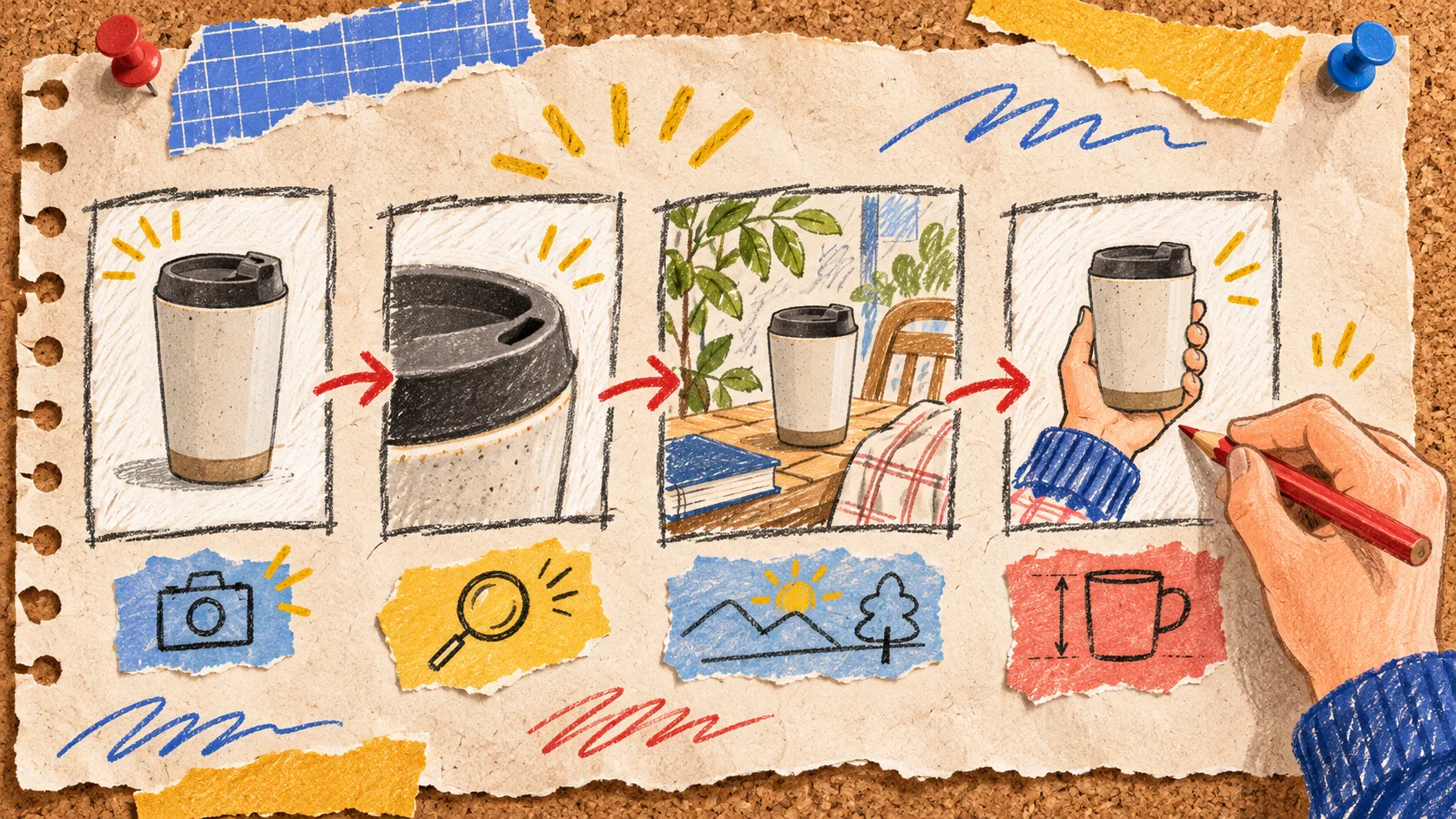
My notebook had a familiar failure in it: one SKU, six attractive AI images, and no clear reason to use any particular one. The fix is to assign every Shopify product image a buyer-question role before generating it. Start with proof, then add only the detail, context, or scale image that answers the next unanswered question. That keeps a gallery useful instead of merely busy.
I use this little role card when working from a clean source photo in Supra AI Photo Studio. The app offers background work, enhancement, lifestyle scenes, on-model images, and short video features; that range is precisely why a simple brief matters. More generation options should not mean more interchangeable visuals.
The four roles on my card
| Role | Buyer question | What must stay dependable | When to skip it |
|---|---|---|---|
| Proof | What exactly am I buying? | silhouette, colour, material, included parts | Never for a physical product |
| Detail | What would I inspect in my hand? | texture, closure, seams, ports, label | When the proof shot already makes the differentiator obvious |
| Context | Where or how would I use it? | plausible scale and function | When the scene hides the product |
| Scale | How big is it relative to me or my space? | measurements and proportions | When a reliable size graphic does the job better |
The order matters. A lifestyle scene can earn attention, but it should not become the only evidence of the product. Shopify notes that product images appear across sales channels and recommends consistent aspect ratios for images displayed side by side on collection pages. That is a useful operational reason to keep the proof image simple and consistent, even if later gallery images get more expressive.

Start with one source image and one non-negotiables line
Before prompting, I write a single line under the source image: keep the bottle shape, cap finish, label placement, and pale green colour true. For apparel, it might be fit, sleeve length, fabric pattern, and closure. This is not a magical accuracy guarantee; it is a review contract.
Supra’s own getting-started guidance recommends isolating a product before using tools such as virtual try-on or object placement, and beginning with a clear, high-quality image. I treat that as setup, not a reason to trust every output automatically. Generate from the cleanest source available, retain it, and compare each candidate against it at the edges and the distinctive details.
A useful prompt has two pieces:
Role: context image for a 500 ml insulated bottle
Keep true: matte pale-green body, black loop cap, 24 cm height
Scene: morning desk beside a notebook; bottle unobstructed; natural window light
Do not add: logos, extra accessories, altered lid, condensation, text
That last line prevents a common failure: a persuasive setting that quietly invents a feature. If you need a more thorough release check after generating, this three-image product-photo gate is a good companion. My role card happens earlier: it decides what to ask for in the first place.
Work the card on a single SKU first
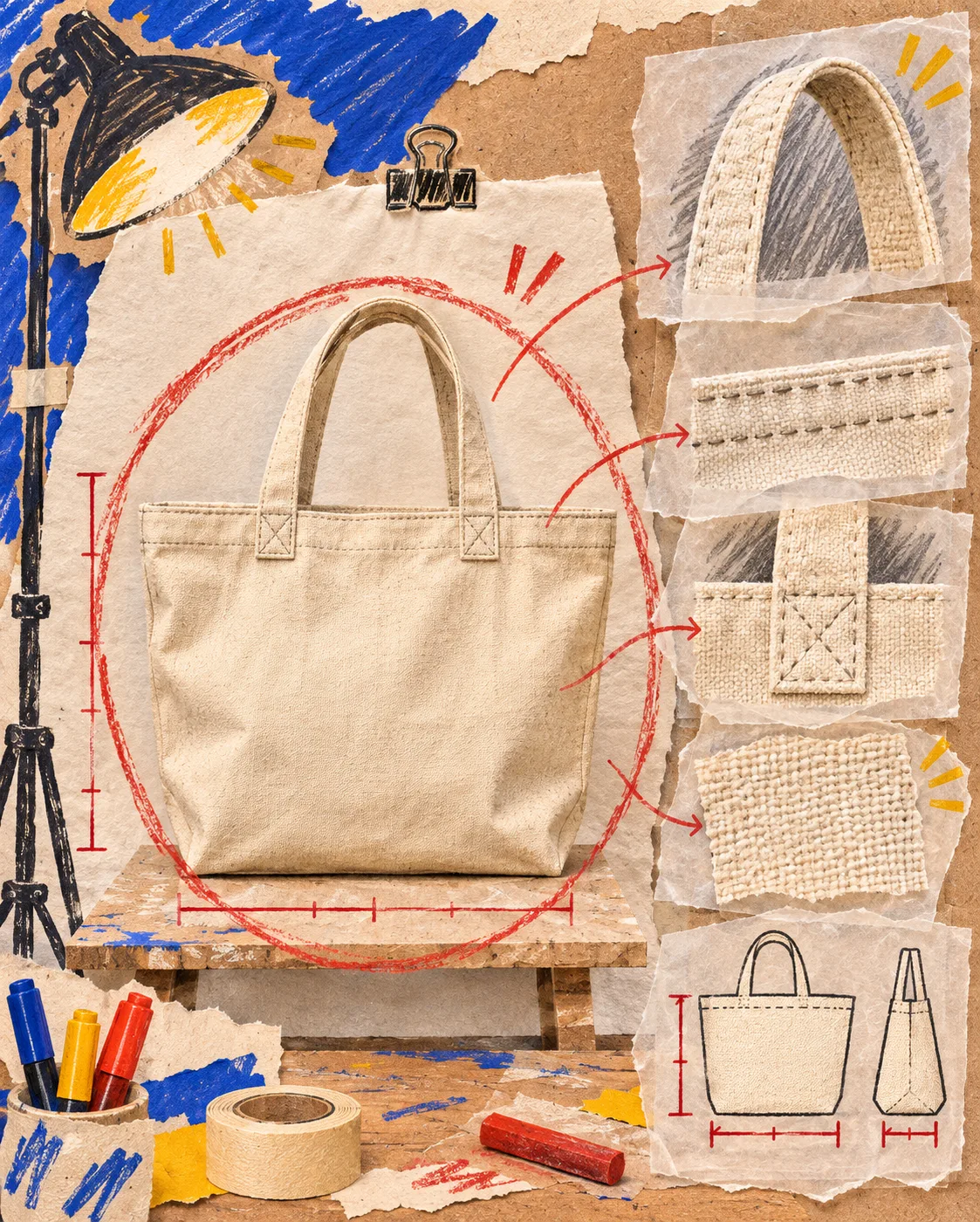
Here is the smallest useful test I ran on paper for a linen tote. I did not replace its gallery all at once. I made four candidates, each with one job.
- Proof: a front-facing isolated tote on a neutral backdrop. It establishes colour, handles, pockets, and the actual silhouette.
- Detail: a close crop of the inside pocket and stitching. It gives the shopper a reason to believe the construction claim.
- Context: the tote next to a notebook and groceries on a hallway bench. It demonstrates use without covering the bag.
- Scale: the tote carried at a person’s side, checked against the stated dimensions before it goes live.
At each step I ask one blunt question: does this image answer its role better than the proof image? If not, it is a duplicate, even when it looks lovely. This also gives a clean handoff to the person managing product content. The same question-based thinking helps when mapping product questions into reusable tabs: the gallery should answer visual questions, while a tab can carry care, shipping, or compatibility detail.
Use a small truth check for AI lifestyle scenes
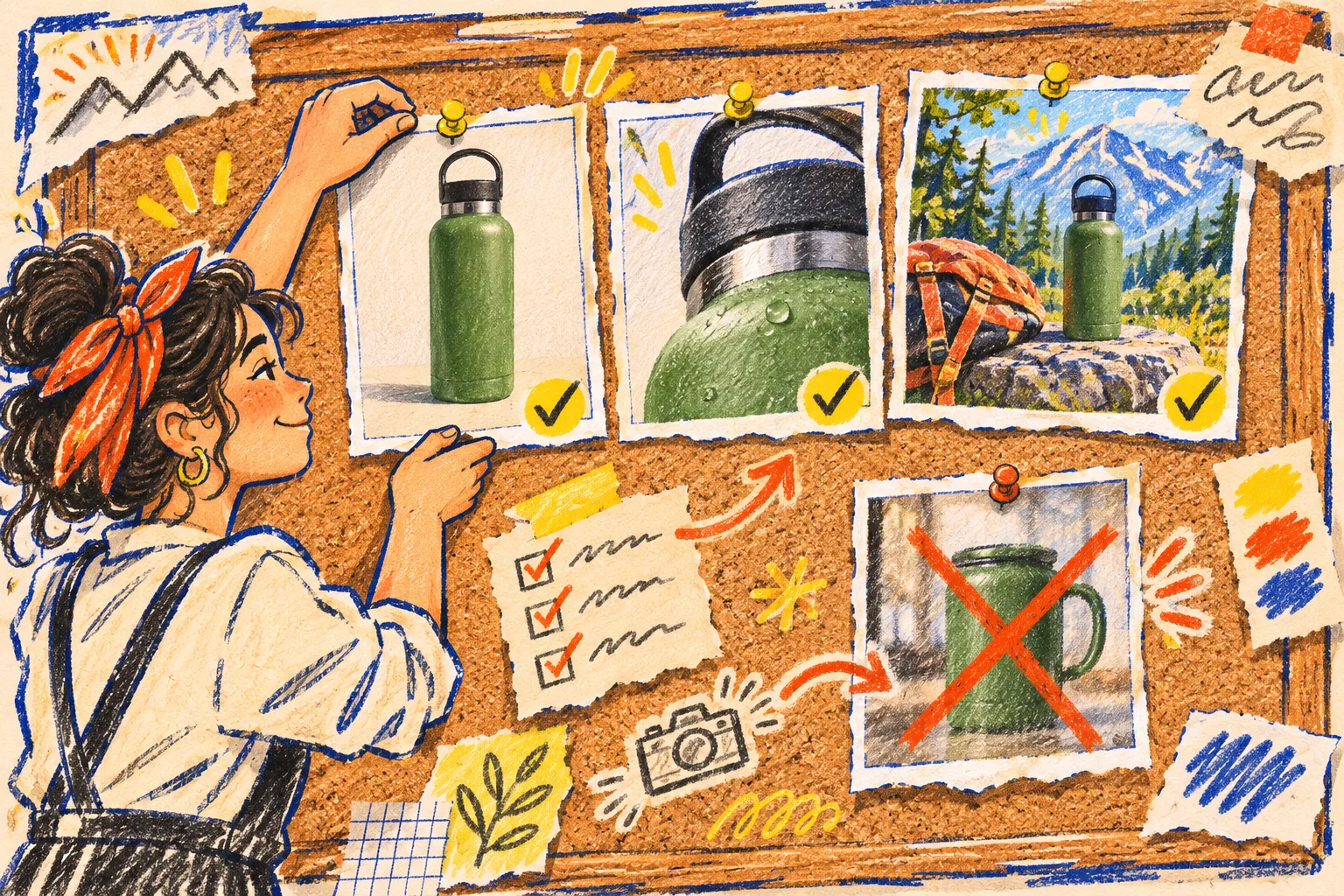
Context is the role most likely to overpromise. I check it with three quick marks before publishing:
- Identity: would a shopper recognize the same product from the proof shot?
- Function: does the scene show a plausible use, rather than an invented capability?
- Proportion: do people, surfaces, and nearby objects make the product look its real size?
If any mark fails, I demote the image to an ad experiment or regenerate it; I do not use it as product-page evidence. That boundary is especially important for fashion try-on, which can help show styling but still needs a dependable product view. For a fuller treatment of product fidelity after edits, this background-removal review workflow adds useful edge, colour, identifier, and shadow checks.
Shopify supports product images up to 5000 × 5000 pixels or 25 megapixels and under 20 MB, with PNG and JPEG among the recommended common formats. Those are upload constraints, not a quality verdict. Preview the image on the actual product template and collection grid; a technically valid square can still crop a handle, a label, or the very detail the role was meant to show.
Publish the smallest complete sequence
For most simple products, I start with proof plus one additional role. Add detail when construction drives the decision; add context when use is hard to picture; add scale when dimensions are the purchase blocker. A complex product may deserve all four, but a four-image plan is not a quota.
This is also a useful way to spend an AI-image allowance deliberately. The current Supra AI Photo Studio listing describes image-generation plans and product-photo tools including background removal, enhancement, lifestyle scenes, and fashion try-on. Use a small batch to test one role at a time, preserve the winning source and prompt, then roll the pattern through the relevant product family. If the aim is a campaign rather than the product page, a separate UGC scene card keeps that creative job from blurring into catalog evidence.
Put the role card beside the source file
My final field-note rule is boring but effective: save the source, the chosen output, the role, and the non-negotiables together. When the packaging or colour changes, you know exactly which images need another look.
Try this on one product today: write down the buyer question your current lead image answers, then name the one unanswered visual question worth generating next. Install Supra AI Photo Studio if its editor suits that workflow, but keep the role card in charge of the decision.