
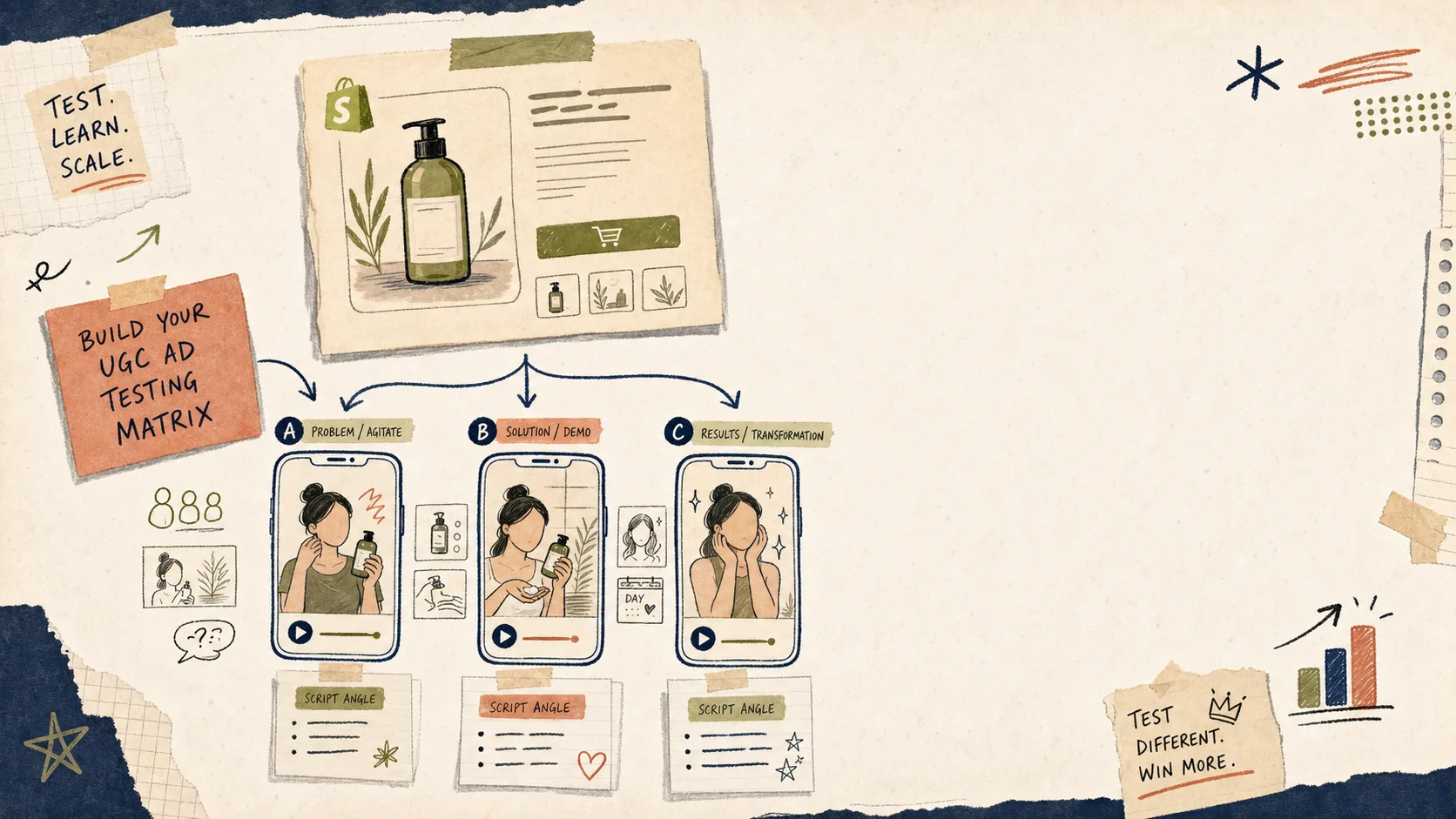
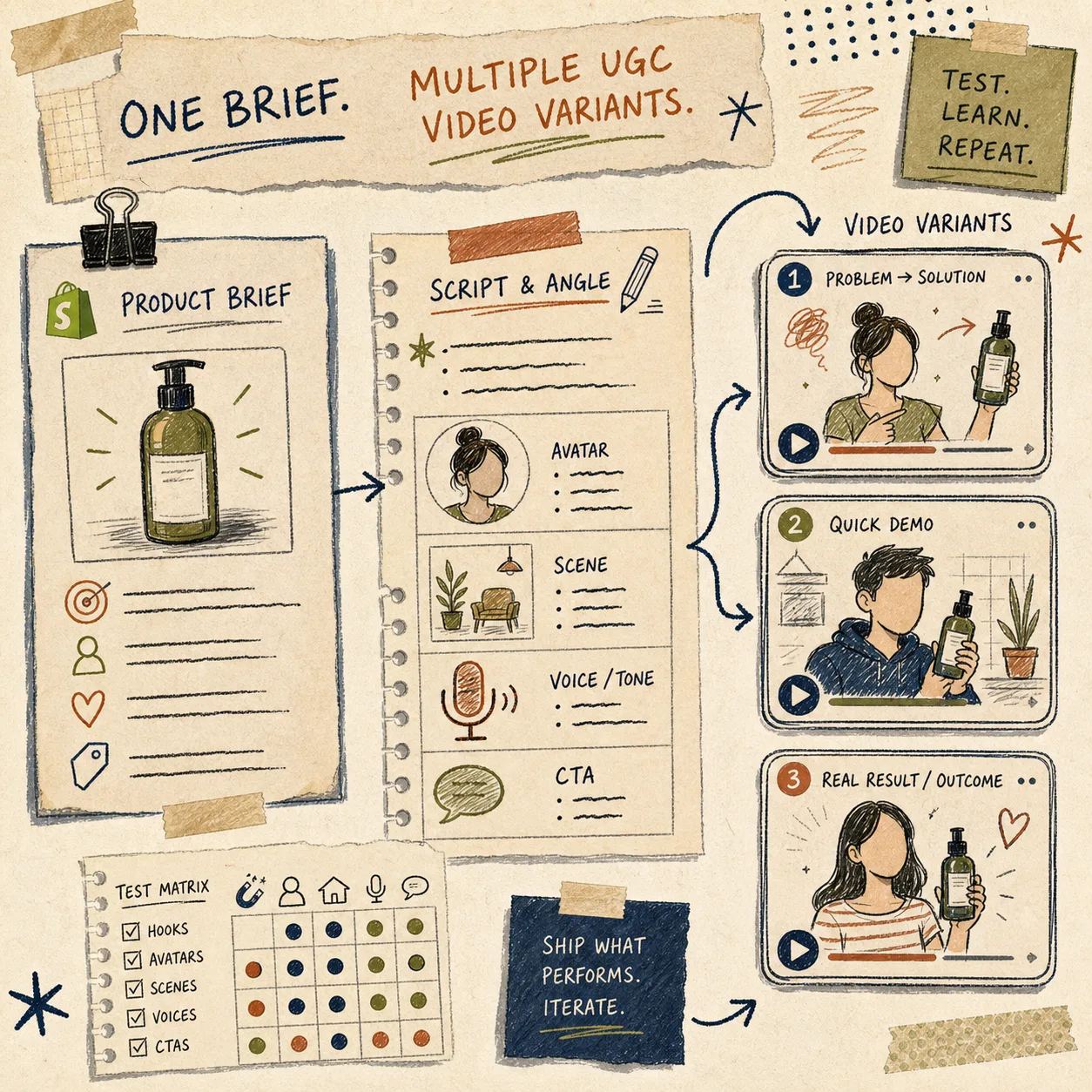
When a Shopify product needs new ad creative fast, I do not start with a bigger brainstorm. I start with a smaller matrix: one product, a few hooks, one scene, one avatar family, and a clean way to compare the cuts side by side.
I call it a 24-hour matrix because it stays small enough to finish before the idea gets stale. That is the kind of workflow Supra UGC Maker is built for: pick an avatar, choose a scene, add the product, write the script, and generate variations without rebuilding the whole thing.
What The Matrix Is
The point is not to make twenty versions and hope one lands. The point is to lock the offer and change only the pieces that tell the story differently.
In practice, I keep the product fixed and test a few variables:
- The hook.
- The scene.
- The avatar.
- The CTA.
- Sometimes the tone or voice.
If I change all of those at once, I cannot tell what actually worked. If I keep most of them steady, I can compare the cuts like an operator instead of guessing like a fan.
That broader workflow is close to How to Build a Shopify UGC Testing Sprint Around One Product, but the matrix version is the smaller, faster version I use when I want a decision by the end of the day.
The Four Lanes I Test First
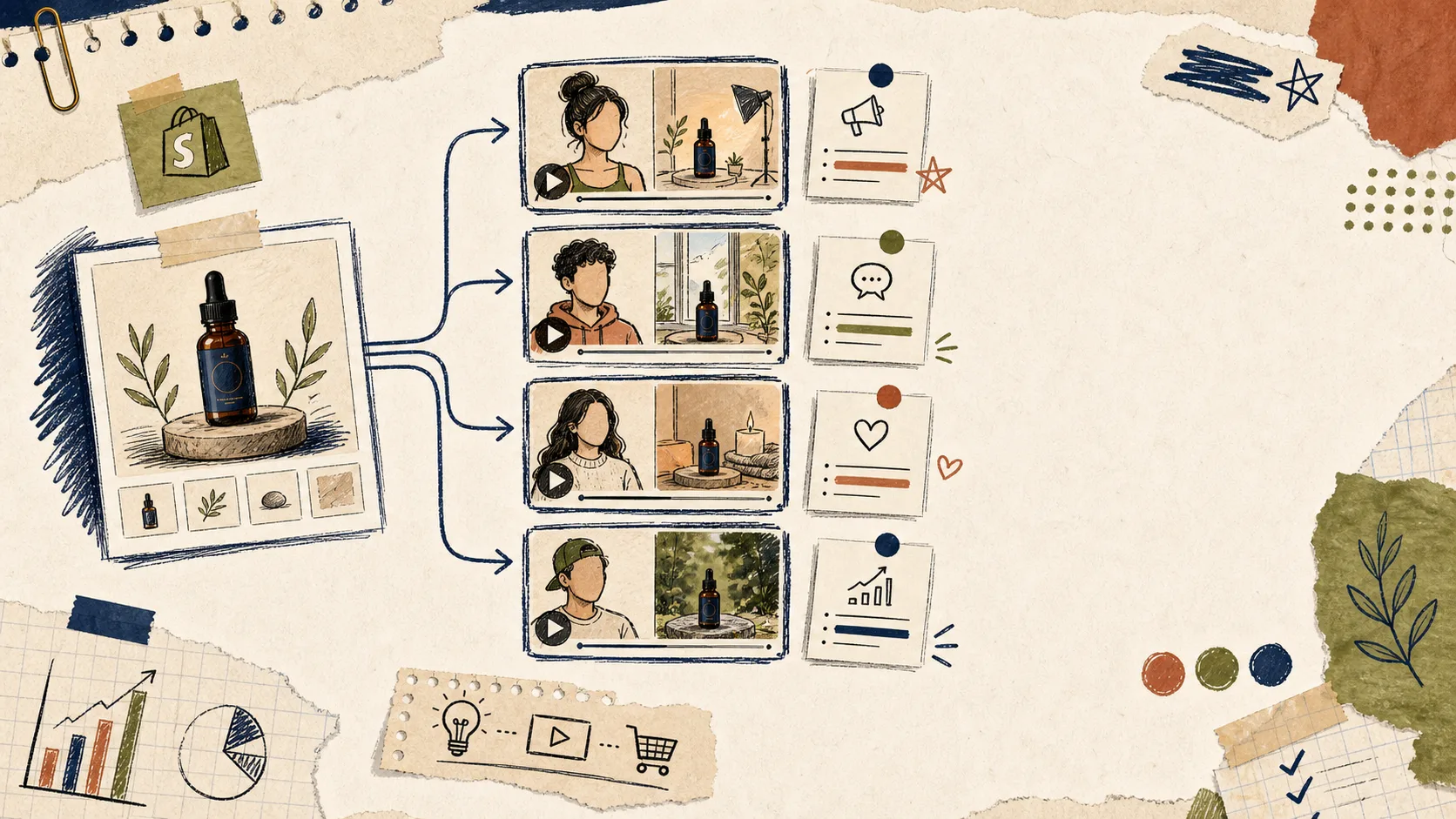
You do not need a huge creative library to learn something useful. Four lanes is usually enough to expose the shape of the response.
1. Problem Then Solution
Open with the frustration first. This works when the product removes friction, saves time, or makes a common task less annoying.
2. Quick Demo
Show the product immediately. This is the lane I use when the product is visual and the shopper needs to understand it in the first three seconds.
3. Objection Handler
Use this when people are likely to hesitate on price, trust, fit, or complexity. The hook should answer the doubt directly instead of pretending it is not there.
4. Outcome Or Use Case
Lead with the result the shopper wants. This is the cleanest lane for seasonal promos, launches, and products that fit a specific routine.
If you want to stretch this into a bigger hook library, How to Turn One Shopify Product Into Five UGC Video Hooks is the obvious companion read.
How I Build The Drafts In Supra UGC Maker
Once the lanes are clear, the app workflow stays pretty simple.
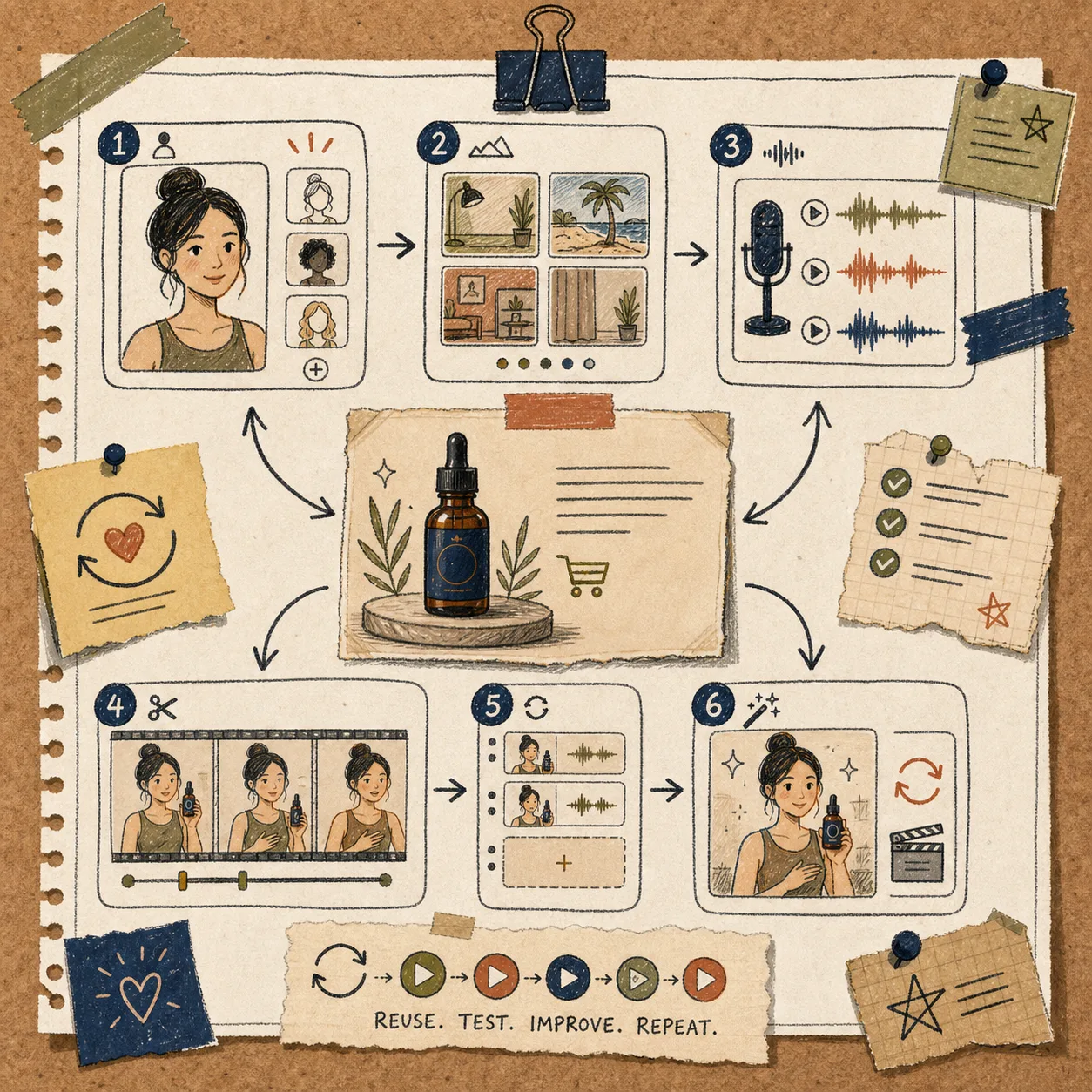
- Pick an avatar that matches the buyer.
- Choose a scene that supports the hook instead of distracting from it.
- Add the Shopify product reference so the video stays grounded in the real offer.
- Write one short script for each lane.
- Generate a few versions, then trim, reorder, and regenerate until the pacing feels right.
That is also why I like reusable projects. The value is not just the first batch of clips. The value is being able to come back later, keep the good parts, and swap only the angle.
If the wording is getting too generic, I usually pull from the buyer’s own language. How I Turn Buyer Questions Into Shopify UGC Video Variants is the best reminder to keep the script close to the objections people already have.
What I Keep Fixed
The fastest way to ruin the comparison is to change the wrong things. My default is to keep the product, the scene family, and the avatar family mostly steady across the first round.
Then I only change the pieces that matter for the test:
- The opening line.
- The angle.
- The CTA.
- The amount of explanation.
That makes the results easier to read. If one version works and the others do not, I can usually tell whether the difference came from the hook, the pacing, or the closing ask.
It also keeps the production cost low. That matters because the point of UGC-style creative is not to create one perfect ad. It is to create enough believable options that the store can learn quickly.
Where The Winner Goes Next
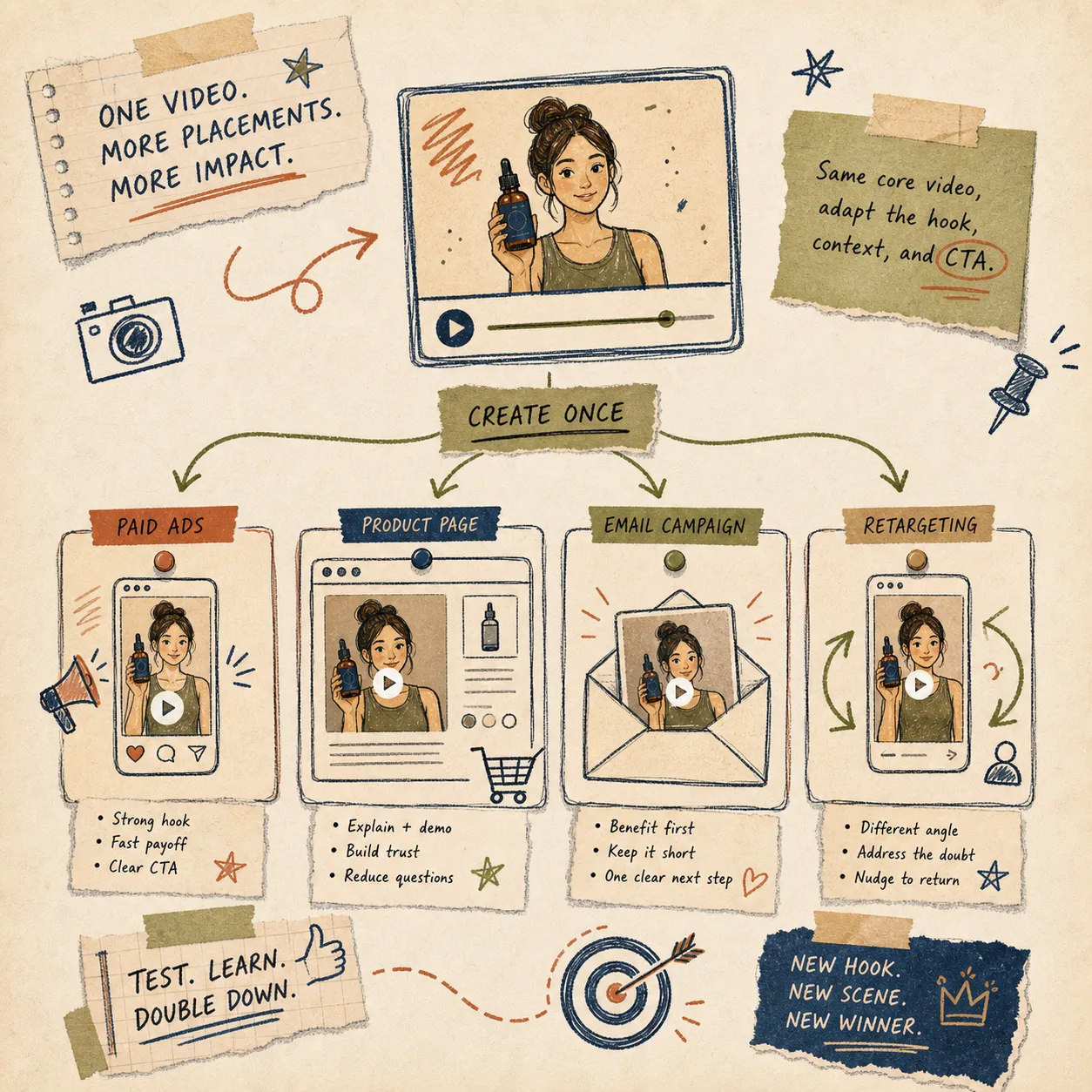
Once one cut looks promising, I do not leave it in one place. The same video can usually do more than one job.
- Paid ads: Use the strongest hook and the clearest reason to click.
- Product pages: Use the calmer version that explains the product.
- Email: Use a short teaser or benefit-first clip.
- Retargeting: Use an objection-handling angle for people who already visited the store.
If the winner is strong enough, I roll it into a broader campaign. How I Build a Shopify UGC Launch Kit From One Brief shows the next step: take one brief, keep the logic consistent, and spread it across the rest of the launch.
And if I need the whole system to stay coherent over time, How I Keep Shopify UGC Videos On-Brand Without Refilming Every Time is the more durable version of the same idea.
The Short Version
Do not try to make one perfect UGC ad. Make a small matrix, keep the variables boring, and let the hook do the testing. That is faster, cheaper, and much easier to learn from.
If you want to try it, start with Supra UGC Maker or install it from the Shopify App Store. The free plan is enough to build the first matrix, check the winners, and decide which angle is worth scaling next.