
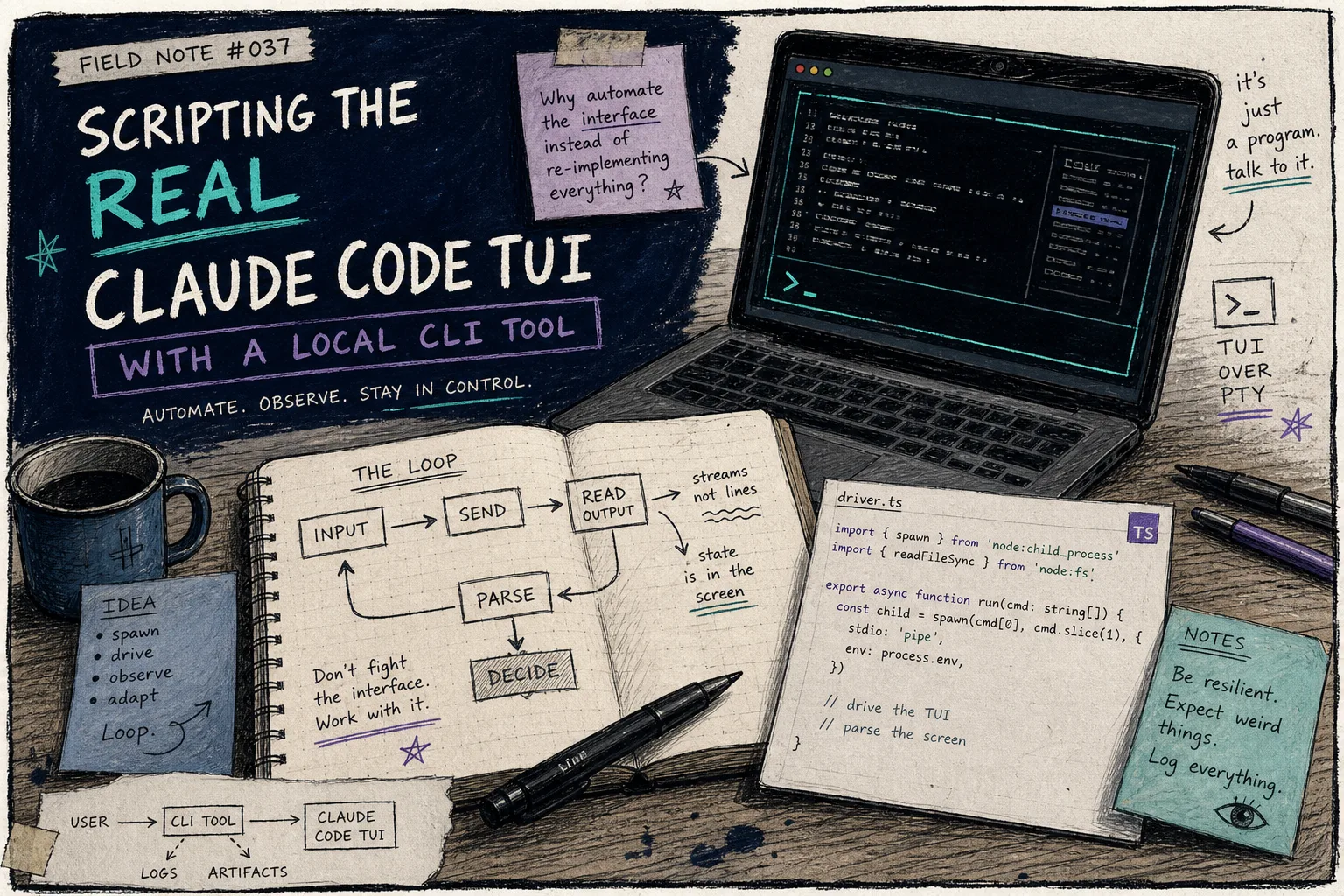
How I Script Claude Code From Bash Without Switching to the Agent SDK
I did not want a new agent runtime. I wanted a small local script that could ask Claude Code for help, read the real terminal output, and stay inside the workflow I already trust. dash-p is the first tool I found that treats the Claude Code interface as something I can script instead of something I have to replace.
That matters more now that the programmatic path and the interactive path are easy to confuse. If you want quick summaries, repo checks, or a local query loop, the real question is whether you want to keep that work on the same terminal session you already use.
Maybe that is why I kept coming back to the same theme in How I Keep Claude Code Scriptable After the Agent SDK Split, How I Automate the Real Claude Code TUI With dash-p, How I Build a Local Bridge to Claude Code’s Real TUI, and How to Automate Claude Code From a Shell Script. Those posts were useful, but they were still experiments. This one is the plain field note: what I actually use, what I ignore, and where the tool earns its keep.
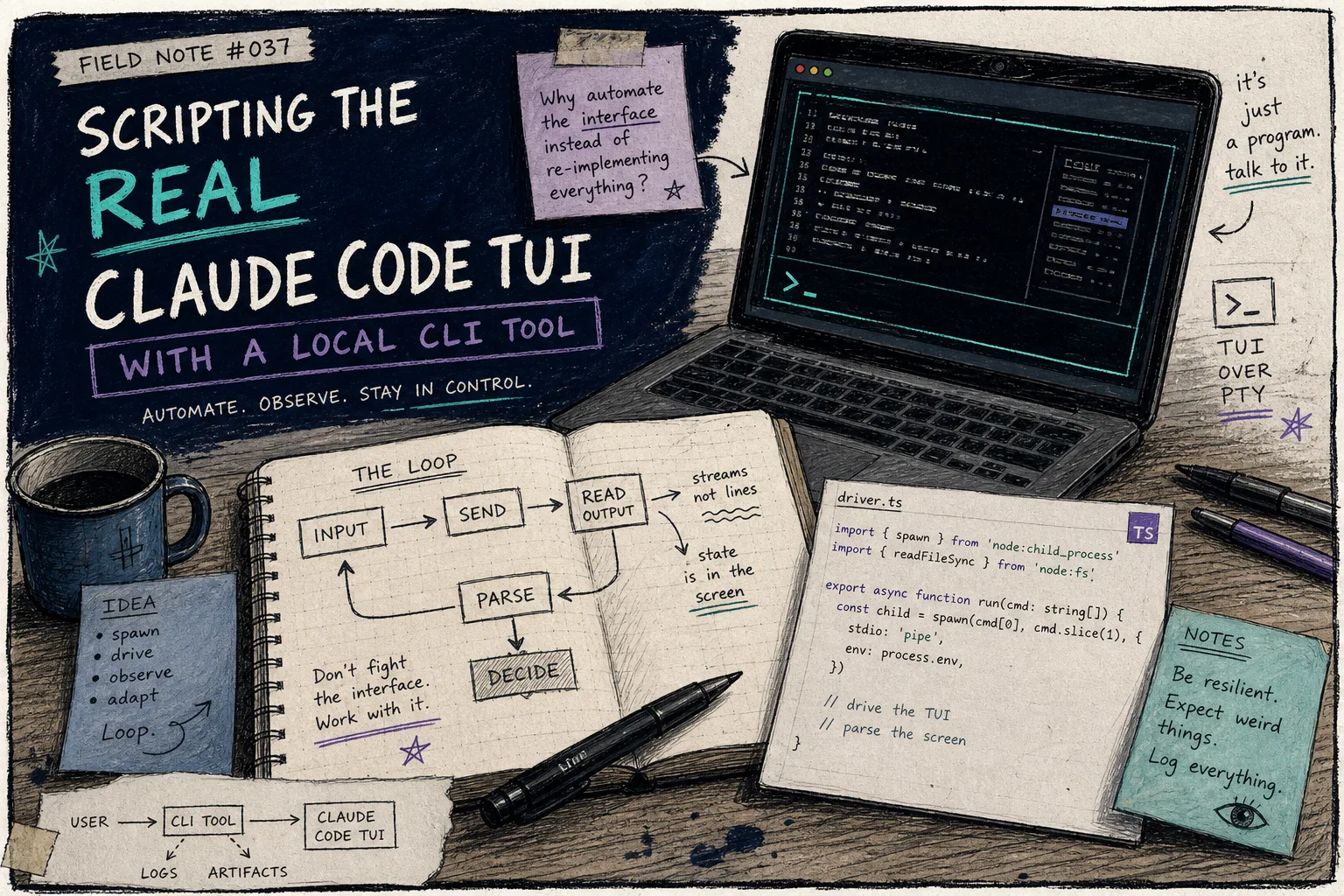
What dash-p actually changes
dash-p is a CLI and TypeScript library from the GitHub repo. The useful part is not that it invents a new model path. It is that it drives the official claude command in a pseudo-terminal, sends input to the real TUI, and reads back the rendered output.
That gives me two things I did not get from a generic wrapper:
- I keep my normal Claude Code login and local session.
- I can move between shell scripts and TypeScript without rebuilding the workflow around a separate protocol.
The product docs are explicit about the constraints, and I think that honesty is the point. It still depends on the official CLI, it still expects a local environment that can run the TUI, and it is still tied to whatever the terminal UI looks like. That makes it less magical than a hosted agent and more useful for a small, local automation job.
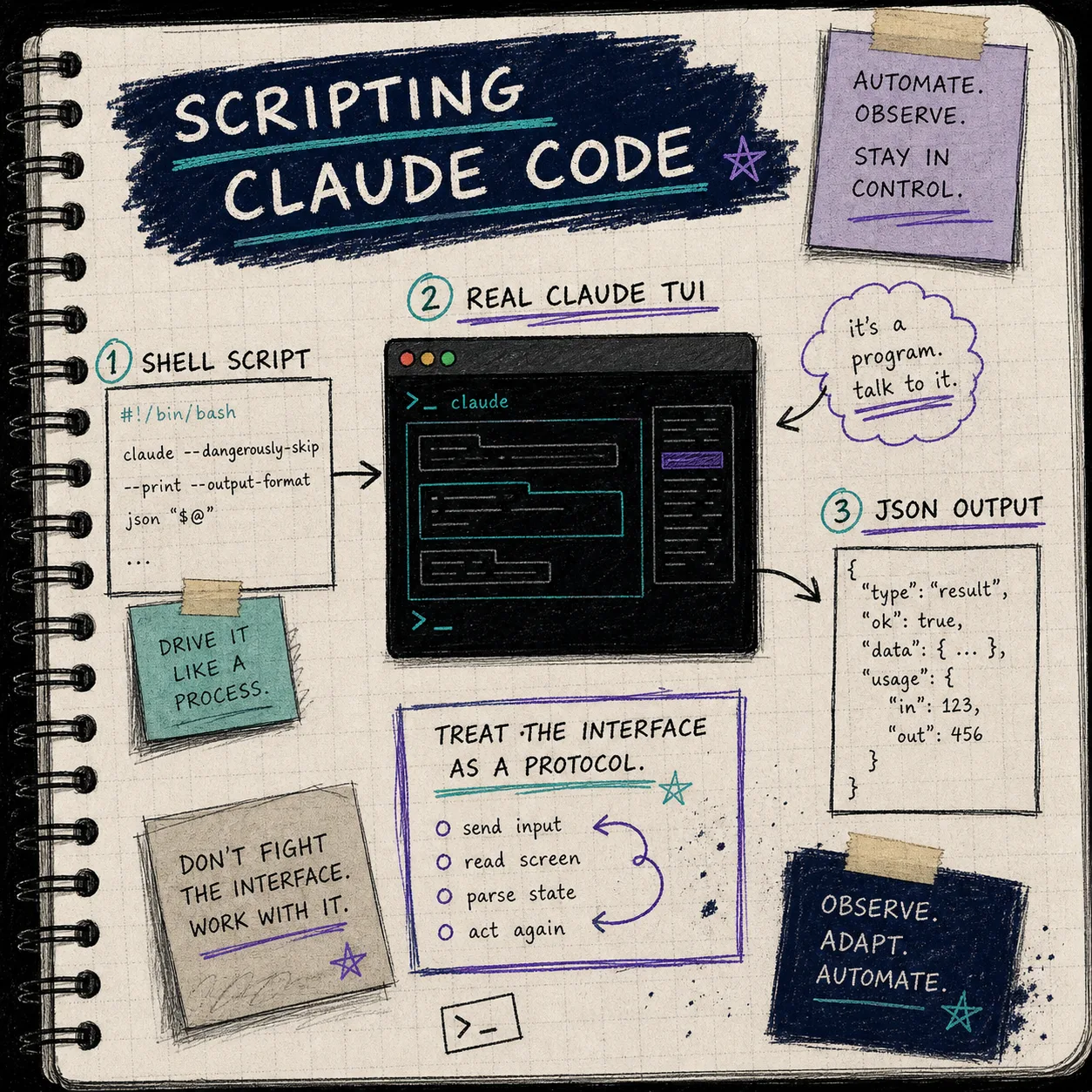
The smallest useful loop
The first thing I wanted was not autonomy. I wanted a repeatable summary command.
npm install -g @ybouane/dash-p
dash-p "summarize this repo"
That is boring on purpose. If a tool cannot help with a boring task, I do not want it in a workflow that matters. The same goes for the no-install path:
npx @ybouane/dash-p "summarize the changed files in this repo"Once that worked, the TypeScript side made sense too:
import { query } from "@ybouane/dash-p";

for await (const msg of query({
  prompt: "In one sentence, what is a pseudo-terminal?",
  options: { model: "sonnet", includePartialMessages: true },
})) {
  if (msg.type === "result") console.log(msg.result);
}
That shape matters because it gives me a stream I can wrap in my own logic. I can print the final result, log partials, add a timeout, or bail out early if the output is not what I expected.
This is also where How to Build Subscription-Aware Claude Code Automations Locally, How I Automate Claude Code From a Local Script With dash-p, and How I Keep Claude Code Scriptable After the Agent SDK Split fit together. Each one is circling the same thing from a different angle: I want local composability more than I want another bigger abstraction.
Where I actually use it
There are three cases I keep coming back to.
- Repo summaries before I open a PR.
- Local checks when I want Claude Code to inspect a change and tell me what looks risky.
- Small TypeScript helpers that need a readable answer, not a long-running service.
The reason I keep it in this lane is simple: it is useful when the task is interactive enough that I want the real Claude Code session, but structured enough that I want to script the wrapper around it.
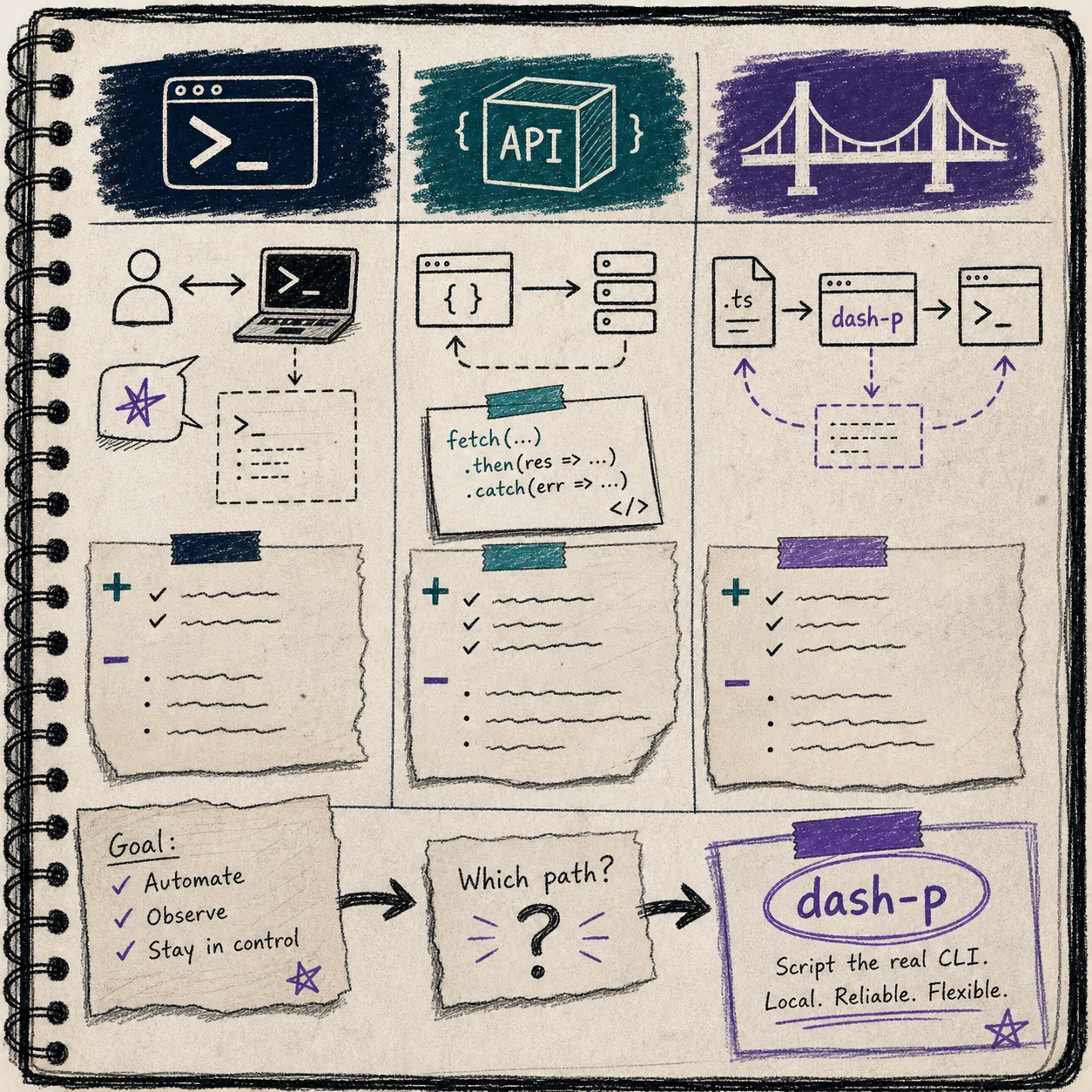
I do not reach for dash-p when I need a fully managed production workflow. I do not reach for it when a UI change would be too expensive to absorb. And I do not treat it like a way to sidestep anything. The value is in the workflow shape, not in trying to avoid the normal product boundaries.
What I would not automate with it
dash-p is powerful for the same reason it is fragile: it sits on top of the rendered terminal UI.
That means I am cautious about anything that needs to be rock-solid over long periods:
- customer-facing automation
- anything where a UI shift would break the job silently
- production systems that need a supported API contract
- work I would not want to inspect when the underlying terminal behavior changes
If I need those guarantees, I should probably be using a different layer. If I want a local script that talks to the same Claude Code session I already use, dash-p is the better fit.
That is the part I wish I had accepted earlier. A lot of automation decisions are not about capability. They are about how much failure I can tolerate.
The checklist I use before I trust it
I keep the setup smaller than I want to.
- Official
claudeCLI installed and logged in. - Node 20 or newer.
- A task small enough that I can verify the result by eye.
- A script that expects the TUI to exist, not a hidden headless endpoint.
- A habit of checking output instead of assuming the terminal behaved.
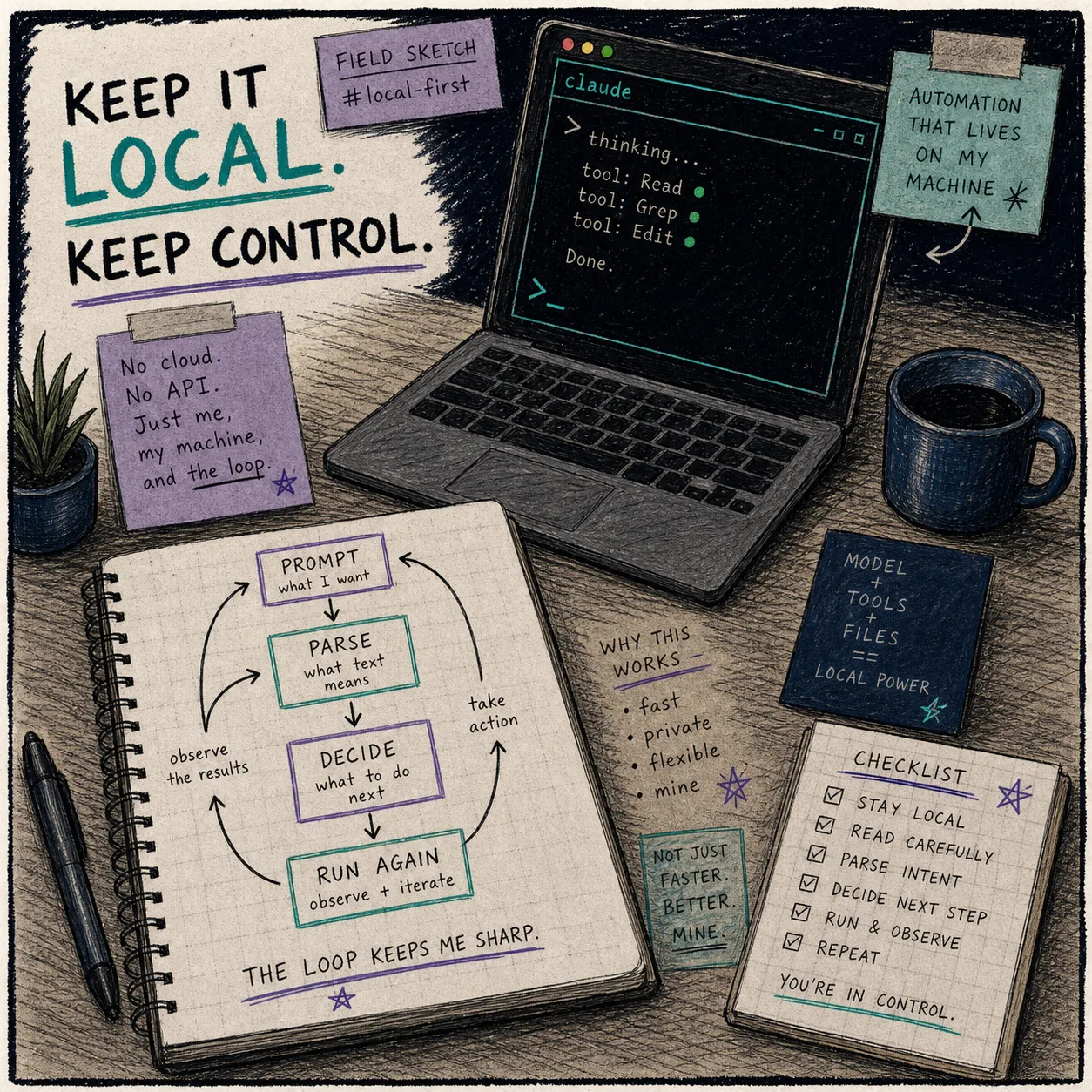
The more I treat it like a local tool for a local machine, the better it behaves. The more I try to make it feel like infrastructure, the more the terminal UI becomes the thing I have to keep defending.
Bottom line
If you want to automate Claude Code from Bash or TypeScript without rebuilding the workflow around the Agent SDK, dash-p is a practical bridge. It is not flashy. It is not pretending to be magic. It just makes the real interactive session scriptable enough to be useful.
If that is the shape you want, start with one command: install @ybouane/dash-p, run a repo summary, and see whether the output is good enough to wrap in your own script.
Then, if you want the longer trail of experiments, read How I Keep Claude Code Scriptable After the Agent SDK Split, How I Automate the Real Claude Code TUI With dash-p, How I Build a Local Bridge to Claude Code’s Real TUI, and How to Automate Claude Code From a Shell Script. Those are the notes that led here.