
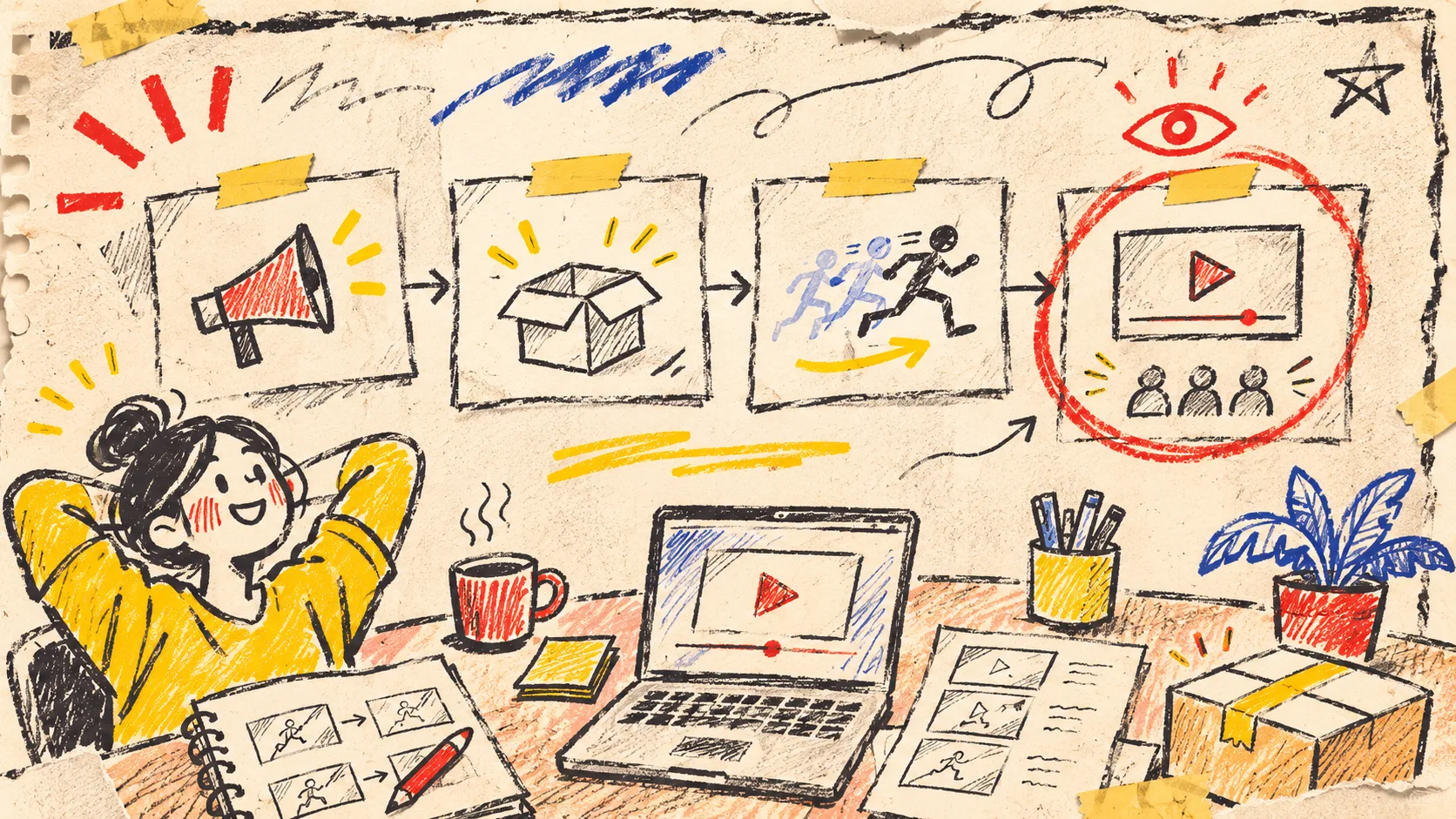
Startup Launch Video First Cut: A Four-Card Review Workflow
My first launch-video drafts used to have the same expensive flaw: they were already trying to say everything. I now make a useful first cut by reducing the job to four cards—message, proof, motion, and review—before I ask an agent to build a scene. A tool such as VideoFlow Studio can turn a startup URL into a planned, editable motion-graphics film, but the short worksheet keeps the first render from becoming a feature dump.
The point is not to write a full creative brief. It is to make four decisions that can survive a review. This is especially handy when the launch page is still moving under your feet.
The four cards I put beside the website

Start with the public page open and make four small cards—not a giant spreadsheet. Each card gets one sentence or one concrete item.
| Card | Put on it | Reject it when |
|---|---|---|
| Message | The one customer problem or outcome this film should carry | It tries to introduce the whole product |
| Proof | A screen, interaction, result, or product detail that makes the message believable | It is a claim with nothing visible behind it |
| Motion | The change the viewer should see: reveal, before/after, handoff, or progress | It is decoration with no job |
| Review | The one thing a human must verify before publishing | It is merely “looks good” |
For example, a developer tool could use: message: “preview every branch before Friday”; proof: the deployed-preview screen; motion: a commit becomes a working preview; review: can a hurried visitor read the promise and the button? The words are deliberately plain. The scene direction can become fancy later; the decision should not.
This is the small antidote to the feature-pile problem I described in my website-to-video map. If two cards compete for the same job, pick one and save the other for the next cut.
Give the agent a bounded starting point
VideoFlow Studio offers two routes: run npx @videoflow/studio@latest locally with your own Claude Code or Codex subscription, or use its hosted browser flow. Its current site says the CLI includes eight renders and edits a month on the free allowance, while hosted work is credit-based—worth checking again before planning a campaign around a limit. Both routes aim at the same editable project and browser editor.
The practical handoff is short:
Audience: founders who need a credible first launch film
Message: preview every branch before Friday
Proof: show the deployed-preview screen
Motion: commit → preview → confident launch
Review: headline, contrast, and CTA are readable in the encoded render
That is enough constraint to help the agent read the site without pretending that a 30-second film has to be a documentation tour. It also makes later feedback specific. “Hold the preview screen longer” is actionable; “make it punchier” is a mystery box.
Review the render, not just the plan

A clean storyboard can still produce a bad encoded video. That is why the fourth card is a review card, not an approval stamp. Studio says it reviews rendered frames and can measure issues such as alignment and contrast before re-rendering; I would still watch the actual export with the audience in mind.
My first-cut pass takes about two minutes:
- Message: Can someone who does not know the product repeat the promise after the opening?
- Proof: Does the screen or object shown actually support that promise?
- Brand: Are logo treatment, color, and product names consistent with the live site?
- Reading: Can I read the headline, subtitle, and CTA at normal playback speed?
- Action: Is the next step obvious without a voiceover explaining it?
If the answer is no, change only the card that failed and request another render. Keeping a short launch-video change log prevents an innocent text change from quietly undoing a good scene. And if the film is being handed to someone else, the message–proof–cut review card is a useful companion.
Keep the edit path open

The reason I like this workflow for a startup launch is that the first cut stays a working document. VideoFlow Studio describes the output as an editable project: you can ask for a change in a sentence or use the built-in editor to adjust a layer, timing, color, or headline. Its underlying VideoFlow engine is Apache-2.0 open source, but Studio is the operator-facing layer; you do not need to author a video application to use the four cards.
That distinction matters. A code-first video workflow can be the better fit when your team needs a reusable video system and wants to own scene code. Studio is more appropriate when the immediate job is a reviewable motion-graphics first cut from a real product site. Neither choice removes the need to decide what the film is trying to prove.
Make one first cut today
Open your current launch page and write the four cards in ten minutes. Keep one message, choose one visible proof, name one motion, and give the review card a real failure condition. Then start a VideoFlow Studio project from the URL and ask for that first cut—not the final masterpiece.
A launch video gets more useful when its next revision has somewhere precise to go.