
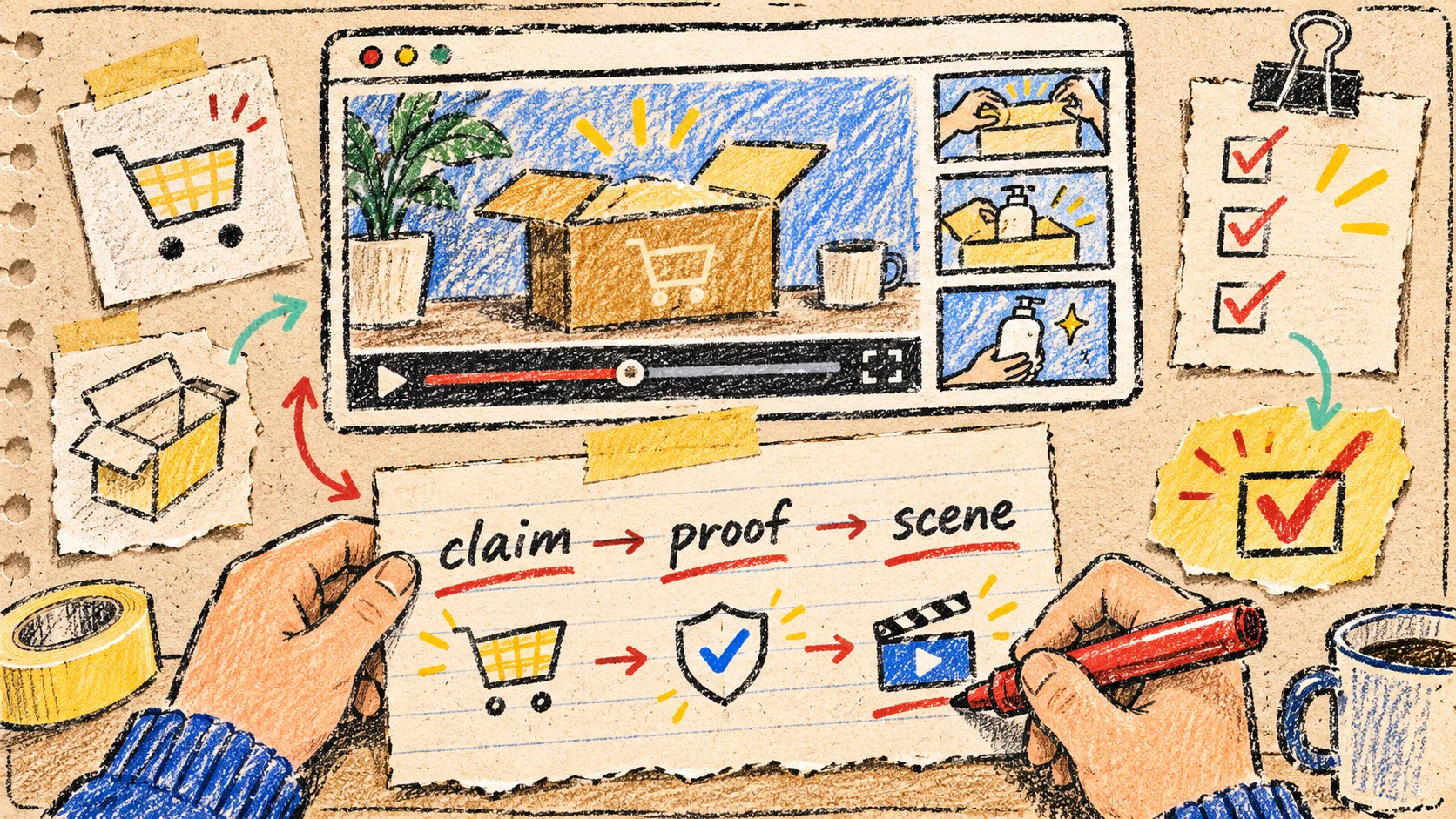
I used to treat a launch-video script as a creative brief: pick the strongest lines on the website, hand them to the video tool, then hope the first cut made the product feel coherent. That is backwards. A product video is safer and clearer when every scene passes a claim → proof → scene test before the render starts. If I cannot point to current proof for a claim, I soften it, cut it, or turn it into a question for the product owner.
That is the small operating rule I would use with VideoFlow Studio. Studio can work from a website in the terminal or in the browser, produce an editable film, and review rendered frames. But it should not be asked to decide whether a launch claim is true. That responsibility stays with the person who knows the product.
Why a good website still produces risky video copy
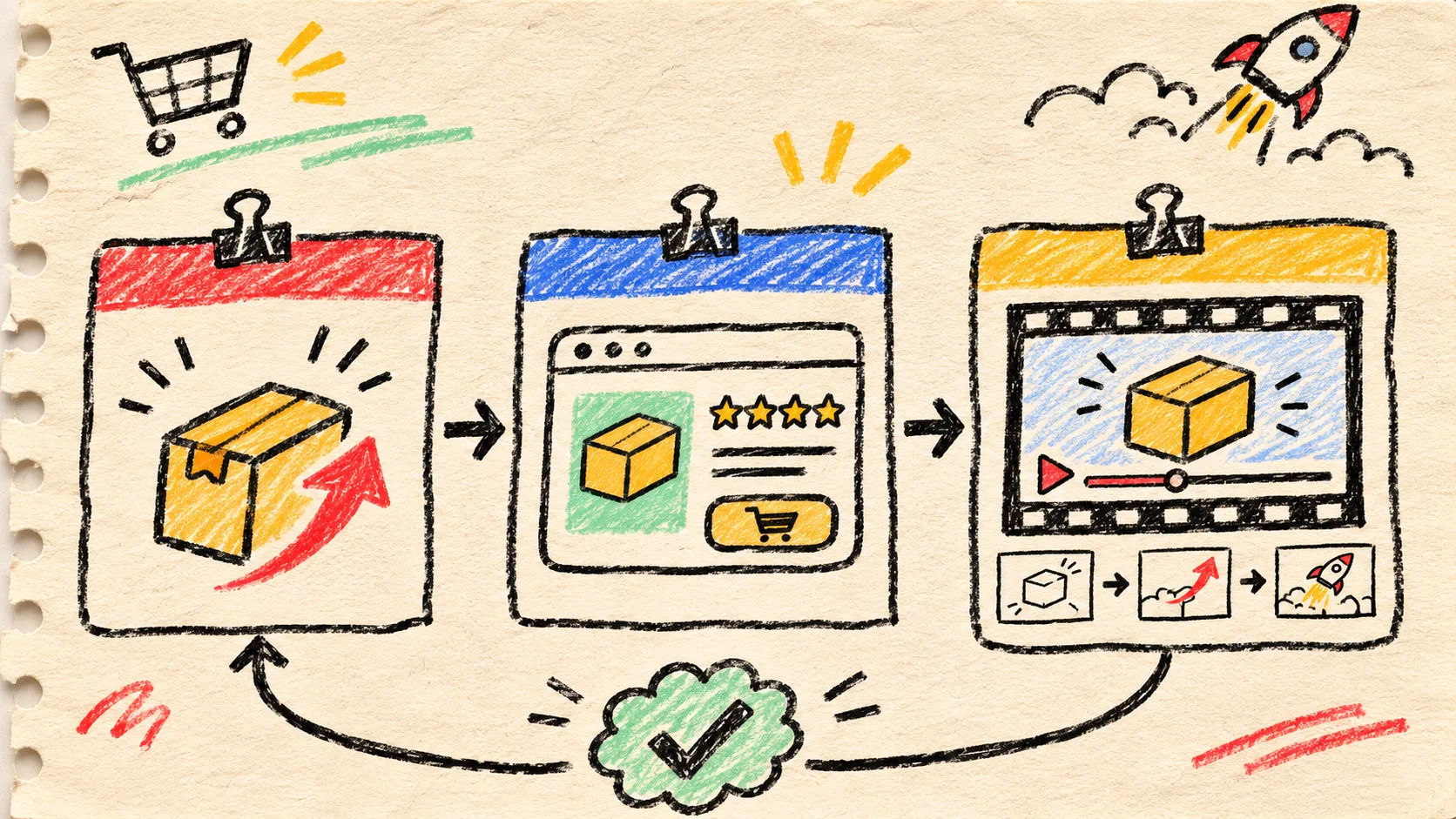
A site mixes durable facts, positioning, old campaign language, and navigation copy. Video makes every line feel more definite because it is paired with movement, music, and a full-screen product shot. A vague headline can become an accidental promise in a 30-second cut.
The trap is the feature dump: one scene says faster setup, another says global shipping, a third says better conversion, and none says what a shopper or operator can actually verify. I ran into the same root problem while mapping a website to a video: the useful move is to choose one carried idea, not compress every page into a trailer. Here is my earlier website-to-video map for avoiding feature-dump trailers.
The scene-claim test
Before a scene earns a place in the cut, I fill in three fields:
| Field | What I write | The approval question |
|---|---|---|
| Claim | One plain sentence the viewer should believe | Is this specific enough to check? |
| Proof | A live page, product state, policy, or approved demo that supports it | Could a teammate find this today? |
| Scene | The single visual action that makes the claim understandable | Does the visual show the proof instead of merely decorating it? |
For example, do not start with “Effortless product launches.” It is too broad to direct. Start with: “A merchant can review product media before publishing.” The proof may be the approval status in the actual workflow. The scene is then a product card moving from draft to approved, with the reviewer’s check visible.
This tiny table also reveals bad material early. “The fastest checkout in the category” needs independent evidence and a defined comparison. “Loved by thousands” needs current, approved customer evidence. If the proof is not available, the scene does not get more exciting; it gets removed.
Use an agent for the cut, not for truth arbitration
VideoFlow Studio is a reasonable fit after the claim card is ready. Its current product page says the CLI runs locally through npx @videoflow/studio@latest using a Claude Code or Codex subscription, with eight renders and edits per month on the free tier; optional AI media can add credit costs. Check the live terms before planning around that allowance. The product also offers a hosted route, a browser editor, and an encoded-frame review pass.
The practical distinction matters. Studio is a URL-to-film workflow with an editable project behind it. The underlying open-source VideoFlow engine describes a portable JSON format and browser, server, and live playback paths. That is different from assuming that any prompt-based video output is a final asset.
If your team wants to build a video application in React, Remotion’s documentation starts with creating a code project and running its studio. That is a good route when code ownership is the job. If the job is a reviewable first launch cut from an already-live product site, Studio’s agent-led path may be the quicker starting point. Neither removes the need for a person to approve the claim.
My 15-minute pre-render card
I would keep this card beside the terminal before asking for a first cut:
- Pick one audience and one action. “New wholesale buyers should understand the reorder flow” beats “tell everyone everything.”
- List three claims maximum. Each must have a working source URL or an approved product demo.
- Name the visual proof. Write what will be on screen: checkout step, dashboard state, product detail, or physical result.
- Mark change-sensitive claims. Pricing, availability, integrations, performance, and policy statements get an owner and a last-checked date.
- Give the cut one spine. One claim should carry from the opening frame to the end card; the rest should support it.
- Define the revision boundary. Say which changes require a new render: a claim change, a product-screen change, or a brand/legal change.
That last line saves a surprising amount of noise. My launch-video change log keeps feedback from turning into “make it punchier” loops. A change that alters the truth of the scene is a new decision, not a cosmetic note.
What to check in the first cut
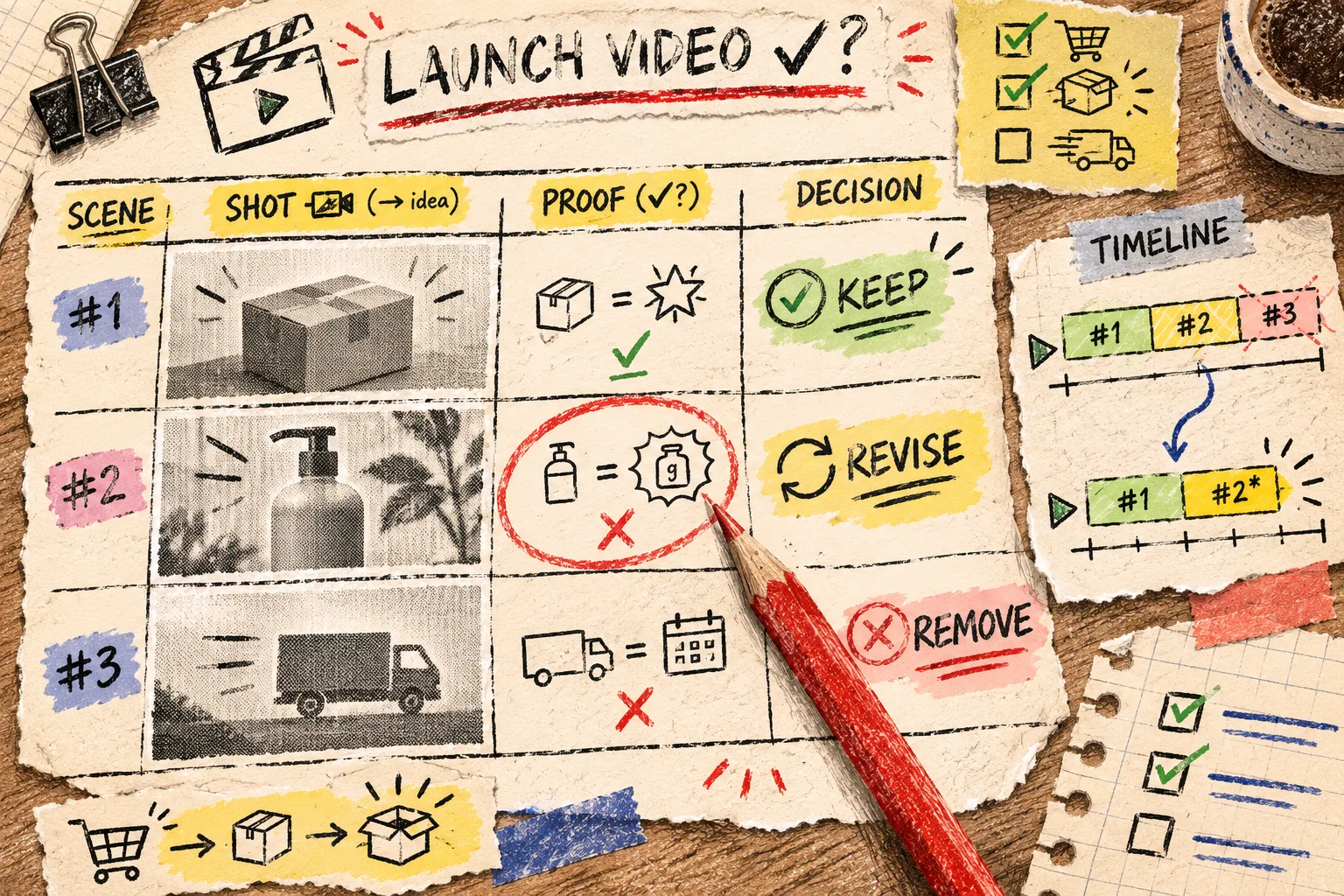
The first render is where the scene-claim test becomes useful. Review it with the source page open, not just with the sound on. For each scene, choose one outcome:
- Keep when the spoken or on-screen claim matches the proof and the visual makes that proof legible.
- Revise when the claim is true but the scene implies more than the evidence supports.
- Remove when the proof is stale, unavailable, or too nuanced for a short video.
VideoFlow Studio says it reviews the encoded frames for issues such as alignment and contrast, which is useful technical QA. Your team still needs message QA. Pair the two, and the cut is less likely to be polished but misleading. For a complementary pass on structure, see this four-card first-cut review workflow.

The one instruction I would give next
Once the card is solid, give Studio the site URL plus the constraint that matters: “Build a short launch cut around this one approved claim. Use these three proof points. Do not introduce claims beyond them. Leave the project editable for a second review.” That is enough direction to make the first pass purposeful without pretending the creative tool owns product truth.
A product video earns trust when each scene can answer a simple question: “Where did that come from?” Start with the claim card, make the first render, then revise only what the evidence and the viewer actually need.