
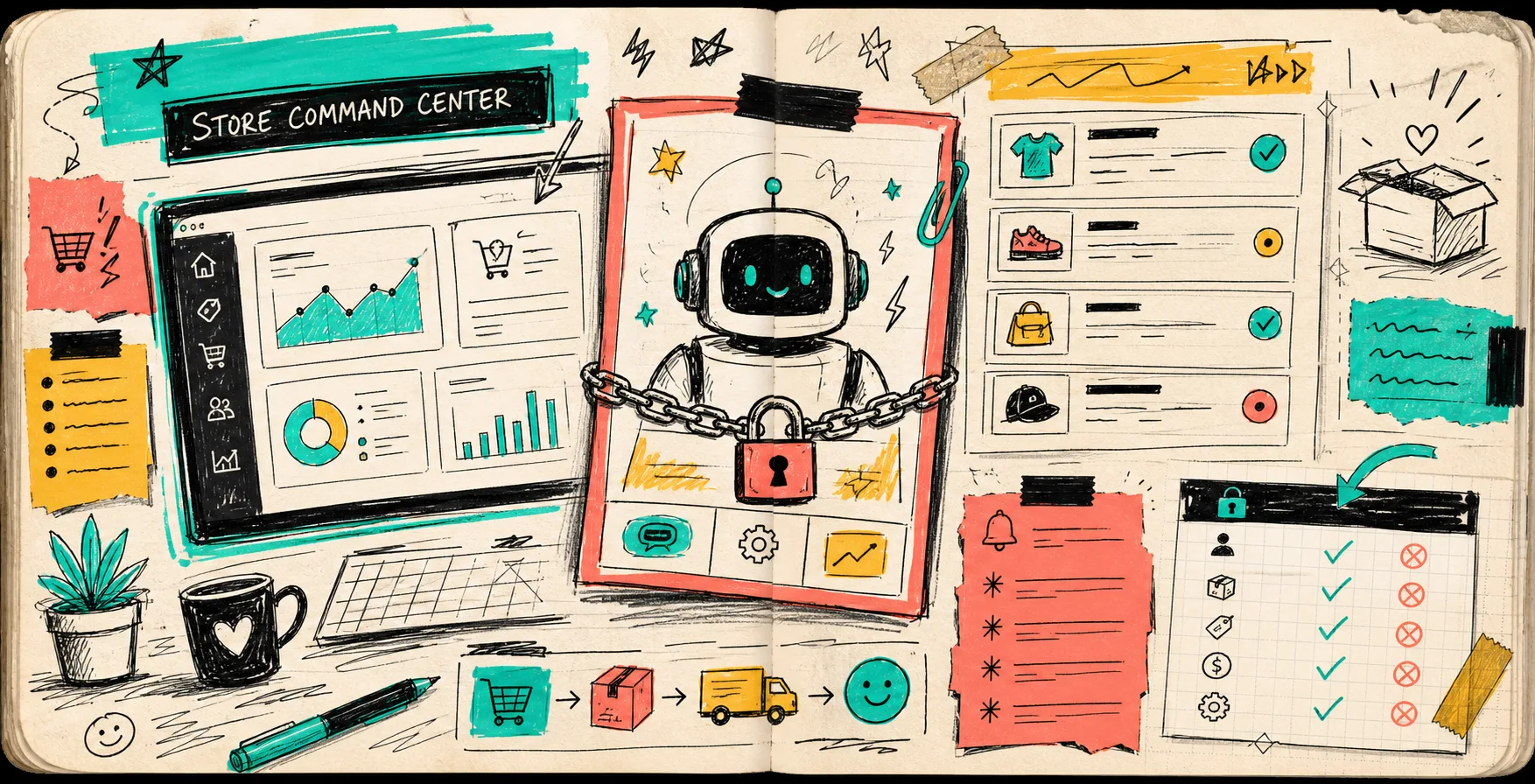
I keep coming back to the same rule with Shopify automation: if the assistant can touch everything, it is useful for about five minutes and dangerous for the rest of the month.
That is why Clawly, the OpenClaw for Shopify, feels more practical than the usual AI-agent hype. It is built around scoped permissions, connected tools, and store work that can be monitored instead of guessed at. The Shopify App Store listing frames it the same way: an AI agent for Shopify that can help with operations, marketing, product work, monitoring, and support.
This is the version of automation I actually want in a store. Not a bot with the keys to the building. A careful assistant that knows the difference between reading, drafting, and acting.
Start With The Boundary, Not The Prompt
When people ask me where to begin, I do not start with the clever task. I start with the boundary.
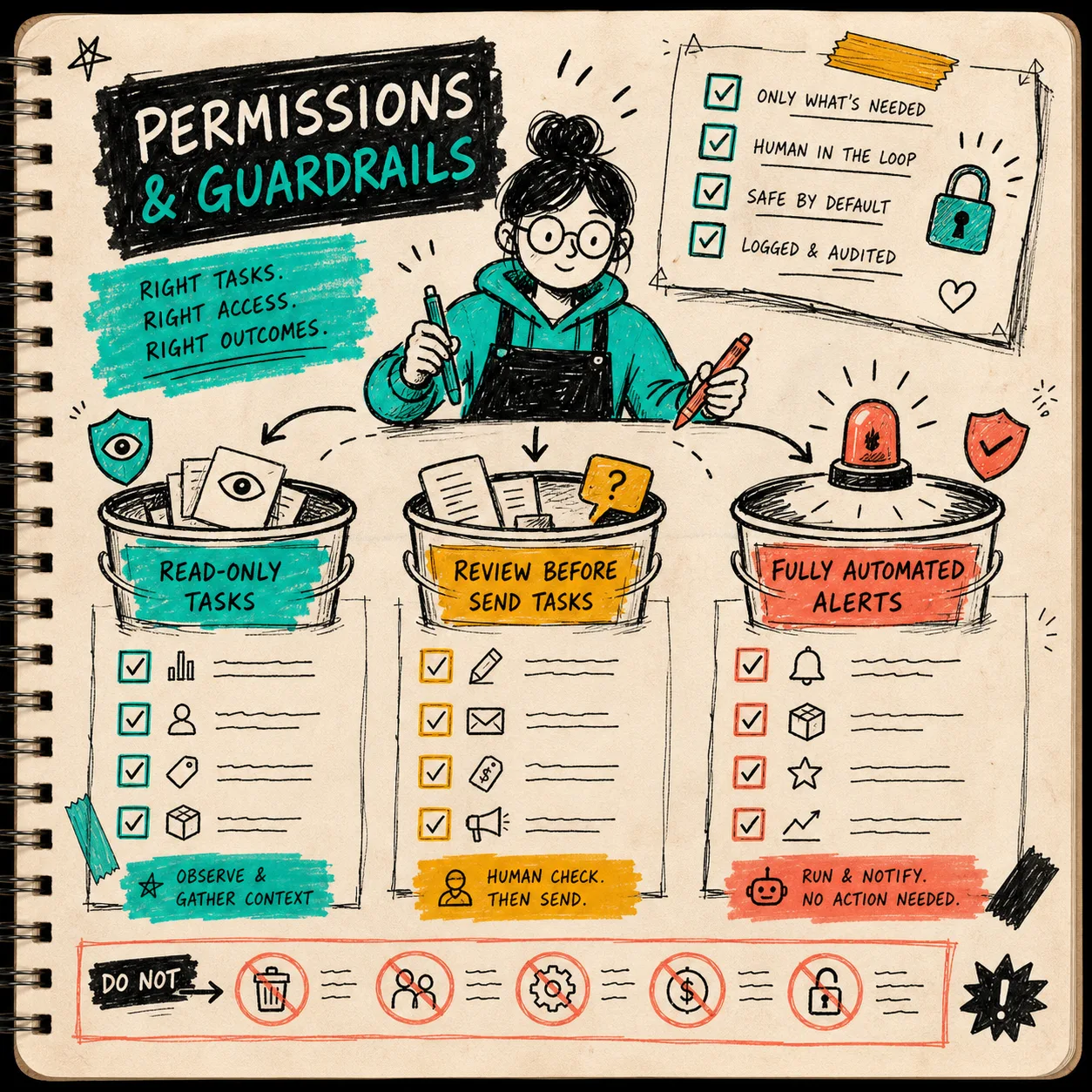
For Clawly, that usually means splitting the assistant’s work into three buckets:
- Read-only tasks: look at orders, products, inventory, reports, and recent changes.
- Review-before-send tasks: draft replies, write summaries, suggest product updates, or prepare content for approval.
- Fully automated tasks: alert the team when something crosses a threshold, like low inventory or unusual order activity.
That split matters more than the wording of the prompt. A good prompt can still create a bad workflow if the assistant is allowed to overreach. A plain workflow with the right permissions survives real operations.
If you want the blunt field notes version of this pattern, I wrote about how I use Clawly to automate Shopify cleanup, reports, and alerts and how I built a guardrailed Shopify AI agent for daily ops.
Map The Store Work Before You Connect Tools
The useful part of an AI agent is not the chat box. It is the map of where work flows when the store gets busy.
I like to sketch the whole system first: Shopify in the middle, then the connected tools around it. Sheets for tracking. Slack for team alerts. Gmail for summaries and drafts. Notion for playbooks. Instagram or other channels when the task spills into marketing.
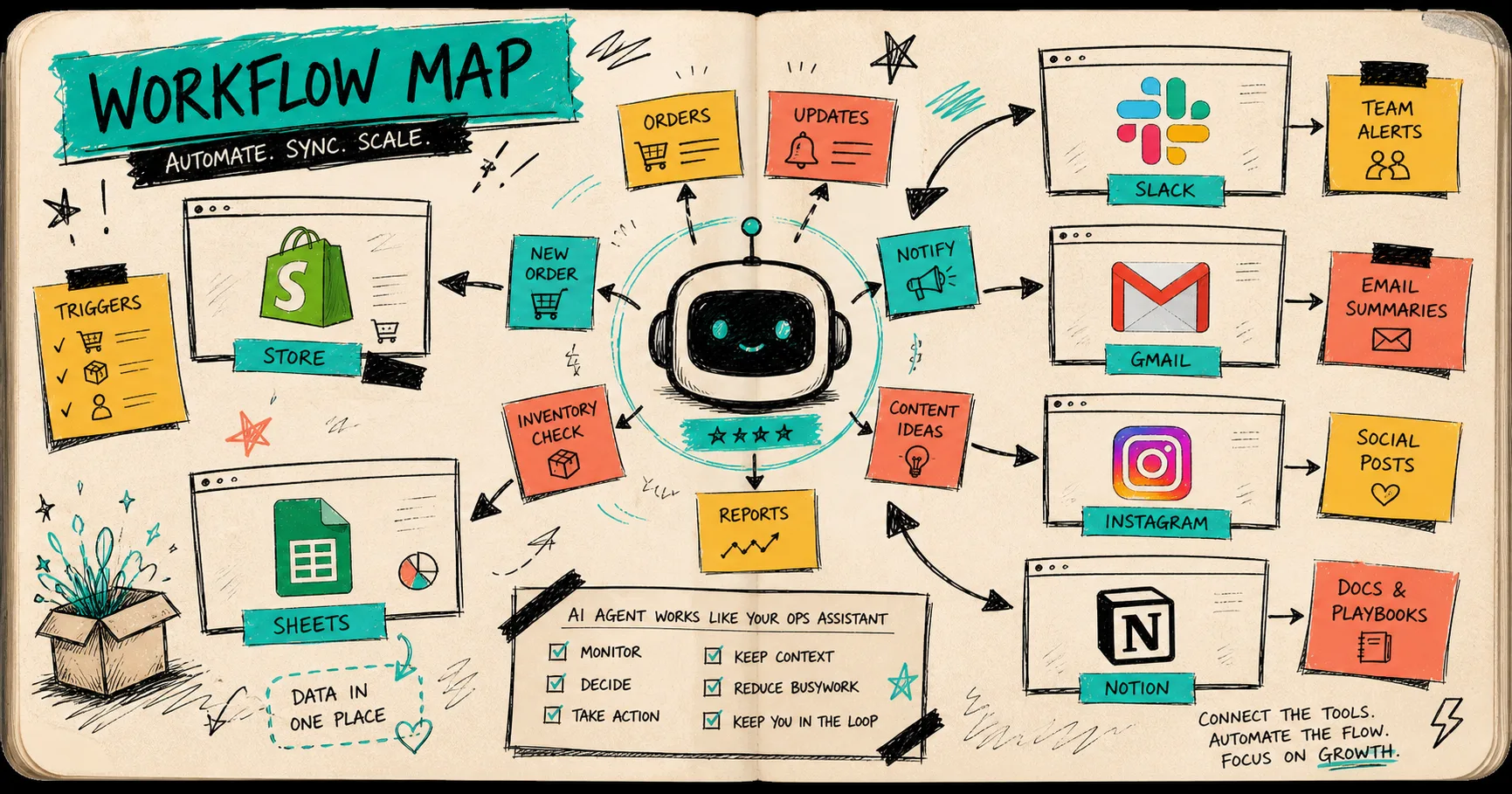
That map forces a better question: what should happen automatically, what should wait for a human, and what should only generate context?
Clawly is useful here because it is not limited to one narrow job. The product brief calls out integrations like Products, Orders, Google Sheets, Instagram, Meta Ads, Gmail, Notion, Slack, Klaviyo, and more. That means you can build assistants around the actual operational stack you already use, instead of inventing a separate AI island.
The first workflow I would build is usually not ambitious:
- A daily sales report that pulls the basics and flags anything odd.
- A low inventory alert that only fires when a threshold is crossed.
- A new product optimizer that drafts titles, descriptions, tags, and collection suggestions.
- A support drafting assistant that prepares replies and escalates edge cases.
That setup already saves time, and it does it without pretending every store task should be autonomous.
The First Automations I Trust
The best starting point is usually the work that repeats, is easy to verify, and hurts when forgotten.
1. Daily reports
A morning report is the most boring good use case I know. It gives you top sellers, revenue, and anything unusual before the day gets away from you.
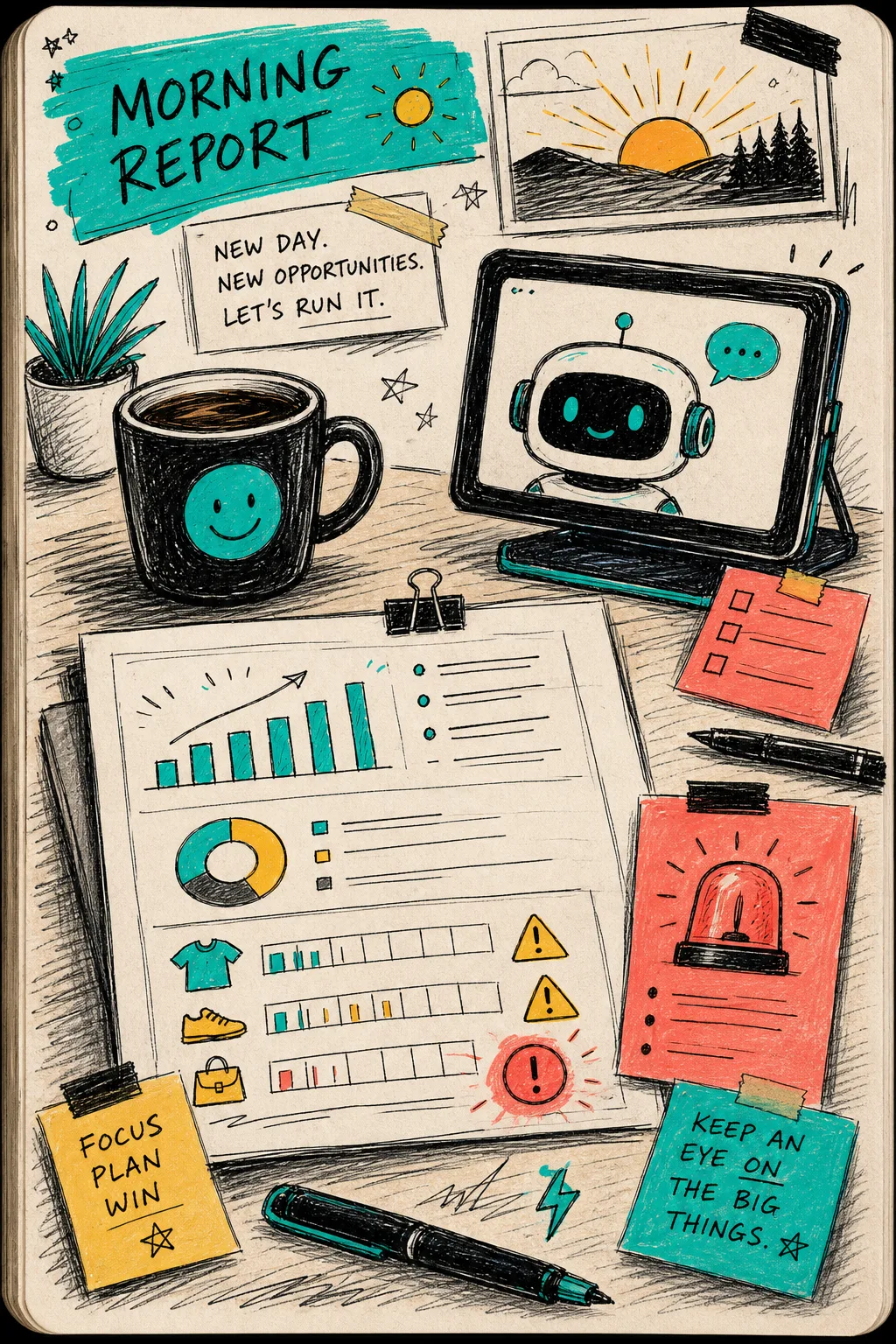
This is where Clawly feels like a store ops assistant rather than a chatbot. It can summarize the store’s state, point out anomalies, and notify the right person instead of making the operator hunt through dashboards.
2. Low inventory alerts
These are ideal for automation because the rule is simple: if stock drops below a threshold, let the human know.
No mystery. No creative writing. Just a fast nudge before the problem becomes a stockout.
3. New product cleanup
Product work is where AI can save a lot of typing, but it still needs limits.
I would let an assistant draft SEO titles, summaries, tags, and collection ideas. I would not let it silently rewrite product claims, pricing language, or anything legal-sensitive without review.
That is the same reason scoped permissions matter. You can let the agent do useful prep work while keeping the final decision visible.
4. Support drafting
Support is a good place for a middle path: draft the answer, then have a person check it.
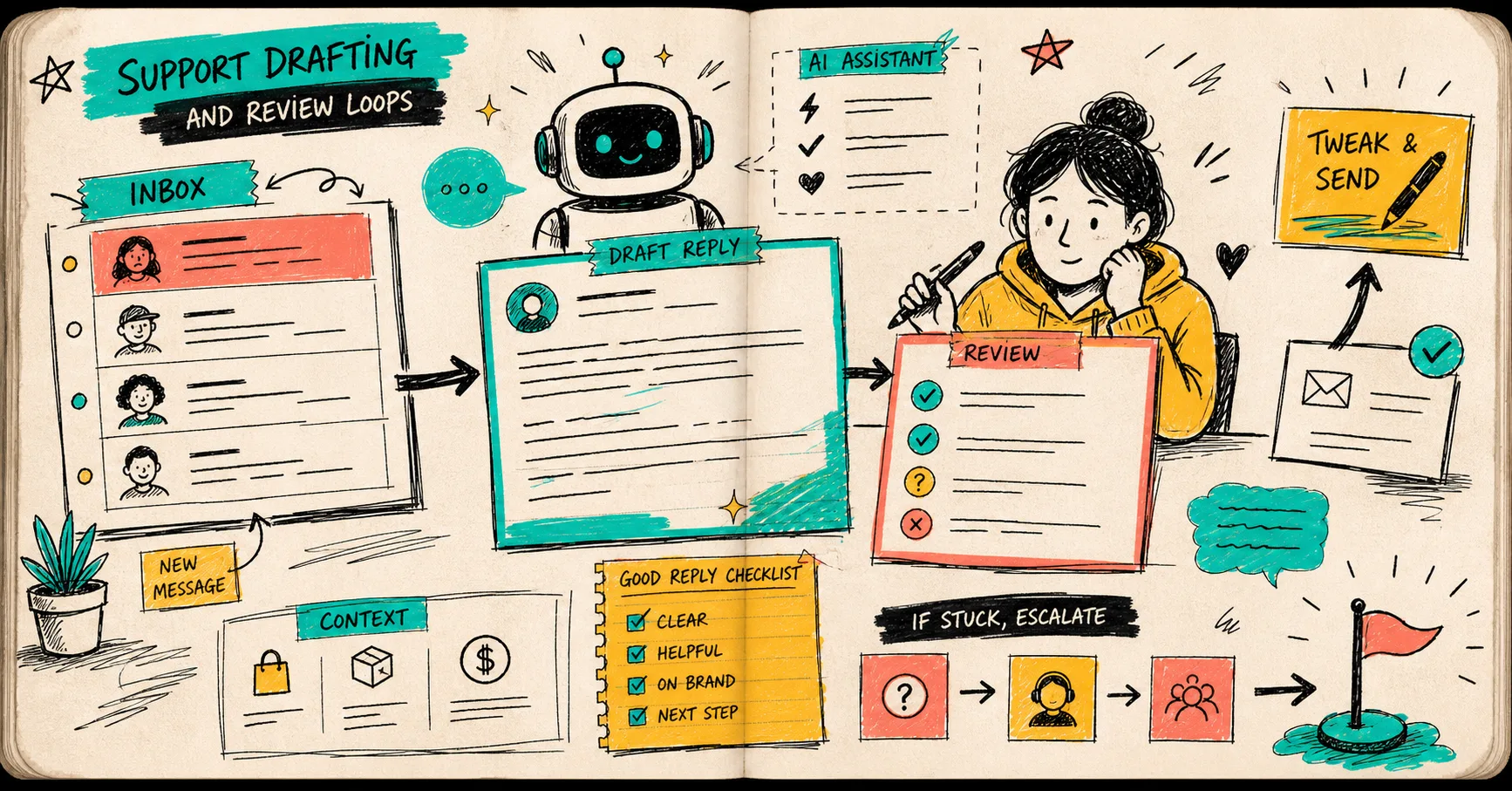
A support agent should reduce response time, not hide the reasoning. If it gets stuck, it should escalate. If it has enough context, it should produce a clean draft and stop there.
That pattern lines up with the blog brief in how I set up a guardrailed Shopify AI assistant for daily reports and alerts and how I build a guardrailed Shopify AI assistant for cleanup, reports, and alerts.
What I Would Keep Manual
This is the part I keep writing down for myself because it is easy to forget when the automation works well.
Do not let the assistant freestyle on anything that changes customer-facing promises, pricing, compliance language, or irreversible store state unless you are very sure about the scope.
In practice, I keep these manual or review-gated:
- Discount changes.
- Product claims that touch compliance.
- Refund or order exceptions.
- New content that depends on brand nuance.
- Anything that would be painful to undo.
That is also where a tool like Clawly should feel different from a generic chatbot. The value is not just that it can act. The value is that it can act with the right permissions, against the right tools, and within the right store context.
If you are thinking about content work too, how I keep Shopify blog automation from sounding generic is the other side of the same lesson: keep the automation close to real store data and real constraints.
A Small Rollout Checklist
If I were setting this up for a small team, I would keep the first pass deliberately narrow:
- Pick one assistant with a single job.
- Give it read-only access first.
- Add one write action only after the read path is trustworthy.
- Route anything sensitive into a review step.
- Send all important outcomes to Slack, Gmail, or another place the team already watches.
- Audit the workflow after a week and remove anything that was noisy or unclear.
That is the real win: not replacing the operator, but removing the repetitive drag that keeps the operator from doing higher-value work.
Wrap-Up
If your store already has enough tools and enough tabs, the next step is not a bigger AI dream. It is a smaller, better-scoped assistant.
Clawly is most compelling when you use it like an operational layer: one assistant for reports, one for alerts, one for drafts, each with its own permissions and review path. That is what makes it an AI Agent for Shopify instead of just another chat window.
If you want to try the pattern, start with one read-only daily report and one low-inventory alert. Then expand from there. The landing page is the cleanest place to start, and the Shopify App Store listing is the fastest way to verify the plan and integrations before you wire anything into production.