
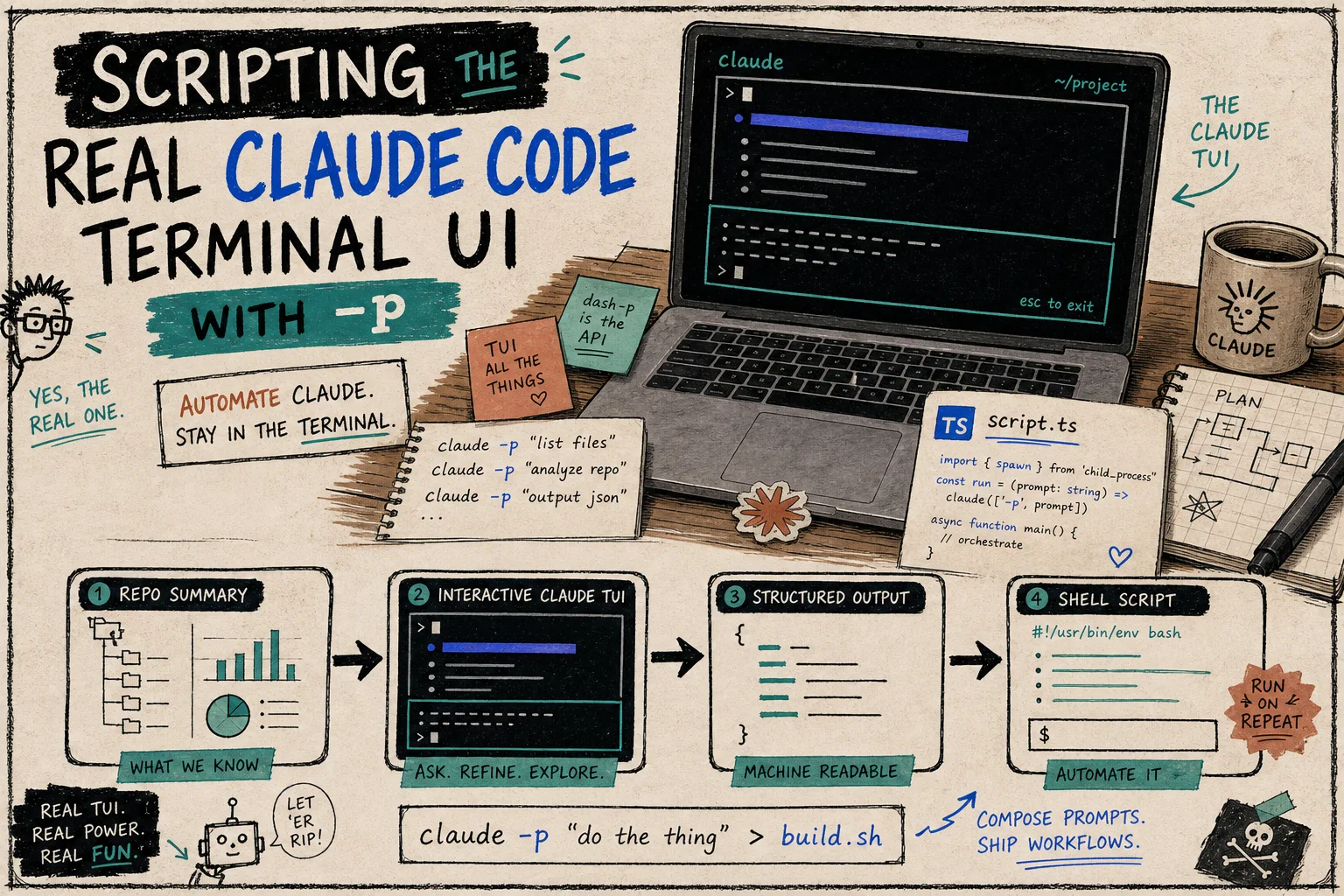
I reached for dash-p when I wanted Claude Code to stay Claude Code. I did not want a new backend, a fake headless clone, or a wrapper that quietly changed the workflow underneath me. I wanted a small local bridge I could call from a shell script or a TypeScript helper, then get back a result I could actually use.
That is the narrow problem dash-p solves well. It launches the official claude command, pushes input into the real terminal UI, reads the rendered output back out, and exposes the whole thing through a CLI and a query() API. In other words: it makes the session scriptable without pretending the session is something else.
What I Actually Wanted
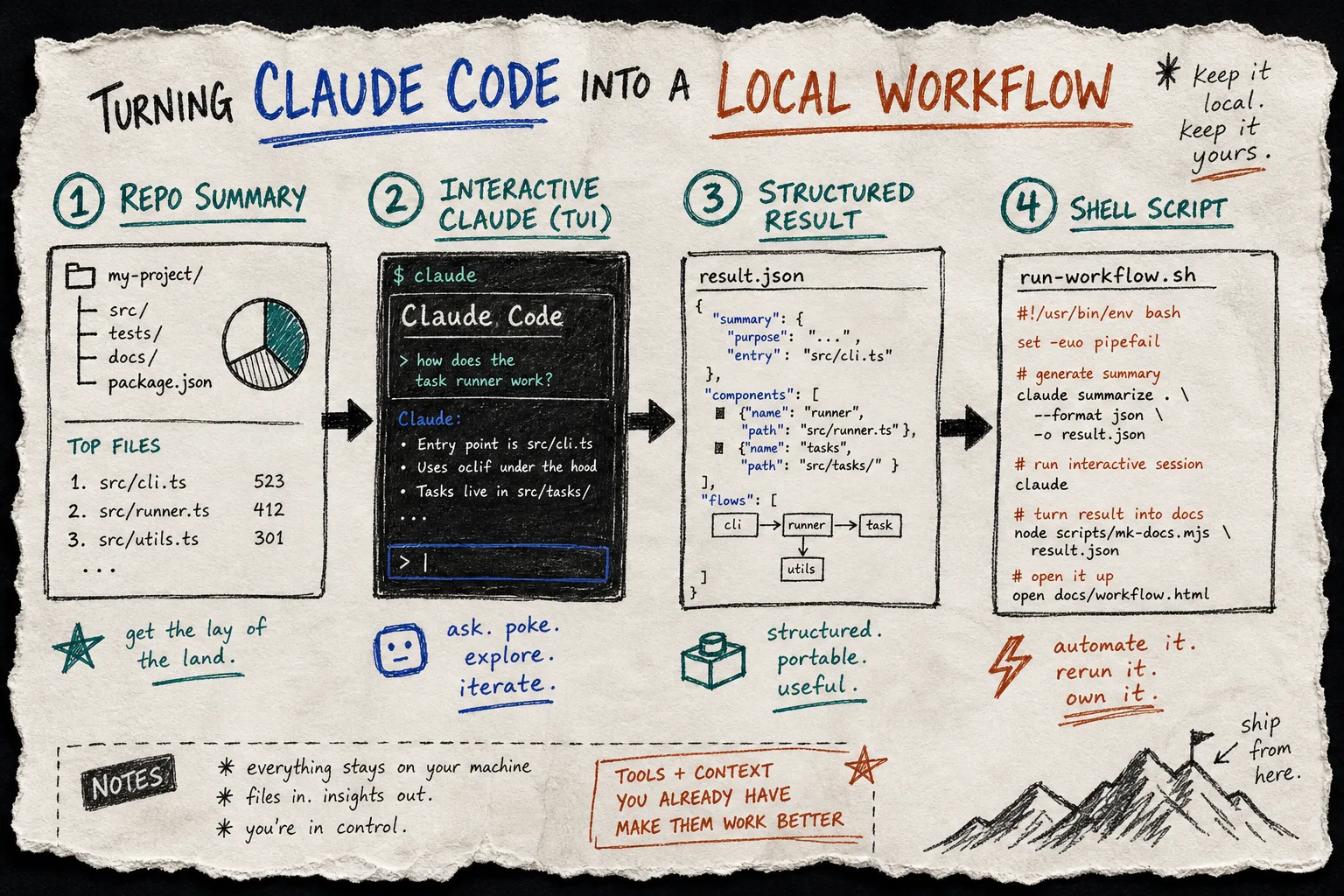
The first useful version of this was boring on purpose. I wanted to point at a repo and get a clean summary. Then I wanted to ask a small follow-up question. Then I wanted that same flow to work from a script, not just from my hands in the terminal.
That sounds trivial until you try to turn it into a repeatable workflow. The moment a tool forces me to leave the real Claude Code session, I lose the thing I already trust: my login, my local permissions, my terminal habits, and the exact interaction model I am used to. dash-p keeps those intact.
I already wrote about the broader shape of this in How I Script Claude Code From Bash Without Switching to the Agent SDK and How I Turn Claude Code Into a Scriptable Terminal Workflow. This post is the narrower version: the little tasks that make a local helper worth keeping around.
The Smallest Useful Setup
The CLI is the easiest place to start. For a quick repo summary, I only need one command:
npm install -g @ybouane/dash-p
dash-p "summarize this repo"
If I do not want a global install, the package also works through npx:
npx @ybouane/dash-p "what color is the sky"
The TypeScript side is where it becomes more composable. I like the query() shape because it fits the way I already write small utility scripts:
import { query } from "@ybouane/dash-p";

for await (const msg of query({
  prompt: "In one sentence, what is a pseudo-terminal?",
  options: { model: "sonnet", includePartialMessages: true },
})) {
  if (msg.type === "result") console.log(msg.result);
}
That is enough for a few practical patterns I keep reusing:
- summarize a repo before I start a larger change;
- turn a loose prompt into a short structured answer;
- run a local prompt from a shell pipeline;
- prototype a small assistant around an existing workflow instead of rebuilding the workflow itself.
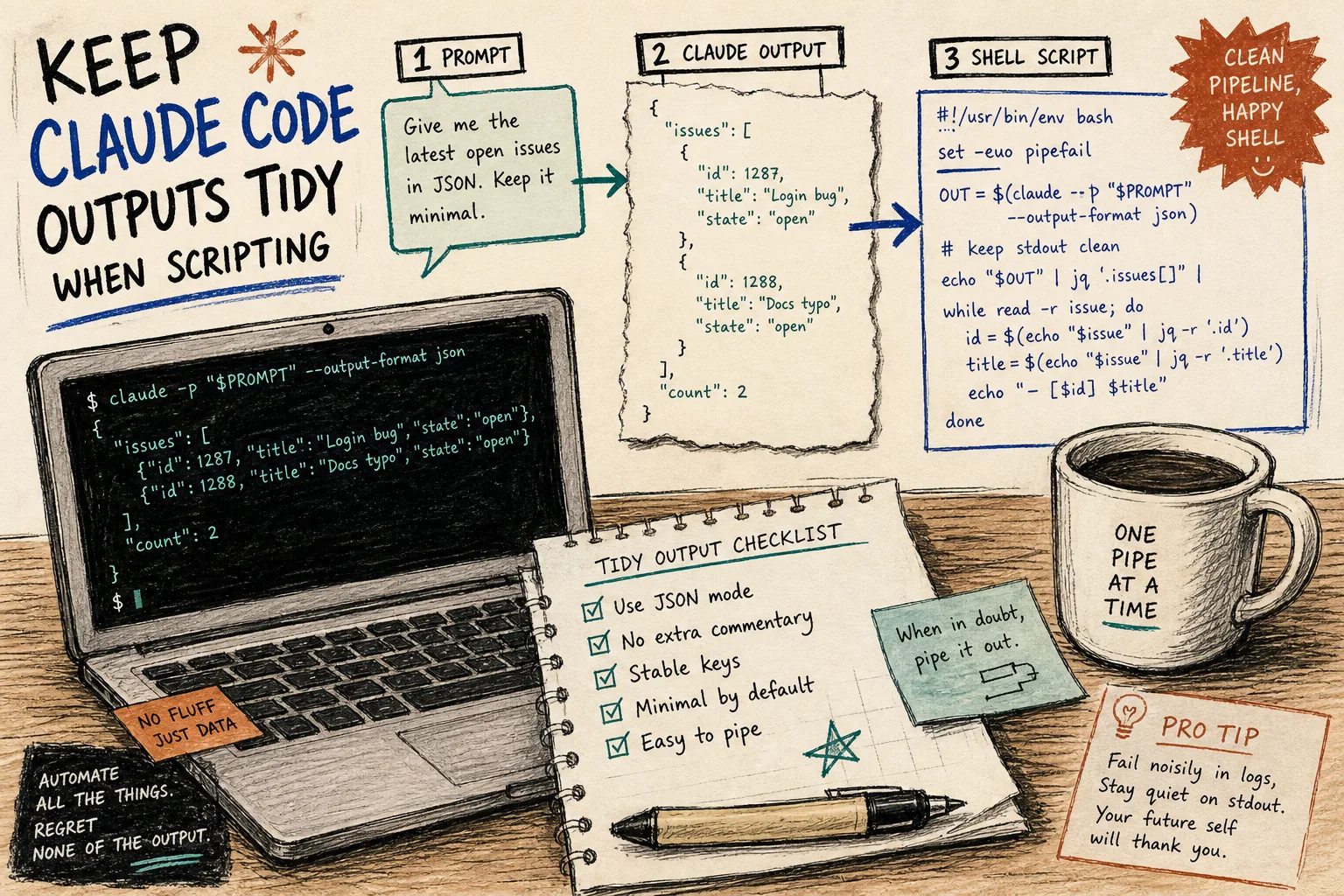
The article How I Build a Local Bridge to Claude Code’s Real TUI covers the same idea from a slightly different angle, but the useful detail is the same: keep the real interface, then automate around it.
Where It Helps Most
I reach for dash-p when I want a local task to feel like a tool, not a project. That usually means one of three things.
First, repo summaries. I can point dash-p at a checkout, ask for the shape of the codebase, and get something I can paste into notes or a ticket. That is a better starting point than opening a blank prompt and trying to reconstruct the context myself.
Second, structured output. If I want a short answer, a list, or a single value I can feed into another script, query() keeps the result path simple. It is not pretending to be an entire agent platform. It is just returning something that can move through a pipeline without extra ceremony.
Third, small local helpers. If a workflow already exists, dash-p can sit beside it instead of replacing it. That matters because a lot of developer automation fails when it becomes more impressive than the thing it was supposed to simplify.
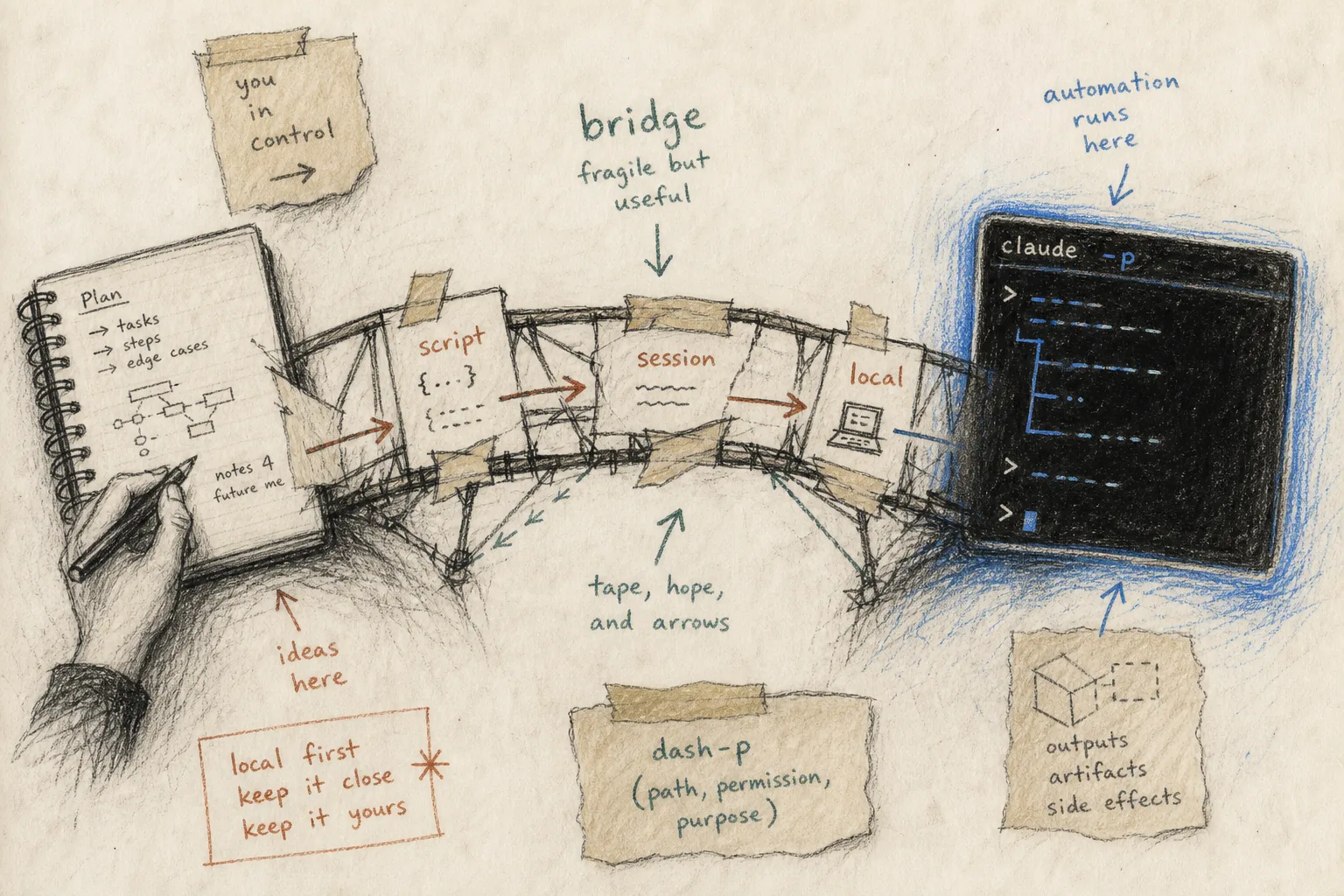
I like that this is honest about its limits. dash-p depends on the official claude CLI being installed and logged in. It also depends on the rendered terminal UI, which means UI changes can break assumptions. That is the tradeoff for using the real session instead of a separate headless path.
That tradeoff is exactly why I think the tool is useful for personal automation and fragile for anything pretending to be infrastructure. It is a bridge, not a platform.
Where I Still Stop
There are a few cases where I would not reach for dash-p.
- I would not use it to pretend the terminal is a stable public API.
- I would not use it for a production integration that needs to survive interface churn without review.
- I would not use it to avoid understanding what Claude Code is actually doing locally.
That caution is part of the design. The value comes from staying close to the workflow I already use, not from hiding the workflow behind another abstraction. The post How I Keep Claude Code Scriptable After the Agent SDK Split is the clearest version of why that matters, and How I Script Claude Code From Bash Without Switching to the Agent SDK is the practical first step if you want to try it yourself.
The newer post How I Turn Claude Code Into a Scriptable Terminal Workflow sits in the middle: it is less about one command and more about the habit of keeping the terminal workflow scriptable without changing its shape.
The Pattern I Keep Reusing
What keeps winning for me is a very small pattern:
- Start with a real Claude Code session.
- Use dash-p only where a local script actually helps.
- Ask for a result I can route somewhere useful.
- Keep the workflow understandable enough that I still trust it next week.
That is why I think of dash-p as a reusable helper rather than a wrapper. It is useful when I want Claude Code to remain the thing I already know, but with just enough scriptability to make the repetitive parts disappear.