
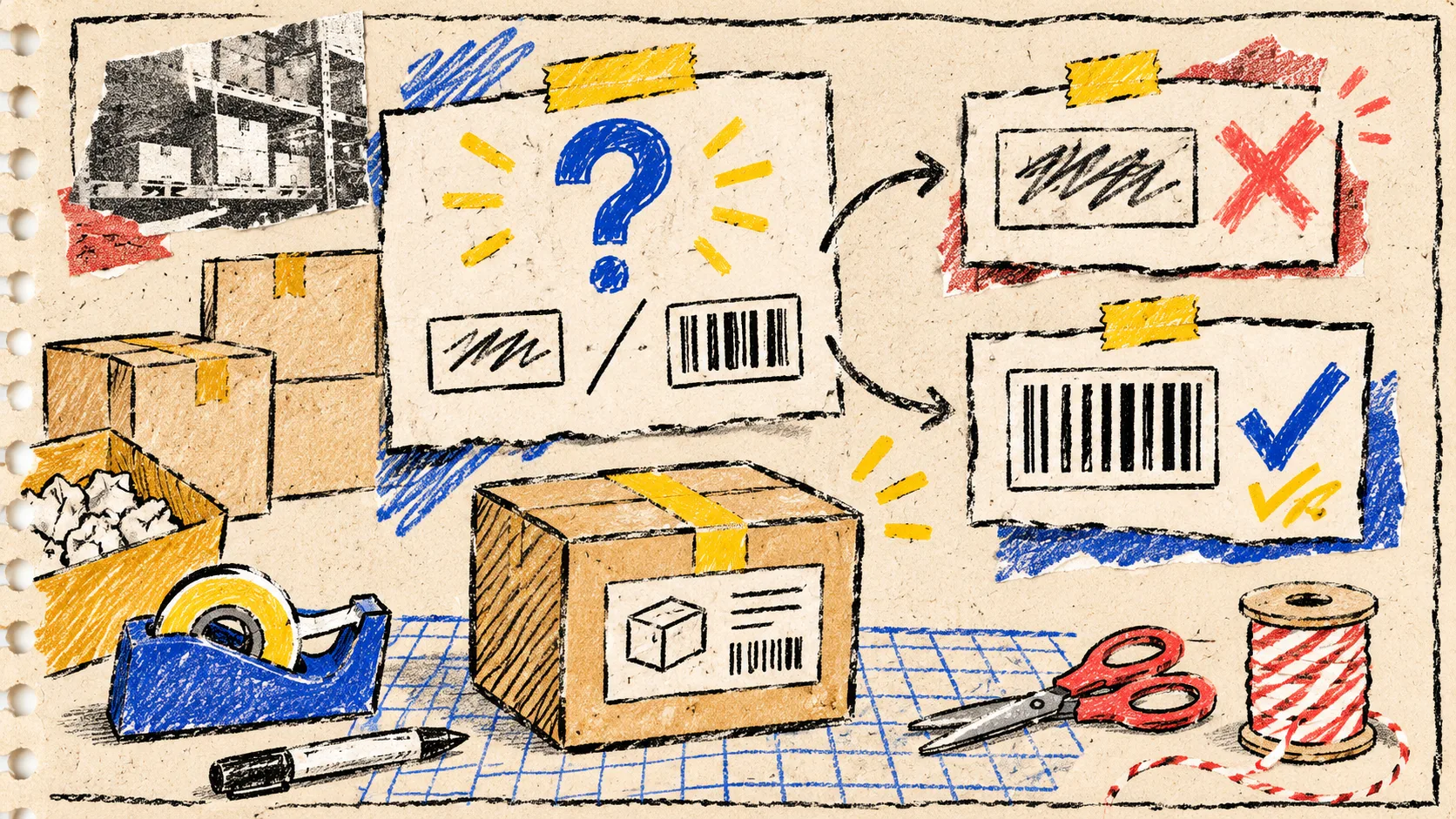
SKU Is Not a Barcode: A Shopify Packaging Decision Card
The small packaging mistake I keep seeing is treating a Shopify SKU as if it were automatically a retail barcode. It is not. Before artwork goes to print, I give every product one decision card: what identifier this is for, which format the downstream partner expects, and whether the final-size label actually scans. It takes a few minutes and is much cheaper than discovering the ambiguity in a carton of finished packaging.
For the quick visual proof, I use Tiny Online Tools’ Barcode Generator. It lets me make a local browser proof in several common formats, including CODE128, EAN-13, UPC-A, CODE39, and ITF-14, then download it as PNG or SVG. That is a proofing aid—not permission to invent a retail identifier or skip a retailer’s requirements.
Start with the job, not the bars
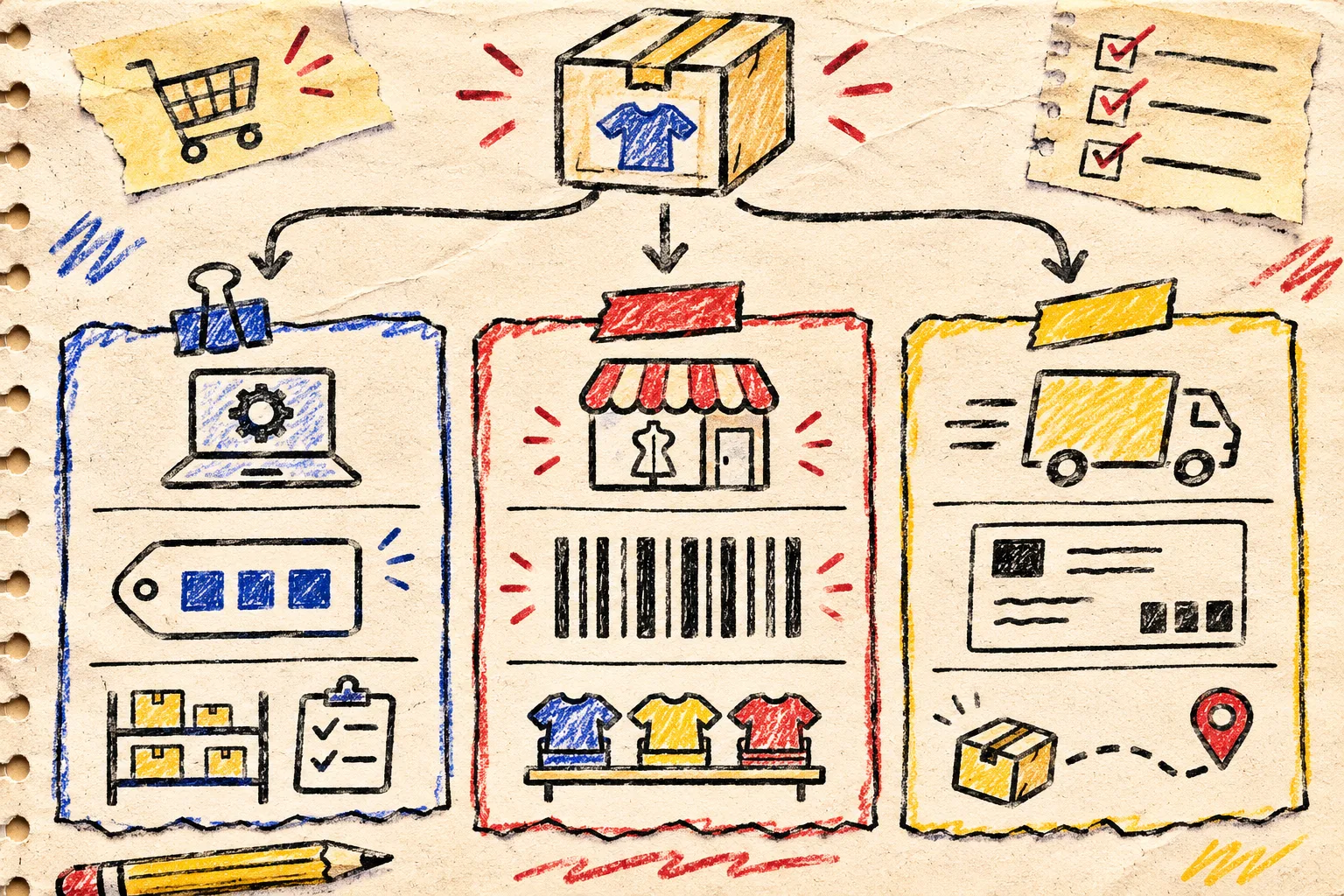
A barcode is a machine-readable representation of an identifier. A SKU is an internal stock-keeping label you create for your own catalog and operations. They can be related, but they answer different questions. The useful first move is to write the job at the top of the artwork request.
| If the label is for… | Treat it as… | What I check first |
|---|---|---|
| Internal picking, bins, or variants | An internal SKU or warehouse code | Does it uniquely match the Shopify variant and the team’s picking flow? |
| Retail or marketplace product identification | A retailer-approved product identifier | Has the selling channel specified the identifier and barcode format? |
| Parcel movement or a courier workflow | A shipping or logistics label | Does the carrier or fulfillment partner generate it, and when? |
That distinction prevents a surprisingly common handoff failure: a designer receives a SKU, turns it into attractive bars, and everyone assumes it will work at a retail scan point. A visually valid-looking mark is not the same thing as the identifier your channel recognizes.
My three-field packaging card
I attach this tiny card to the task before anyone exports a label:
Shopify variant: ____________________
Identifier source: internal SKU / channel-provided code / carrier-generated label
Required format: ____________________
Final printed size: __________________
Proof scan: phone or approved scanner / date / result
The first field keeps the discussion anchored to a real Shopify variant rather than a loose product name. The second forces the ownership question. The third stops format choice from becoming a styling decision. If the answer is “ask the retailer” or “the carrier creates it later,” that is a complete and useful result. Don’t manufacture a substitute just to fill a blank space in the layout.
This card is deliberately more explicit than a general product-data cleanup. When I am sorting the data behind a catalog, I use a separate supplier CSV cleanup workflow; packaging needs the extra physical-proof step.
Make a proof only after the identifier is settled
Once the identifier owner and format are clear, the browser tool is useful for a fast visual proof:
- Open the Barcode Generator and select the format the downstream requirement calls for.
- Paste the approved value exactly as supplied. For an internal workflow, use the SKU only when your own process is designed to scan that SKU.
- Set a provisional bar width and height, then download a PNG or SVG proof.
- Put that proof into the packaging layout at its actual intended size.
- Print a single proof on the real stock if possible, then scan it with the device that will actually be used.
Tiny Online Tools says its utilities run locally in the browser and require no account, which makes this a comfortable way to prepare a quick internal proof without adding another account to an already fiddly packaging task. Still, the final authority is the channel requirement and a real scan—not a browser preview.
The physical proof catches what the screen hides
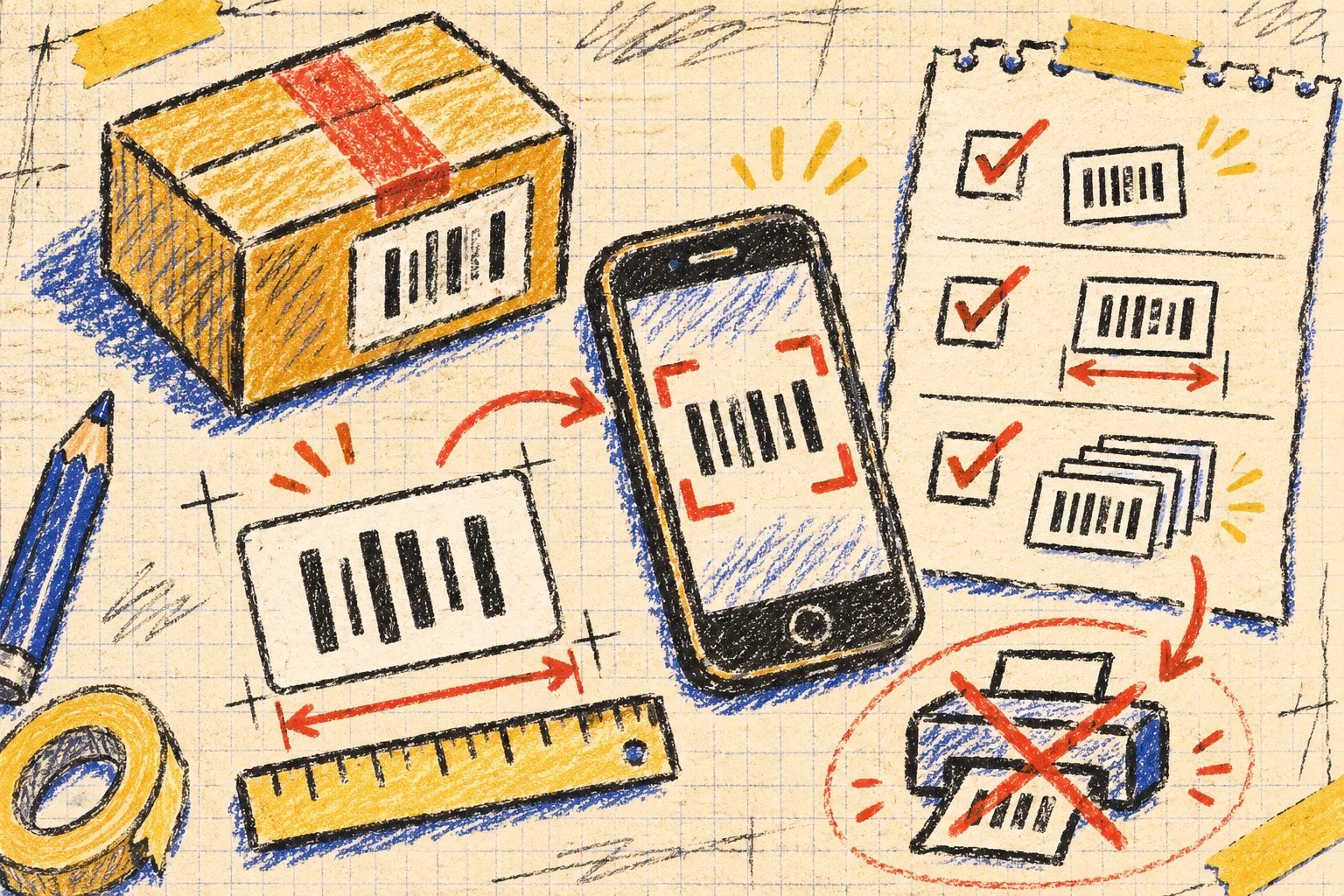
A barcode can look crisp in a design file and fail after the printer, substrate, coating, curve, trimming, or scale change has had its say. My release gate has three physical questions:
- Is there enough quiet space? Keep surrounding graphics and copy from crowding the code.
- Is the contrast and placement practical? A dark code on a busy or reflective area deserves a real sample, not optimism.
- Does the final-size sample scan repeatedly? Test the same version that is going to press, ideally with the intended scanning setup.
For a small batch, I also keep a file named packaging-proof-[variant]-[date] with the exact value, format, artwork revision, and a photo of the sample. It turns a fragile memory into a handoff someone else can audit. The same habit helped me create a small-batch QR proof sheet, but QR codes and retail barcodes should not be treated as interchangeable marks.
A release receipt for packaging, not just a design approval
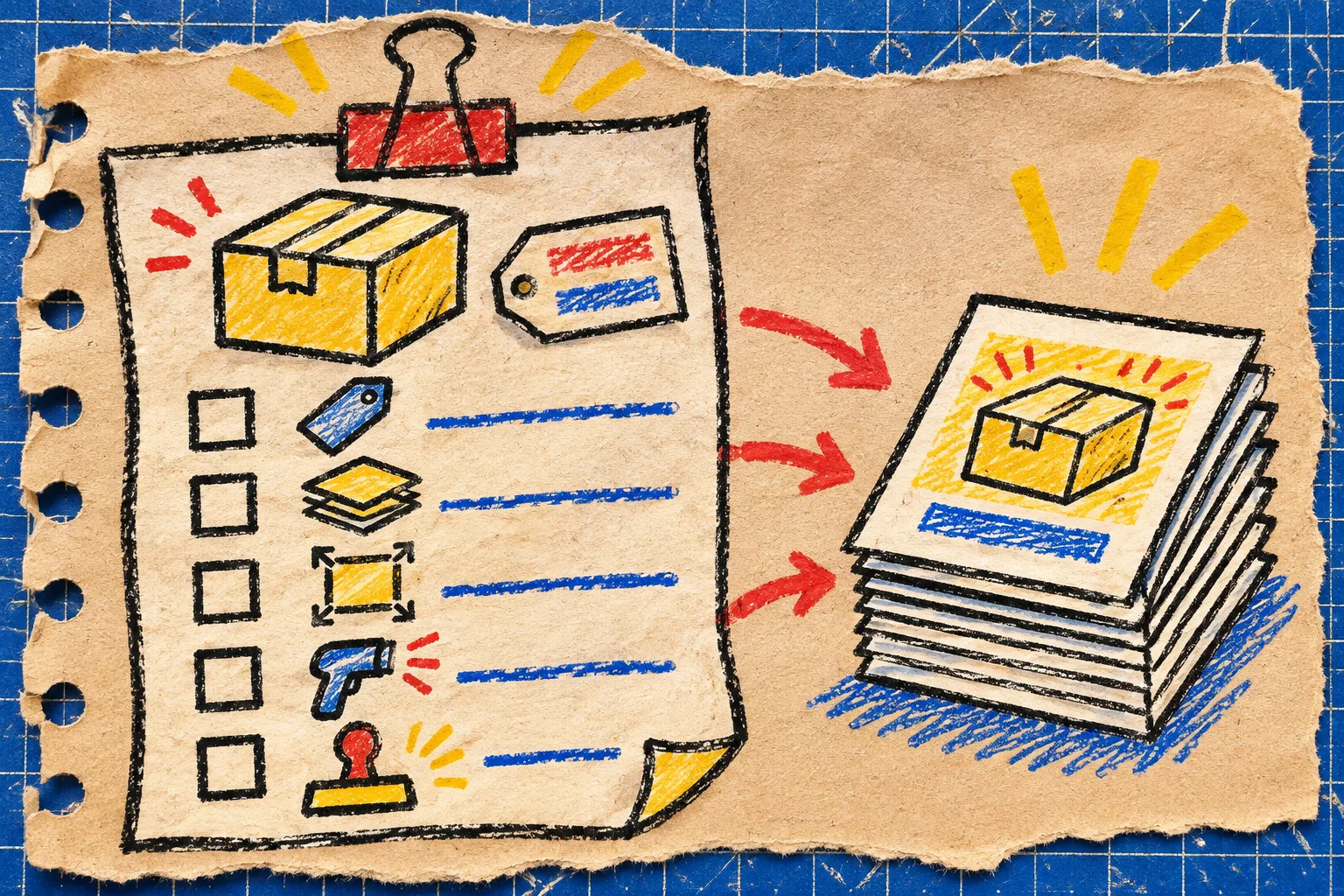
Before approving a print run, I want five checkmarks:
- The Shopify variant is named on the ticket.
- The identifier has an owner and a stated purpose.
- The selected barcode format comes from that purpose, not from a template default.
- A final-size physical proof has been scanned.
- The approved artwork revision and proof result are recorded together.
This is the same kind of modest gate I use elsewhere in store operations. Before a promotion, I run a contrast check; before sharing a product asset, I check what metadata travels with it. None of these checks makes the work glamorous. They make the next person less likely to inherit a mystery.
The next action
Pick one packaging item waiting for print and make the decision card before you touch its artwork. If the identifier, format, or scan test has no clear answer, pause the run there. When those answers are settled, generate a local browser proof with Tiny Online Tools, test it at final size, and save the result beside the approved layout. That is the lean version of barcode QA: a small receipt that keeps a box of labels from becoming a box of questions.